Battery terminal corrosion is one of the most overlooked maintenance items on a golf cart, yet it's responsible for a surprising number of sluggish performance complaints, charging failures, and even complete no-start situations. The good news: cleaning and protecting your terminals is a straightforward job that requires basic tools and about 30 minutes. Done regularly, it extends battery life and keeps your electrical system running efficiently.
What You'll Need
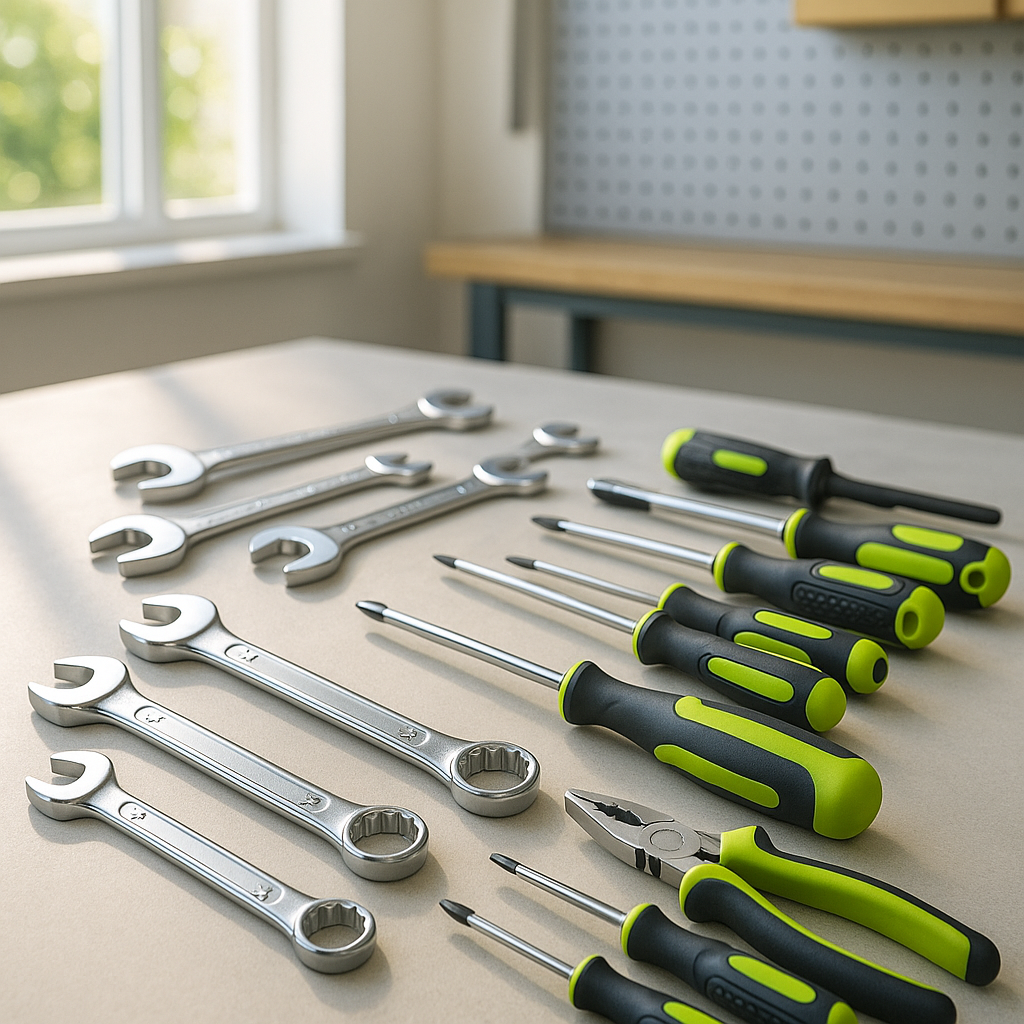
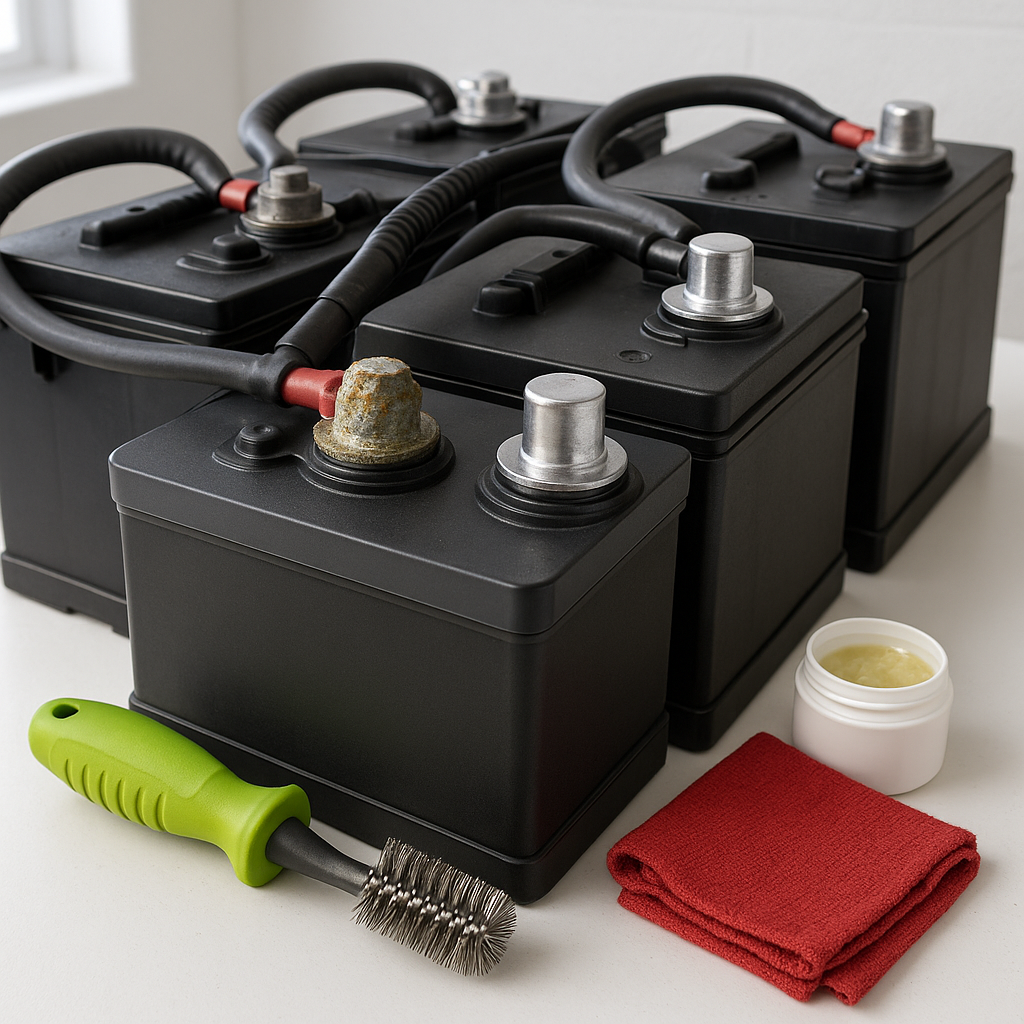
Gather your supplies before you begin. You'll need a pair of insulated gloves and safety glasses — battery acid is corrosive and you should never skip eye protection. Have baking soda and water on hand to neutralize corrosion, along with a stiff-bristled brush (an old toothbrush or a dedicated battery terminal brush works well), clean rags, and a wrench or socket set that fits your terminal bolts. You'll also want a corrosion-inhibiting spray or petroleum jelly to protect the terminals once they're clean. A wire terminal brush — the type with a tapered end for post cleaning and a cup-shaped end for cable clamp cleaning — makes the job much faster.
Step 1: Safety First — Disconnect in the Right Order
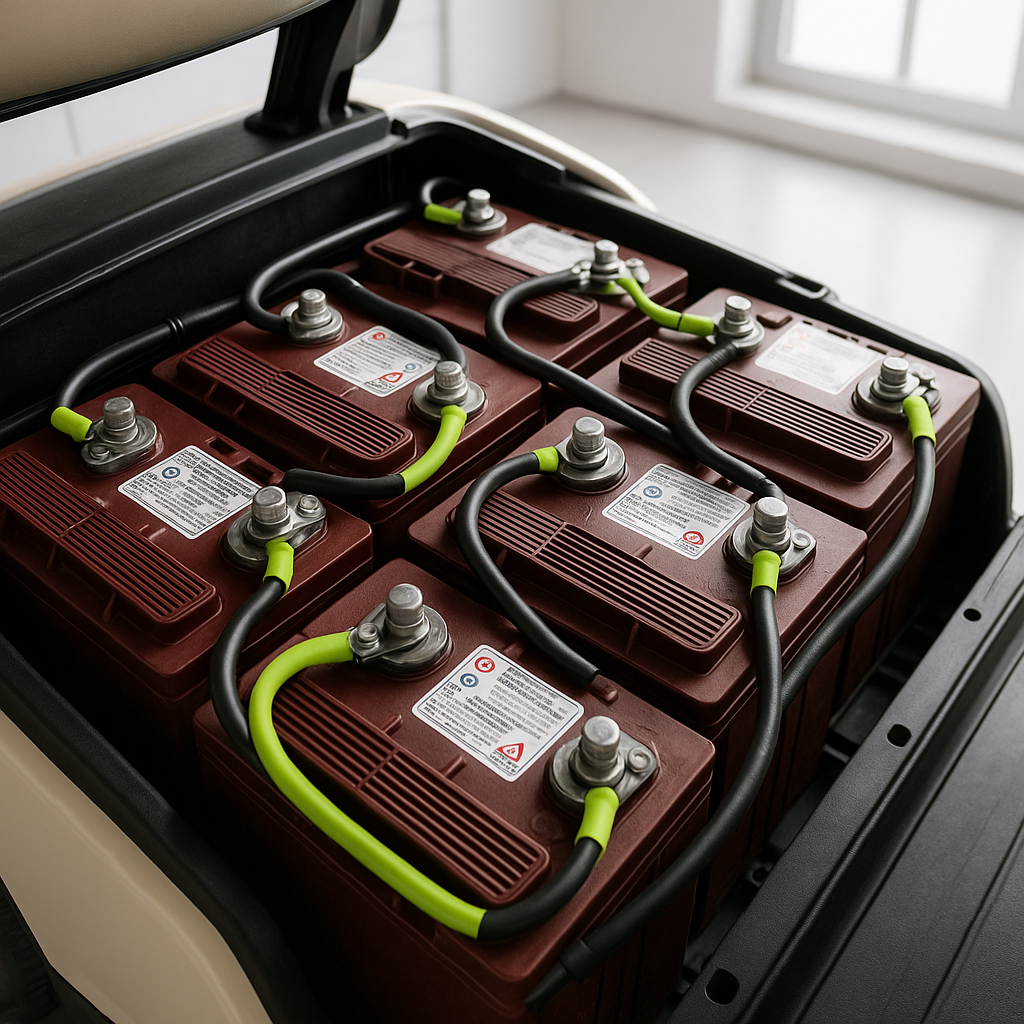
Before touching any terminals, put on your gloves and glasses. On an electric golf cart with a battery pack, locate the main negative cable first. Always disconnect the negative side before the positive side — this reduces the risk of accidental shorts if your wrench contacts the frame. On carts with a battery disconnect plug or main fuse, pull that first if your cart has one. Set all removed hardware somewhere it won't roll under the cart.
Step 2: Inspect the Terminals and Cables
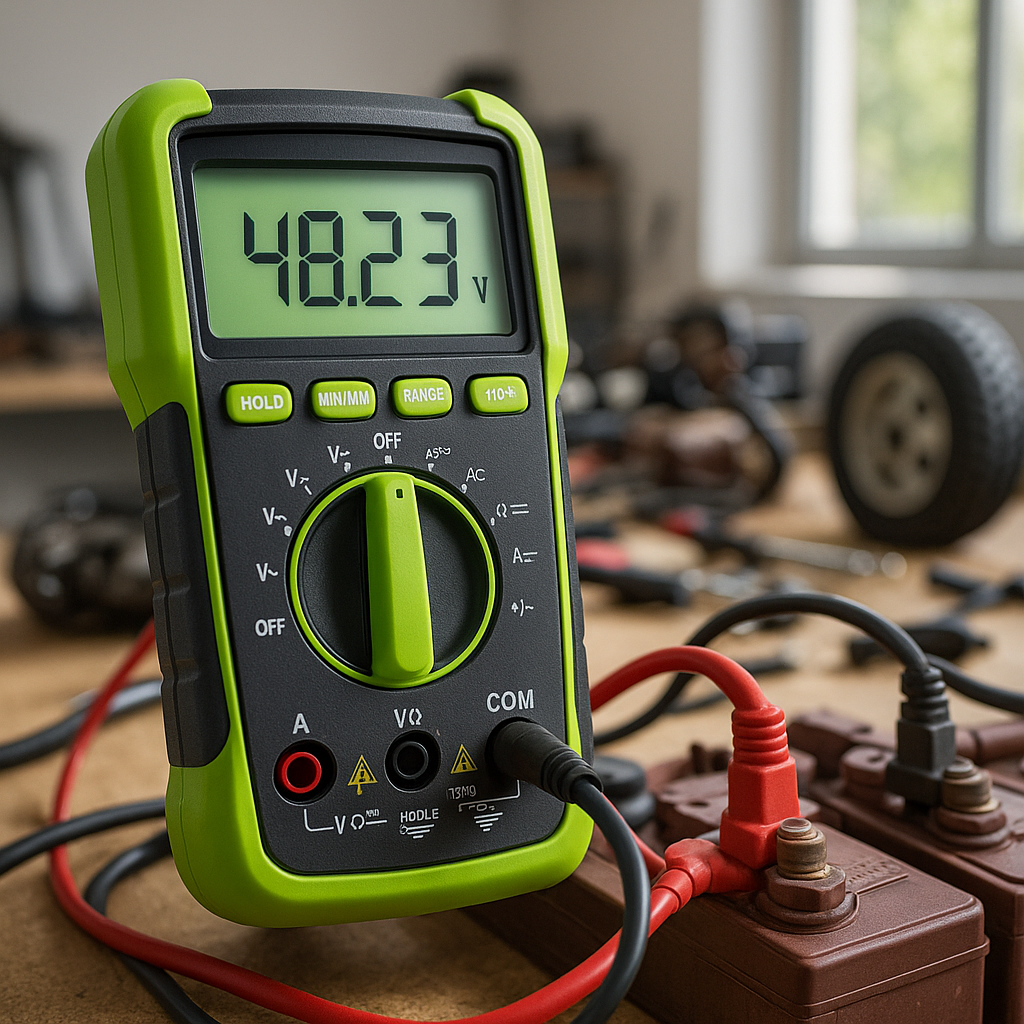
With the cables disconnected, take a close look at each terminal and the cable ends attached to them. White or bluish-green powder is typical lead-acid battery corrosion. While you have clear access, also check the cable insulation for cracking, fraying, or heat damage, and look at each terminal post for signs of looseness, cracking at the base, or severe pitting. If cables are damaged or terminal posts are cracked, cleaning alone won't solve your problems — those components need replacement before you reassemble.
Step 3: Neutralize and Remove Corrosion
Mix a tablespoon of baking soda into a cup of warm water. Pour or brush this solution directly onto corroded terminals and cable clamps — it will fizz as it neutralizes the acid-based corrosion. Let it sit for a minute, then scrub with your terminal brush. Work the tapered end of the brush into the inside of each cable clamp, and use the post-cleaning end around each battery terminal. Rinse with a small amount of clean water and dry thoroughly with a rag. Never let water sit in the battery compartment.
Step 4: Clean the Terminal Posts and Cable Clamps Thoroughly
Even after the baking soda rinse, you want bare, shiny metal contact surfaces. Use your wire terminal brush to scrub both the battery posts and the inside of each cable clamp until you can see clean metal. Corrosion hiding in the threads or inside the clamp collar is enough to cause a high-resistance connection, so be thorough. If a cable clamp is severely pitted or won't make solid contact even after cleaning, it's worth replacing the cable rather than reassembling a bad connection.
Step 5: Reconnect and Protect
Reconnect cables in the reverse order from removal — positive first, then negative. Tighten each terminal bolt firmly, but don't overtighten to the point of cracking a battery post. Once all connections are snug, apply a thin coat of corrosion-inhibiting spray or a light layer of petroleum jelly over each terminal and clamp. This creates a barrier that significantly slows future corrosion buildup. Don't skip this step — it's what separates a terminal that stays clean for a season from one that's white and crusty again in a month.
How Often Should You Do This?
For most golf carts used regularly, a full terminal cleaning once or twice a year is a reasonable baseline. Carts stored outdoors, used near salt air, or charged frequently may benefit from more frequent checks. A quick visual inspection every month or so takes only seconds — if you spot white powder starting to build up, address it early rather than letting it progress. Keeping terminals clean is one of the simplest and highest-return maintenance habits any golf cart owner can build.