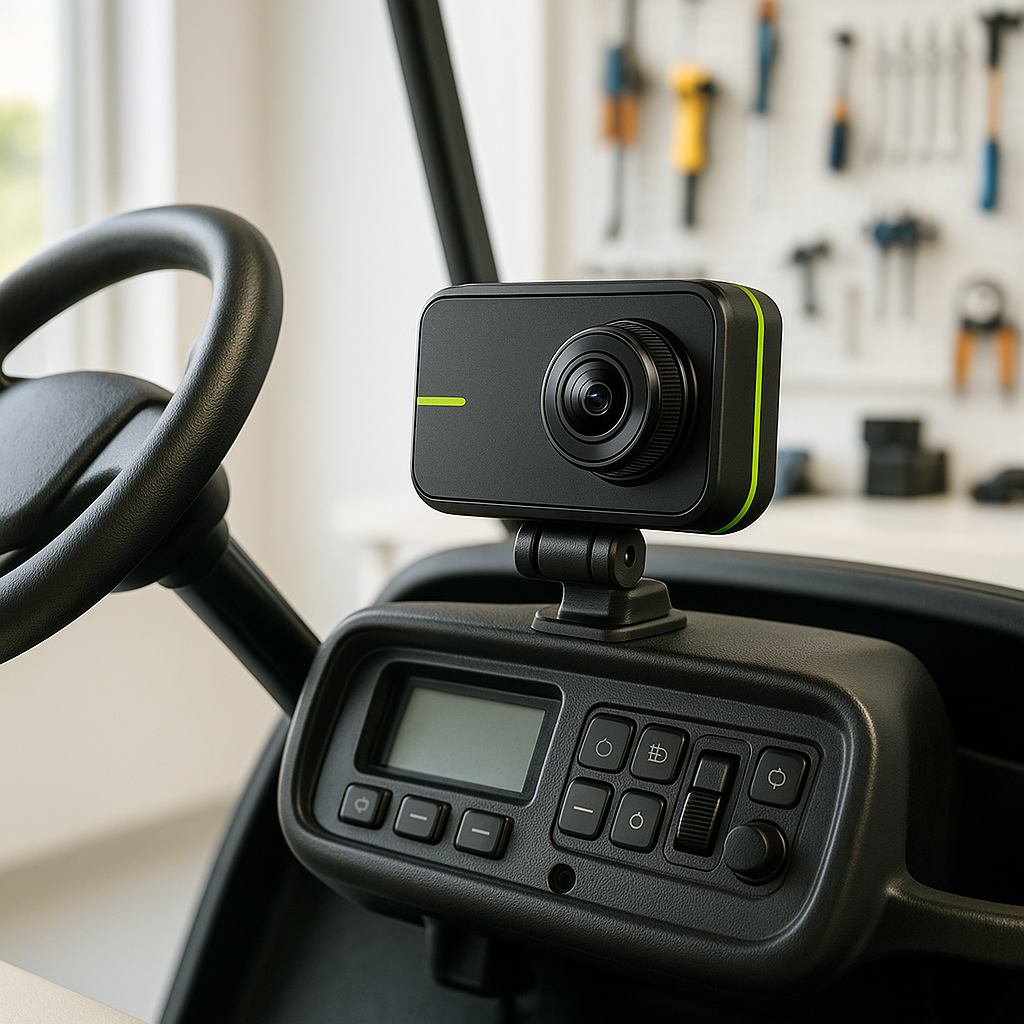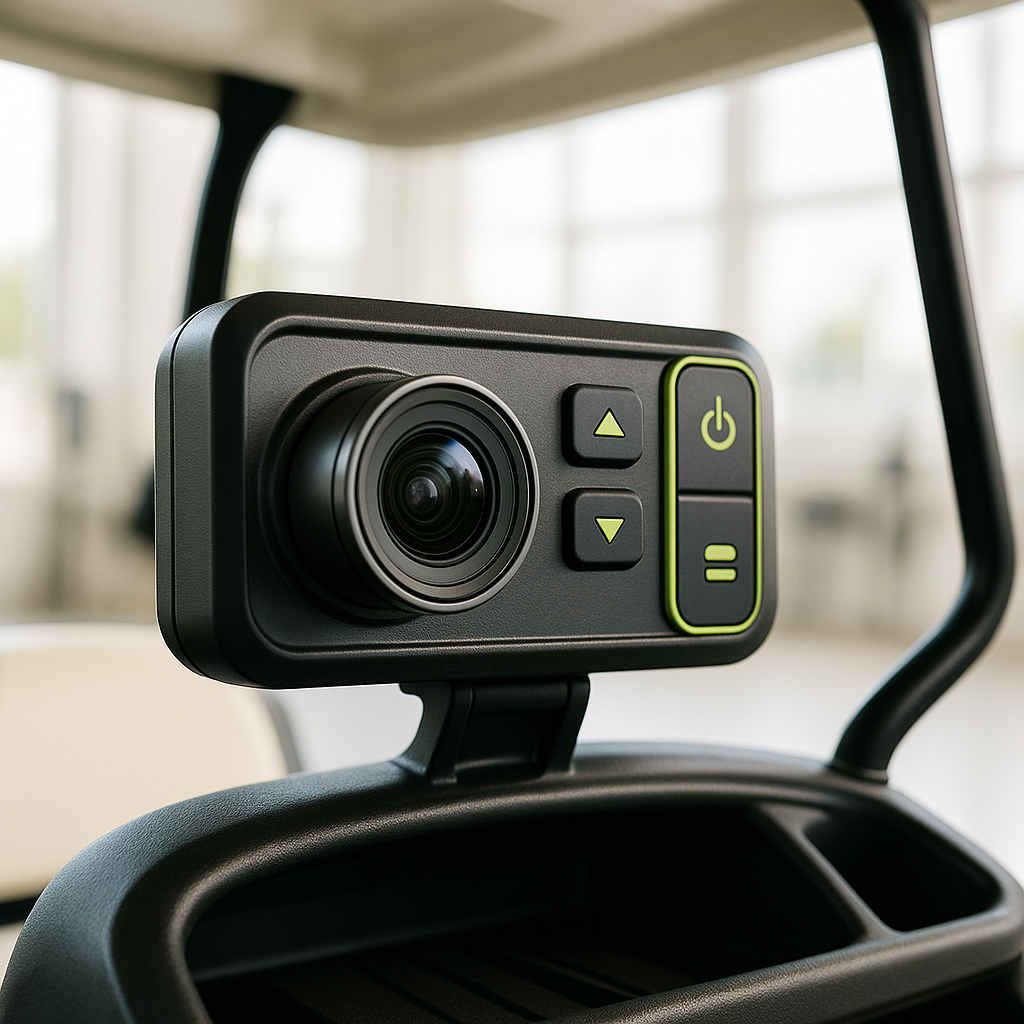
Dash cameras are becoming increasingly popular among golf cart owners for their ability to capture important moments and enhance safety. However, like any electronic device, they can encounter issues that may hinder their performance. Understanding how to troubleshoot these problems can save you time and money.
Common Dash Camera Problems
One of the most common issues with dash cameras is failure to power on. This can be caused by a faulty power connection or a dead battery. Start by checking the power source, ensuring that the camera is properly connected to the cart's electrical system. If the camera has a built-in battery, verify that it is charged and functioning correctly.
Image Quality Issues
Another frequent problem is poor image quality, which can manifest as blurry footage or low resolution. This may be due to a dirty lens or incorrect camera settings. Inspect the lens for dirt or smudges and clean it gently with a microfiber cloth. Additionally, check the camera settings to ensure they are optimized for your recording environment.
Storage Problems
Dash cameras typically record onto SD cards, and issues can arise if the card is full or corrupted. Regularly check the storage capacity of your SD card and format it if necessary. If problems persist, consider replacing the card with a new one, ensuring it meets the camera's specifications.
GPS and Connectivity Issues
If your dash camera includes GPS tracking, you may experience connectivity issues. This can be caused by poor signal reception or outdated firmware. Ensure that the camera is positioned to receive a clear signal and check for firmware updates from the manufacturer. Keeping your device updated can resolve many connectivity problems.
Overheating Concerns
Finally, overheating can be a significant issue, especially in warm climates. If your dash camera shuts off unexpectedly, it may be overheating. To mitigate this, ensure proper ventilation around the camera and avoid direct sunlight exposure when parked. If overheating continues, it may be worth considering a different mounting location.