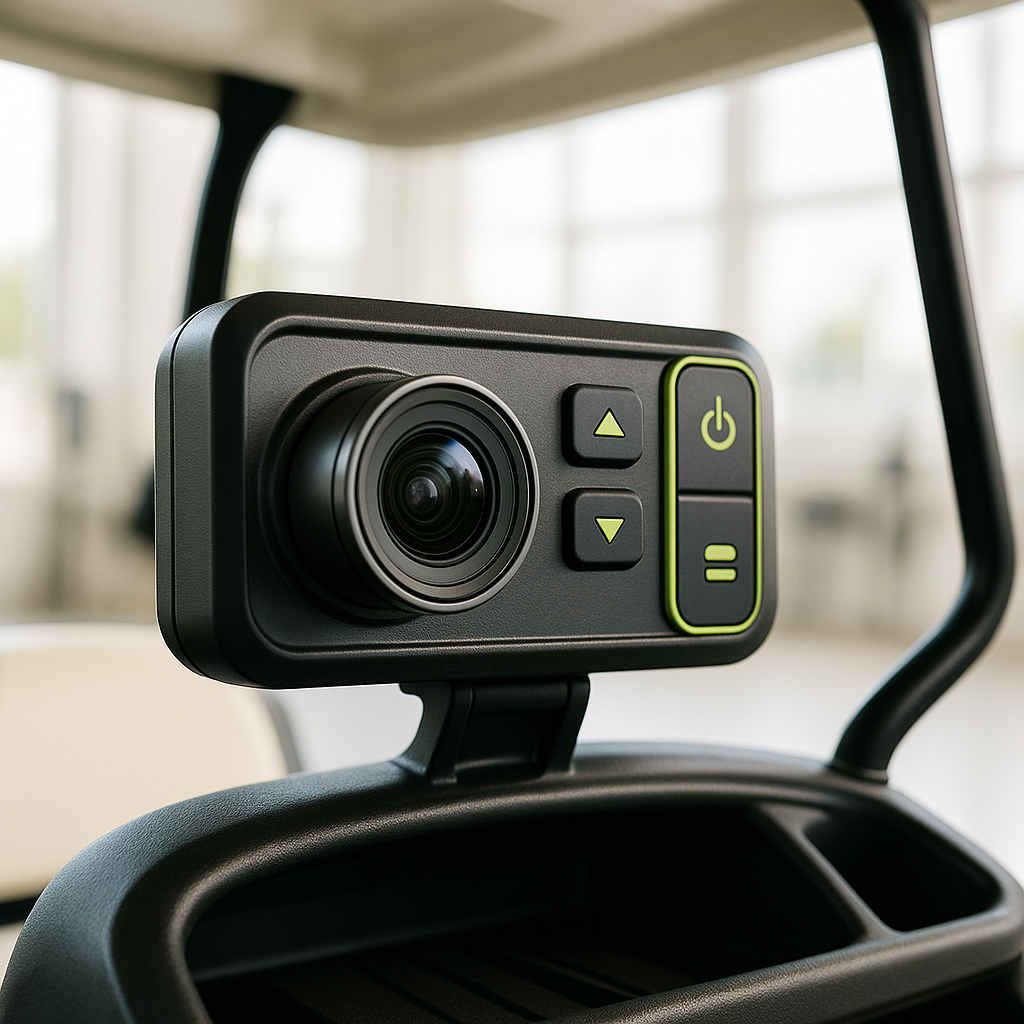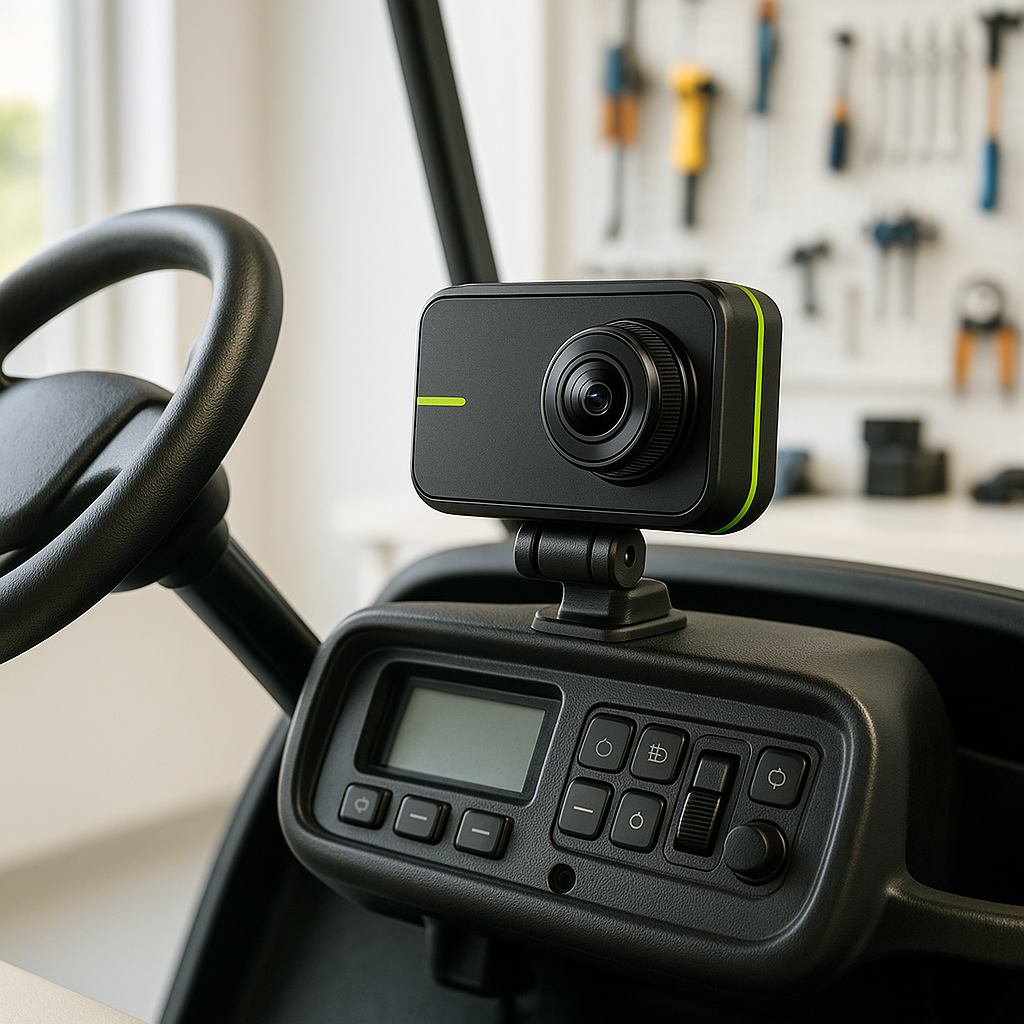
Dash cameras are essential for capturing your golf cart adventures and ensuring safety on the course. However, like any electronic device, they can encounter issues that may hinder their performance. This guide will help you troubleshoot common problems associated with dash cameras in golf carts.
Power Issues
One of the most frequent issues with dash cameras is power-related. If your camera isn't turning on, first check the power source. Ensure that the camera is properly connected to the golf cart's electrical system. Look for any loose wires or corroded connectors that might interrupt the power supply. If the camera uses a dedicated power adapter, verify that it is functioning correctly and securely plugged in.
Recording Problems
If your dash camera powers on but fails to record, there could be several reasons. First, check the memory card. Ensure it is properly inserted and formatted according to the manufacturer's recommendations. If the memory card is full or corrupted, the camera may stop recording. Additionally, inspect the camera settings to confirm that recording is enabled and set to the desired duration.
Video Quality Issues
Another common problem is poor video quality. If your recordings appear blurry or pixelated, start by cleaning the camera lens. Dust, dirt, or water spots can significantly affect image clarity. If the lens is clean and the issue persists, check the camera settings to ensure it is set to the appropriate resolution for your needs. Low-quality settings may result in subpar video output.
GPS Functionality
For dash cameras equipped with GPS tracking, issues can arise if the GPS signal is weak or lost. Ensure that the camera is mounted in a location with a clear view of the sky, as obstructions can interfere with GPS reception. If the GPS feature is not functioning, check for any firmware updates that may improve performance or fix bugs related to location tracking.
Overheating Concerns
Dash cameras can overheat, especially in direct sunlight or during prolonged use. If your camera shuts off unexpectedly, it may be due to overheating. To prevent this, consider relocating the camera to a shaded area or using a sunshade. Additionally, ensure that the camera has adequate ventilation and is not obstructed by other accessories.
Final Checks
After performing these checks, if your dash camera still isn't functioning correctly, consult the user manual for additional troubleshooting steps. If all else fails, it may be time to seek professional assistance or consider replacing the unit. Regular maintenance and checks can help keep your dash camera in optimal working condition, ensuring you capture every moment on the course.