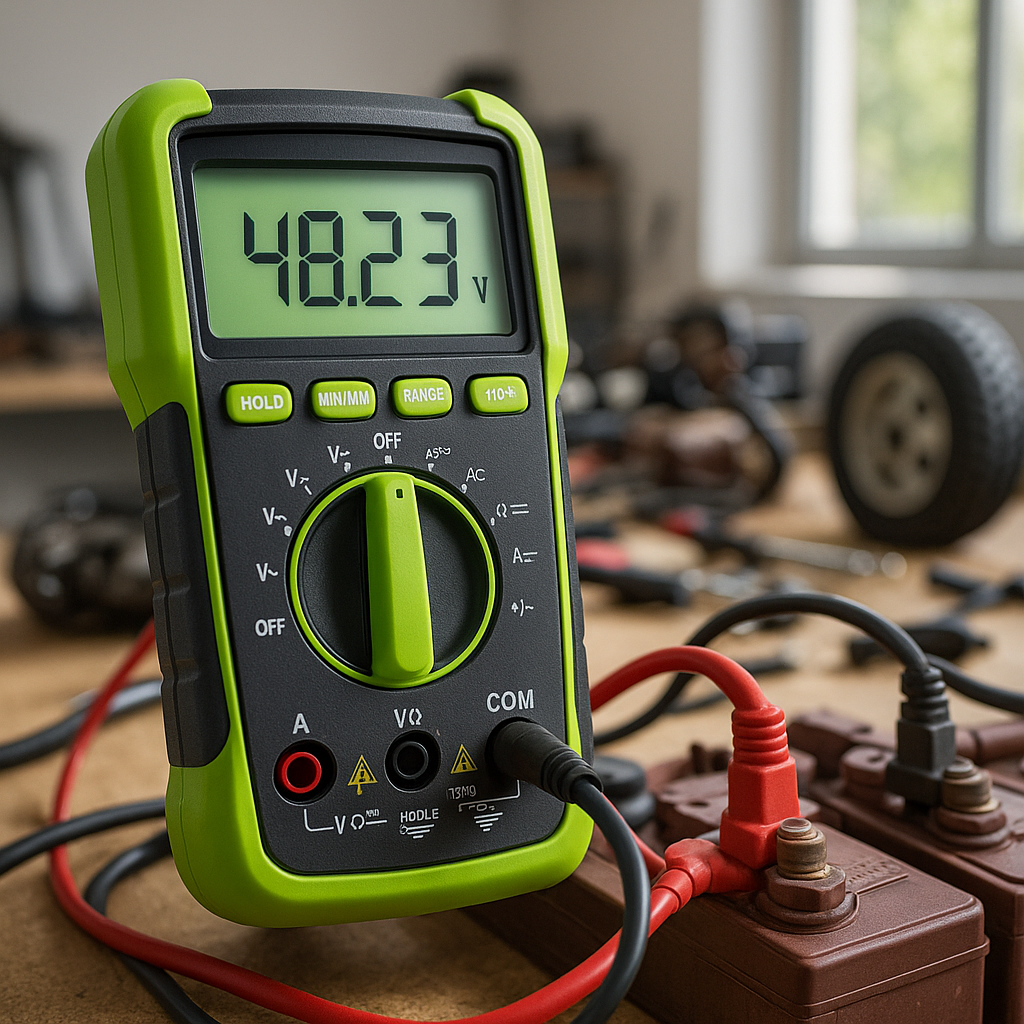
Corroded battery terminals are behind more "my cart won't move" calls than most people realize. A thin layer of corrosion — that chalky white or blue-green crust you see building up around the posts — adds resistance to the circuit, robs your cart of power, and can eventually prevent it from starting altogether. The good news: cleaning and protecting battery terminals is one of the easiest maintenance tasks you can do yourself, and it extends the life of your batteries and cables significantly. Plan on doing this at least once or twice a season, or any time you notice sluggish performance or slow cranking.
Safety First
Before you touch anything, gear up. Battery acid is corrosive, and lead-acid batteries off-gas hydrogen — an explosive gas — especially right after charging. Work in a well-ventilated space. Wear chemical-resistant gloves and safety glasses. Never smoke or bring open flames near your battery compartment. Keep a box of baking soda nearby; it neutralizes battery acid on contact with skin or surfaces. Finally, make sure your cart is powered off and, if it has a key, that the key is removed before you start.
What You'll Need
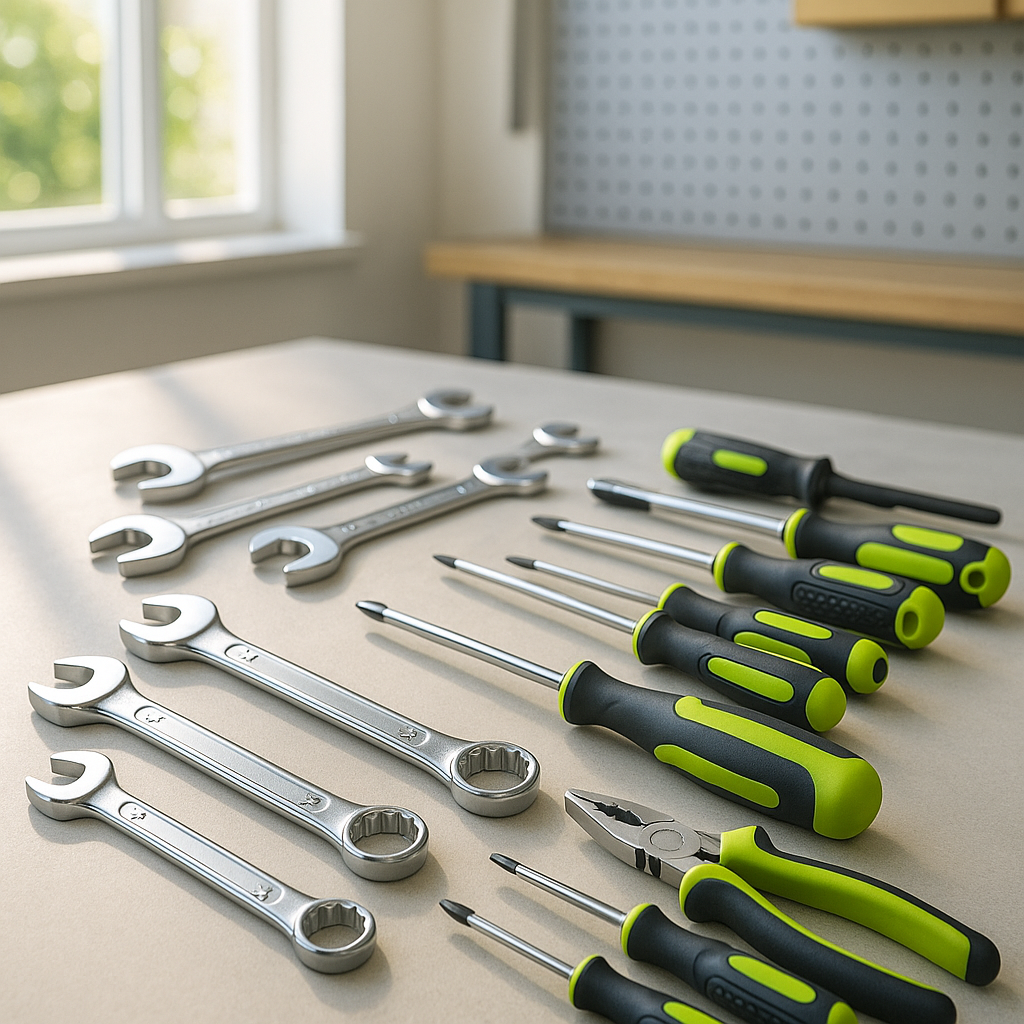
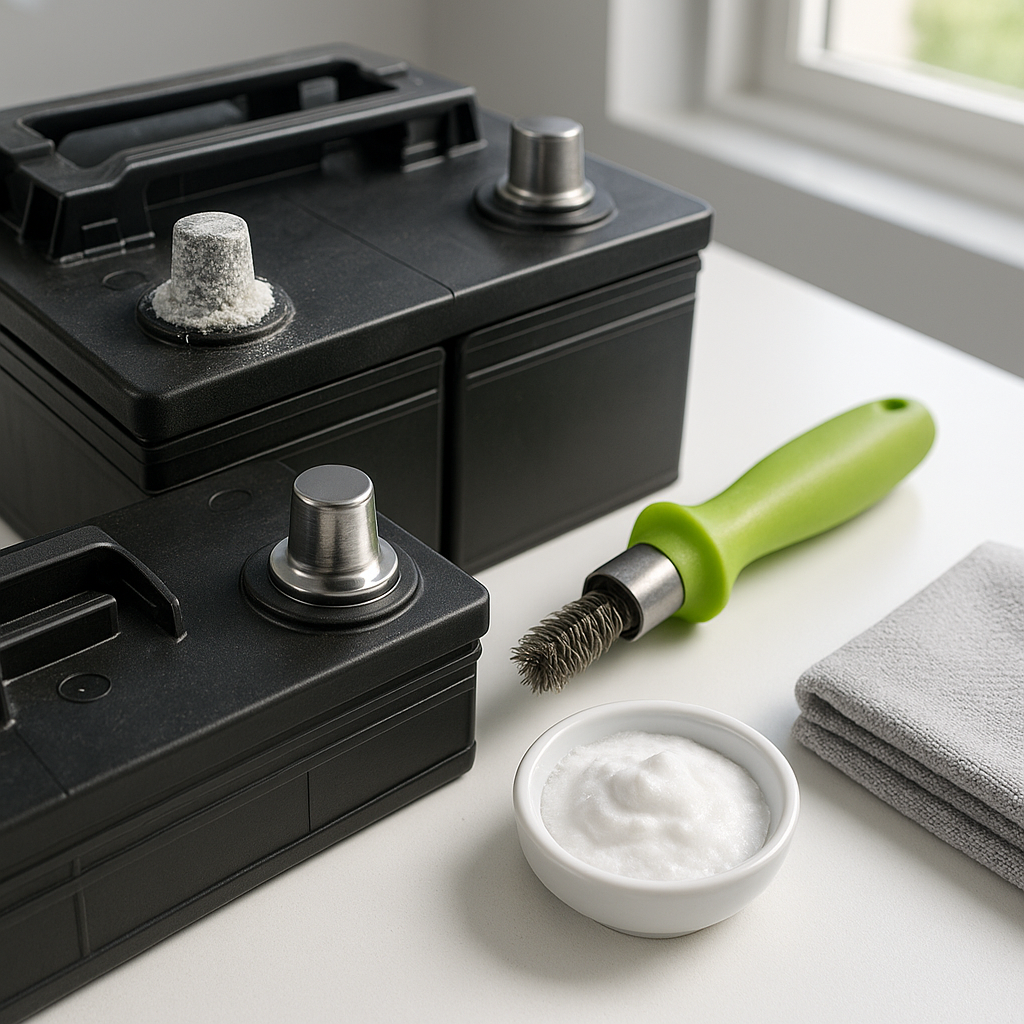
You don't need a lot: a wrench or socket that fits your terminal bolts, a stiff wire brush or a dedicated battery terminal cleaning brush (the cone-and-ring style that cleans both the post and the cable clamp at once), a small container of baking soda mixed with water, an old toothbrush or rag, and a terminal protector spray or felt terminal washers. Some people also use a battery post cleaning tool — a small two-sided brush designed specifically for this job — which makes the work faster and more thorough.
Step 1: Disconnect the Cables
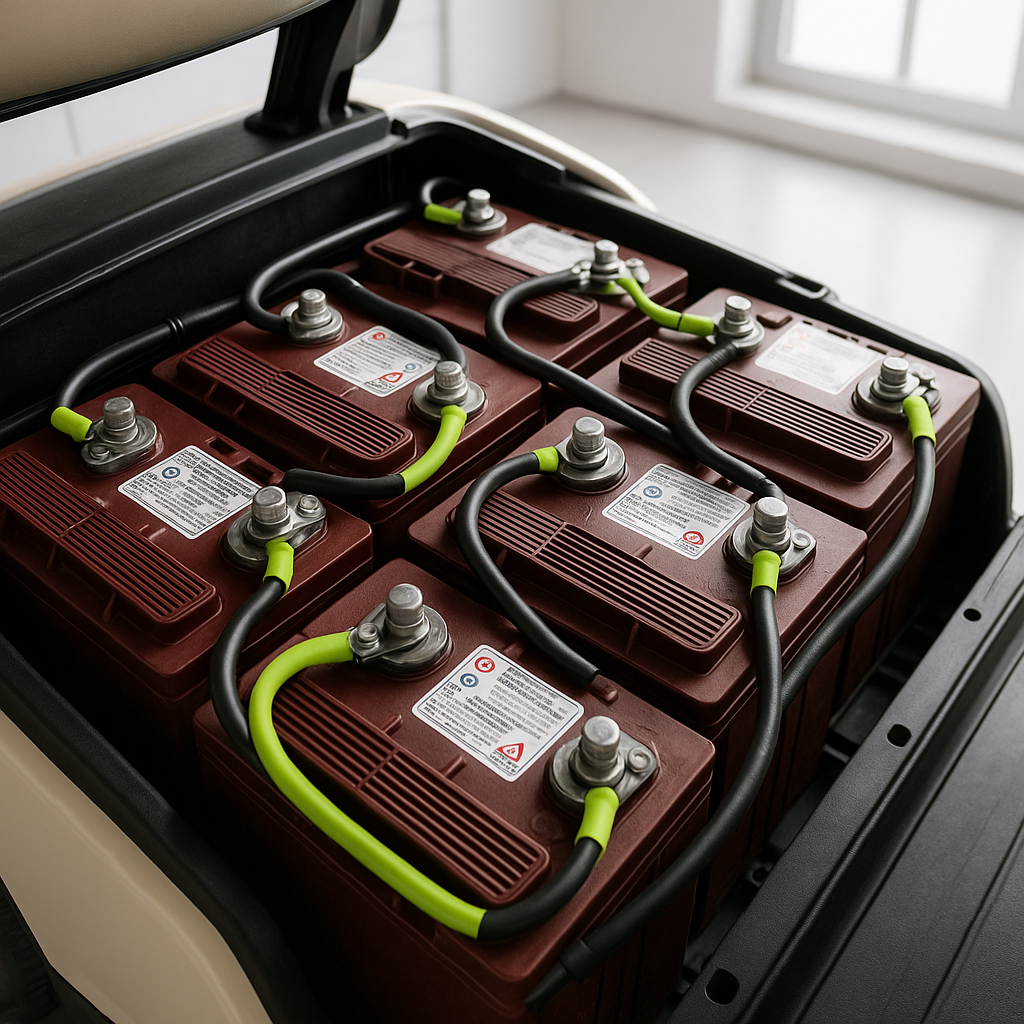
Always disconnect the negative cable first, then the positive. This is the standard rule for any battery work — it reduces the risk of accidentally creating a spark if your wrench contacts a grounded surface while the positive is still connected. On a golf cart with a battery pack (multiple batteries in series), take note of how the cables and interconnects are routed before you remove anything. A quick photo with your phone can save real headaches when it's time to reconnect. Loosen the terminal bolts and carefully lift each cable clamp off the post. If they're stuck from corrosion, gently wiggle them side to side — don't pry hard enough to damage the post or the cable.
Step 2: Neutralize and Scrub
Mix a tablespoon or two of baking soda into a cup of warm water. Use an old toothbrush or small brush to apply this solution directly to the corroded terminals and cable clamps. You'll often see it fizz — that's the baking soda neutralizing the acidic corrosion. Let it sit for a minute, then scrub with your wire brush or terminal brush. Work both the battery post itself and the inside of the cable clamp. For stubborn buildup, a second application usually does the trick. Rinse with a little clean water and dry thoroughly with a rag. Moisture left sitting on terminals will accelerate future corrosion, so don't skip the drying step.
Step 3: Inspect While You're In There
With everything clean and dry, this is the best time to look closely at your cables and clamps. Check for cracking, fraying, or visible damage along the cable insulation. Look at the clamps themselves — if they're badly pitted, deformed, or the bolt threads are stripped, they're due for replacement rather than just cleaning. Also inspect the battery posts. A post that's cracked, tilted, or loose in its case means that battery needs to be replaced. Catching these issues during routine maintenance is much better than diagnosing them after a no-start on the course.
Step 4: Reconnect and Protect
Reconnect in the reverse order you disconnected: positive first, then negative. Tighten the terminal bolts firmly — connections that are too loose will arc and corrode quickly, but you don't need to overtighten to the point of cracking the clamp. Once everything is snug, apply your terminal protector. Felt anti-corrosion washers placed over the posts before you put the clamps on provide a physical barrier. A spray-on terminal protector (or even a light coat of dielectric grease or petroleum jelly on the outside of the clamp) adds another layer of protection by blocking moisture and oxygen from reaching the metal. These steps make a real difference in how fast corrosion comes back.
Done right, terminal cleaning takes less than 30 minutes and costs almost nothing. Make it part of your regular seasonal routine — especially before putting the cart in storage and again when you bring it back out. Clean, tight, protected connections mean your batteries are delivering their full voltage to the motor, your cart performs the way it should, and your cables and batteries last longer. It's one of those small maintenance habits that pays off every single round.