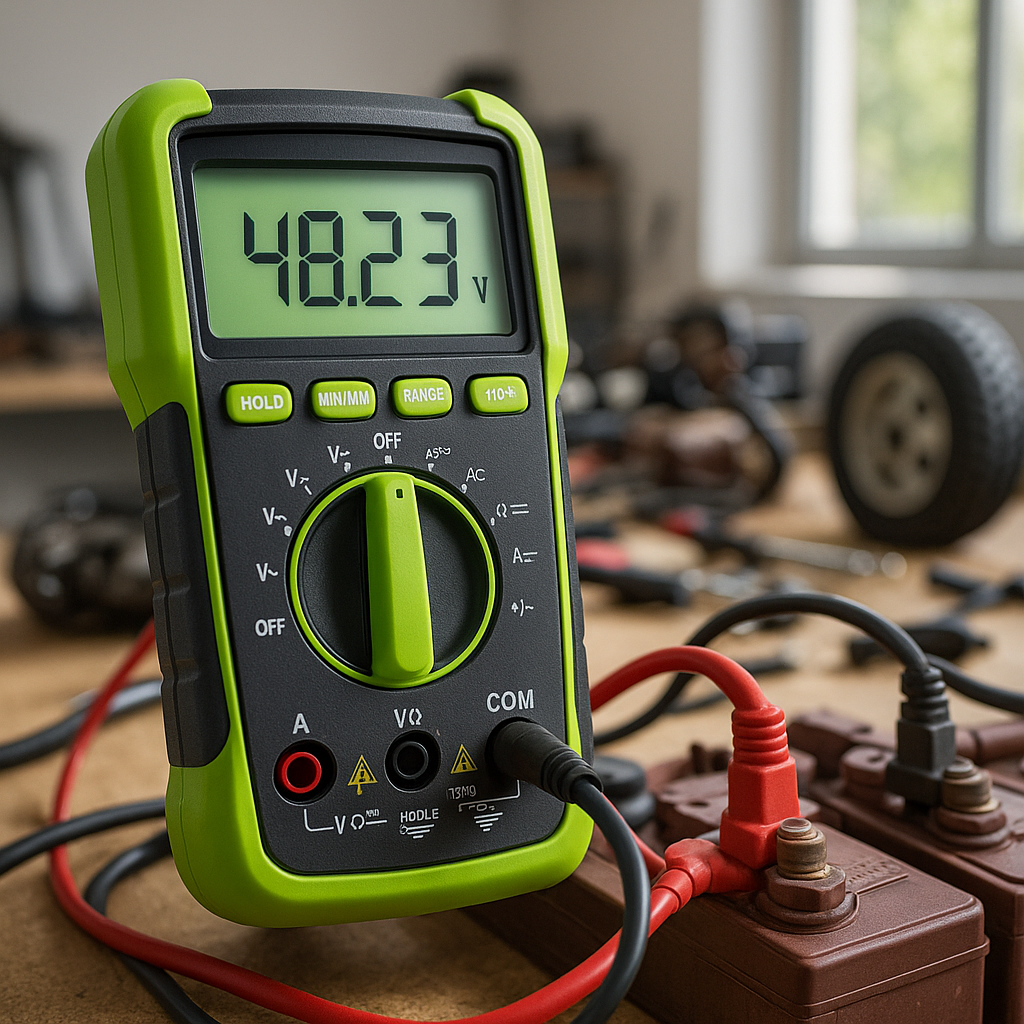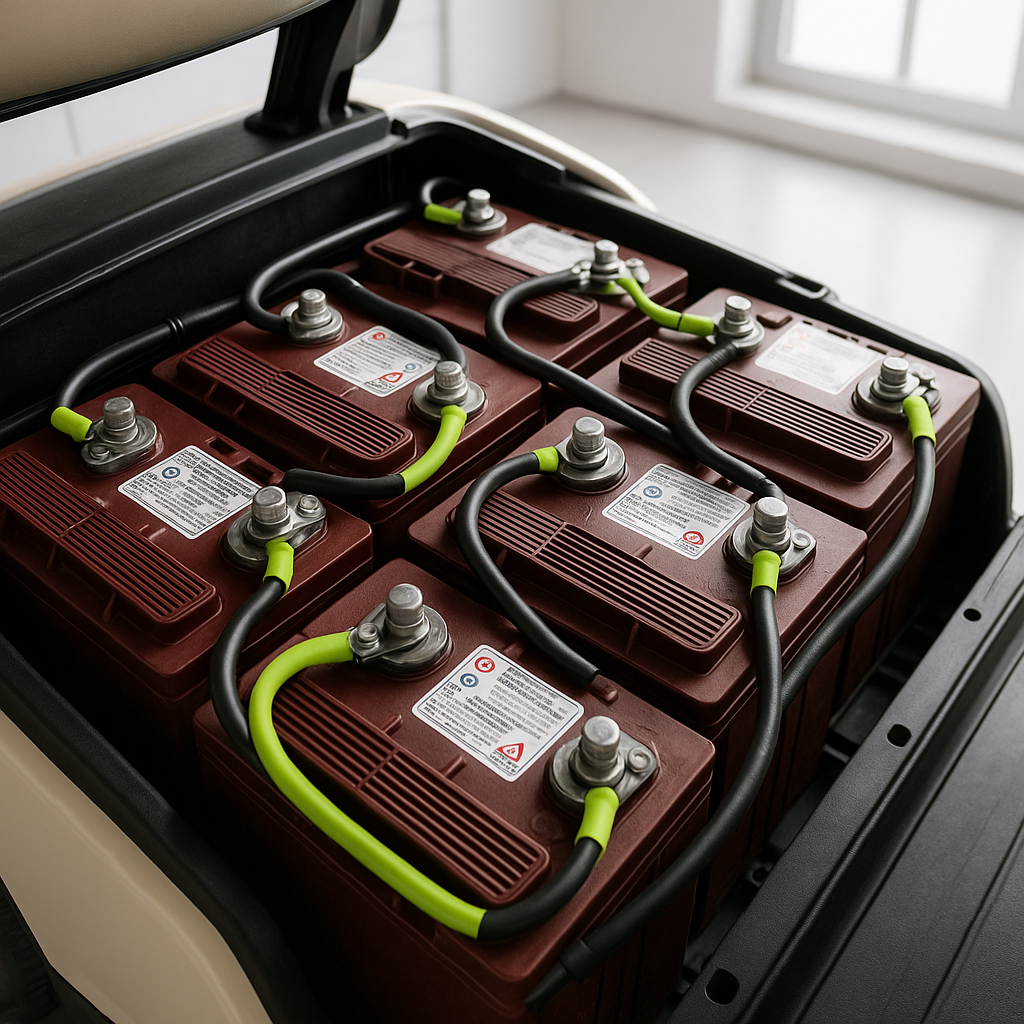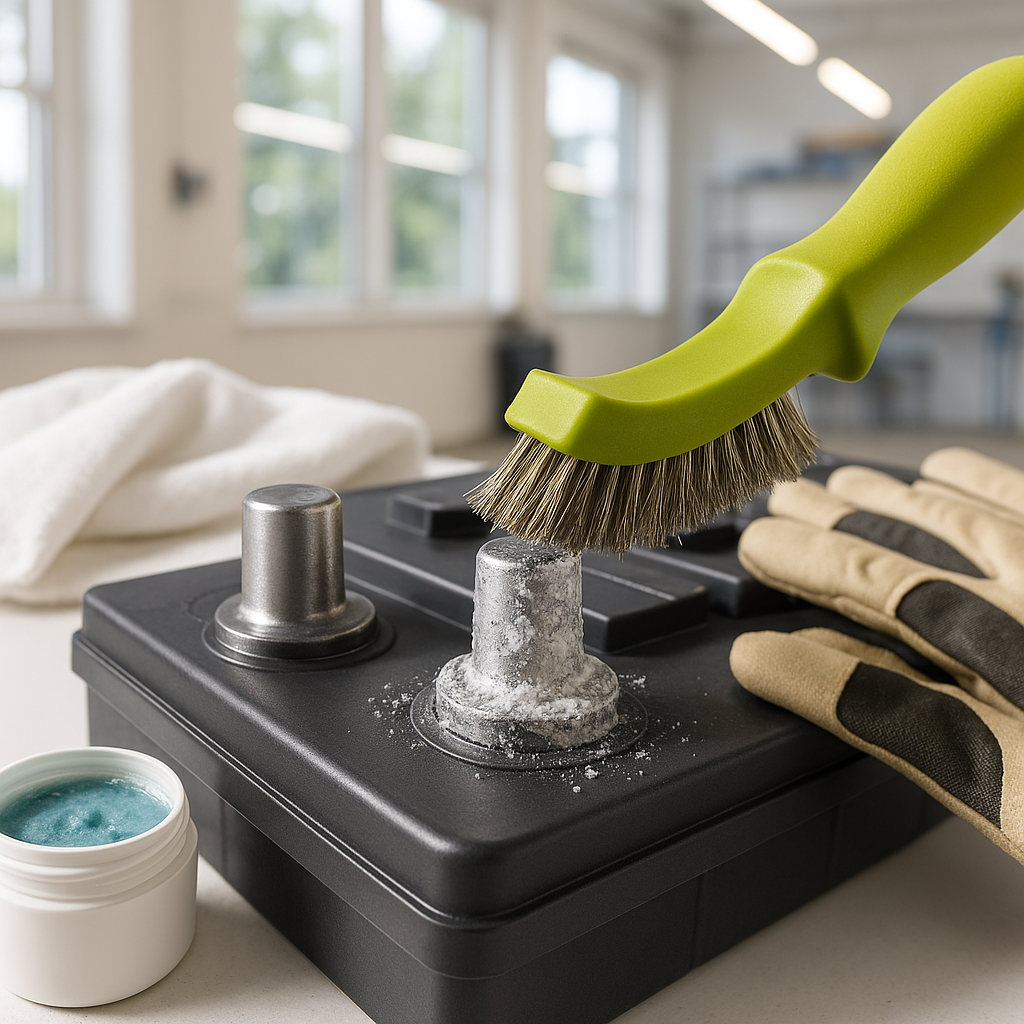
Battery terminal corrosion is one of the most common — and most overlooked — causes of sluggish performance, charging problems, and premature battery failure in golf carts. The white, blue, or greenish crust that builds up around your terminals isn't just cosmetic. It increases electrical resistance, disrupts the flow of current through your pack, and can cause uneven charging across batteries. The good news: cleaning terminals is straightforward, inexpensive, and something any cart owner can do safely at home with a little prep.
What You'll Need Before You Start
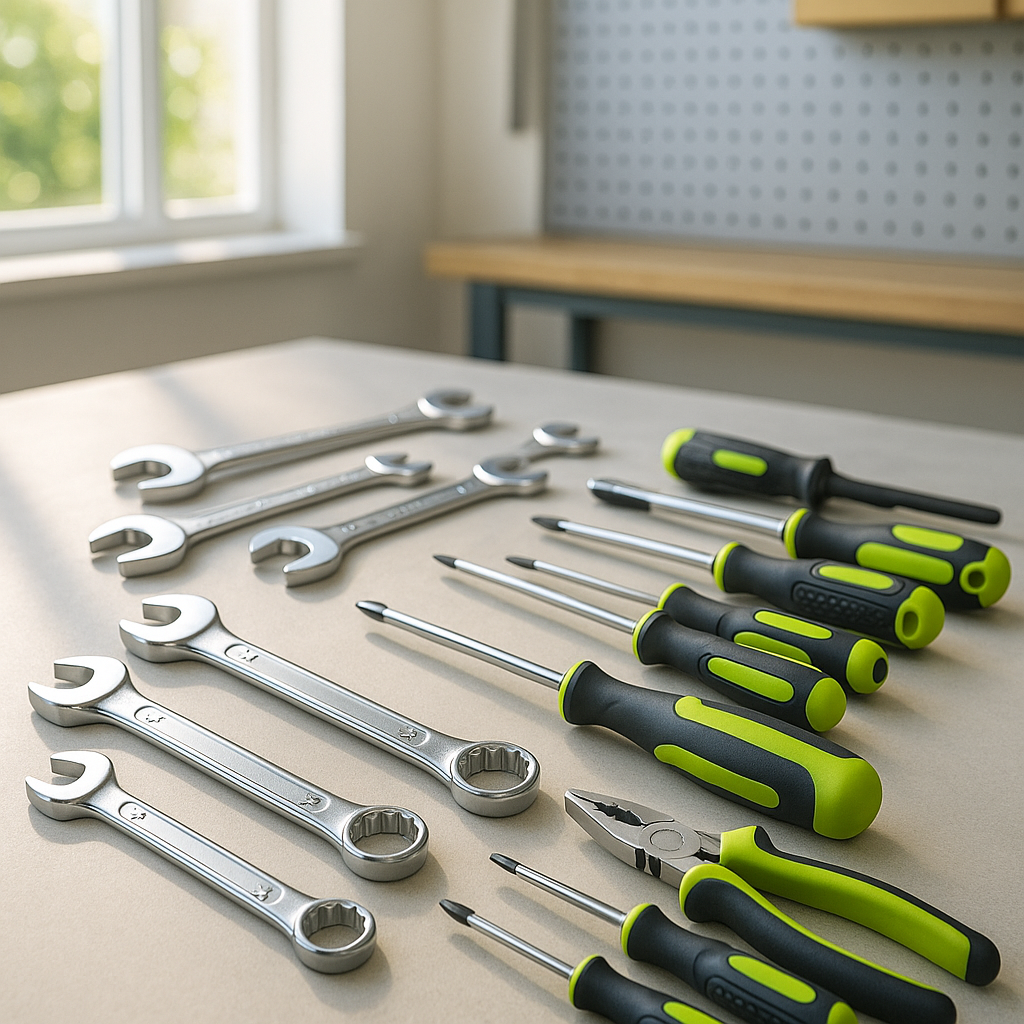
Gather your supplies before touching anything on the cart. You'll want a pair of rubber or latex gloves, safety glasses, an old toothbrush or a dedicated battery terminal brush, baking soda, water, a clean rag or shop towels, and a wrench or socket set to loosen cable ends. A wire brush or terminal cleaning tool speeds things up considerably. Have a small container handy to mix your cleaning solution. If your terminals or cable ends are heavily corroded, you may also want to pick up some corrosion-inhibiting spray or felt anti-corrosion washers — both are cheap insurance once you're done cleaning.
Safety First: Disconnect in the Right Order
Before you do anything else, make sure the cart is off and the key is removed. On electric golf carts, locate the main battery disconnect plug if your cart has one and pull it before touching any terminals. When you're ready to disconnect cable ends, always remove the negative (ground) connection first, then the positive. This reduces the risk of accidentally shorting a cable against the frame. Work on one battery at a time if you're unsure — the pack is live as long as any batteries remain connected in series. Wear your gloves and glasses throughout. Battery acid is dilute in sealed or AGM batteries but concentrated in flooded lead-acid cells, and it will damage skin, eyes, and clothing.
How to Actually Clean the Terminals
Mix a tablespoon or two of baking soda into a cup of warm water — this neutralizes the acidic corrosion on contact. Pour or brush the solution directly onto the terminals and cable ends and let it fizz and work for a minute or two. Then scrub with your terminal brush or old toothbrush, working the bristles into the threads and contact surfaces. Rinse with a small amount of clean water and dry thoroughly with a rag. For stubborn buildup on the cable lugs themselves, a dedicated wire terminal cleaning tool — the kind with an inner and outer brush — makes quick work of getting down into the lug barrel and the post. Don't skip drying: moisture left sitting on terminals just accelerates the next round of corrosion.
Inspect While You're In There
With the terminals clean, you can finally see what you're working with. Check each cable lug for cracks, fraying where the cable enters the lug, or signs that the lug has been arcing (look for blackened or pitted contact faces). A lug that's cracked or corroded internally won't carry current reliably even after cleaning — it needs to be replaced. Check the battery posts themselves for cracks in the case plastic around the base of the post, which can indicate an overcharged or swollen battery. Loose posts are a red flag on flooded batteries. If a post wiggles when you try to torque the lug down, that battery should come out of service.
Reconnect and Protect
When you reconnect cables, go positive first, then negative — the reverse of how you disconnected. Snug each connection firmly; a loose lug is nearly as bad as a corroded one. Once everything is reconnected, apply a corrosion inhibitor to the terminals. A thin coat of dielectric grease, petroleum jelly, or a purpose-made battery terminal spray all work — the goal is to seal the metal from oxygen and moisture. Anti-corrosion felt washers placed over the posts before the lugs go on are another effective layer of protection. Neither trick eliminates corrosion forever, but they extend the interval between cleanings significantly.
How Often Should You Do This?
For most golf carts used regularly, a thorough terminal cleaning every three to four months is a reasonable baseline. If your cart lives in a humid climate, near salt air, or you're running flooded lead-acid batteries (which off-gas more than sealed types), check monthly and clean whenever you see visible buildup starting. Making terminal maintenance part of a routine — alongside checking water levels in flooded batteries and verifying charge — is the single cheapest thing you can do to extend the life of an expensive battery pack. Ten minutes of attention a few times a year can add months or years to batteries that would otherwise fail early from neglected connections.