The motor controller is the brain of your electric golf cart's drivetrain — it takes the signal from your accelerator pedal and tells the motor exactly how much power to deliver. When it starts to fail, symptoms can look like almost anything: sluggish acceleration, jerky starts, complete loss of power, or even a cart that runs fine one day and won't budge the next. Before you start swapping parts, it's worth doing a proper diagnosis. Replacing a controller is a meaningful investment, and you don't want to do it only to discover the real culprit was a corroded connection or a bad throttle sensor.
Understand What the Controller Actually Does
In a DC electric golf cart, the motor controller sits between your battery pack and the drive motor. It regulates current flow based on input from the accelerator pedal (or throttle potentiometer), the forward/reverse switch, and safety interlocks like the seat switch and tow/run switch. Because it's in the middle of all these systems, a fault anywhere upstream or downstream can mimic a dead controller. That's why a good diagnosis works outward from the controller rather than assuming the controller itself is bad right away.
Start With the Basics Before You Touch the Controller
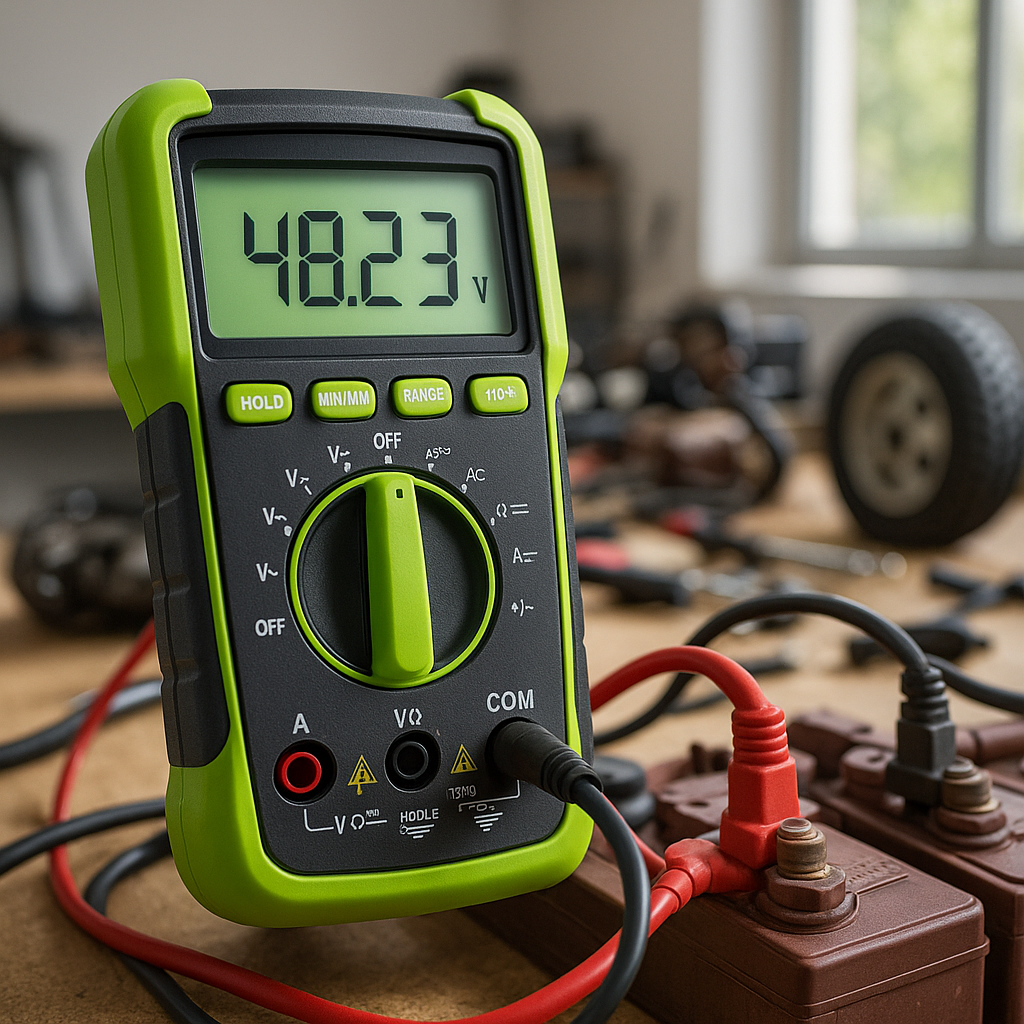
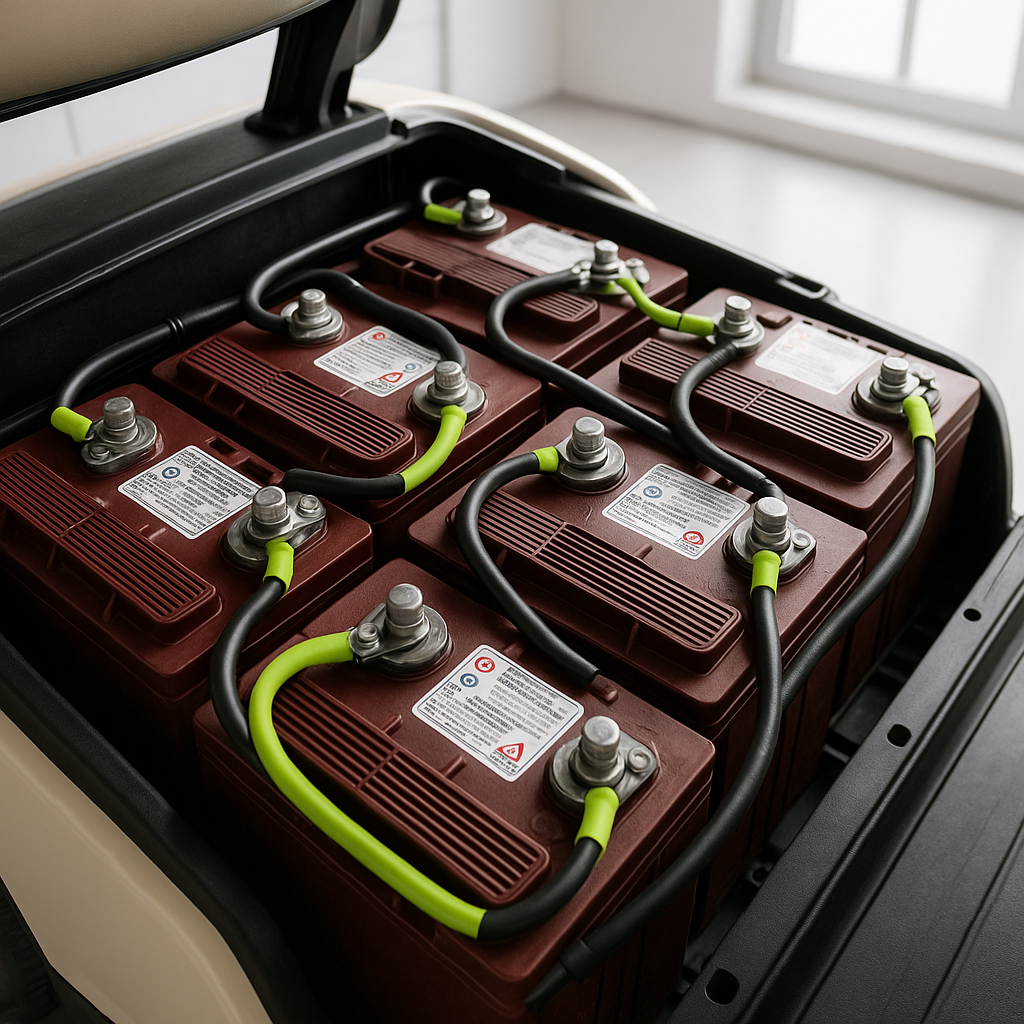
Check the obvious stuff first. Verify your battery pack is fully charged and that individual battery voltages are within a healthy range — a weak or dead cell in the pack will starve the controller of proper voltage and cause erratic behavior. Inspect all battery cable connections and the main cable lugs on the controller itself for corrosion, looseness, or heat damage. Check the solenoid: if it isn't clicking and engaging cleanly when you press the pedal, the controller may never receive its activation signal. Inspect the forward/reverse switch for worn contacts, and check that the tow/run switch is firmly in the RUN position. Any one of these issues can produce symptoms that look exactly like a dead controller.
Check the Throttle Potentiometer
One of the most common causes of controller-related symptoms is a failing throttle potentiometer — the sensor connected to your accelerator pedal that tells the controller how far down you've pressed it. A worn or dirty pot sends a noisy or out-of-range signal that can cause surging, jerking, or no movement at all. Many controllers will go into a fault or protection mode when they receive a signal outside of expected parameters. You can test the potentiometer with a multimeter by checking resistance across its terminals while slowly moving the pedal through its full range — the resistance should change smoothly and continuously with no sudden drops or spikes. If it jumps around or flatlines partway through, the pot is the likely culprit, not the controller.
Look for Controller Fault Codes and Indicator Lights
Many modern controllers — particularly those used in late-model Club Car, EZGO, and Yamaha carts — have onboard diagnostics. Some flash a series of blinks through an indicator LED or through the battery discharge indicator on the dash to communicate specific fault codes. Check your cart's service manual for the fault code chart specific to your model year and controller type. These codes can point directly to the problem: over-temperature, over-current, low battery, throttle fault, or internal failure. If your cart has this capability and you're not reading the codes, you're flying blind. Even a basic OBD-style reader designed for golf carts can save you hours of guesswork.
Physical Inspection of the Controller
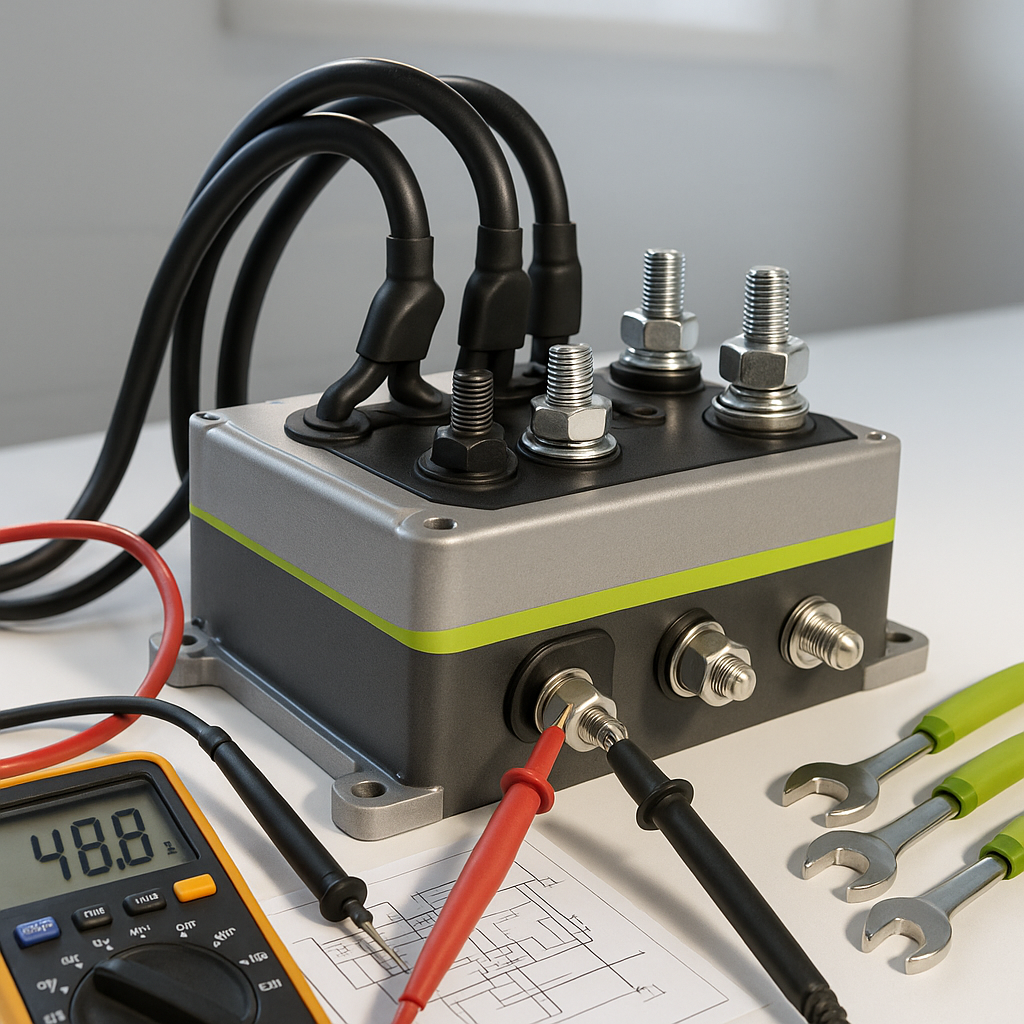
With the cart powered down and the battery pack disconnected, do a careful physical inspection of the controller itself. Look for burn marks, melted plastic, swollen or cracked casing, or the distinct smell of burnt electronics. Check the heat sink fins — controllers generate significant heat under load and rely on airflow to stay cool. Clogged or damaged fins can cause the controller to thermally shut down under sustained use, which often looks like a cart that runs for a few minutes and then dies. Make sure the controller is mounted securely and that nothing is pressing against it or blocking airflow. Also inspect every wiring connector on the controller for corrosion, pushed-back terminals, or wires that have chafed against the frame.
When the Controller Is Confirmed Bad
If you've ruled out batteries, cables, the solenoid, the throttle pot, and the input switches — and especially if you're seeing physical damage or confirmed fault codes pointing to an internal failure — the controller itself is likely the problem. When sourcing a replacement, match your cart's voltage, amperage rating, and connector configuration carefully. A controller with too low an amperage rating for your motor will run hot and fail early; one with the wrong voltage will either do nothing or cause damage. Make sure the replacement is designed for your specific cart model and year. Aftermarket performance controllers are available that offer higher amperage and programmable parameters, but confirm compatibility thoroughly before buying.
A systematic diagnosis takes more time upfront, but it almost always saves money in the long run. Controllers are not cheap, and neither is labor if you're having the work done professionally. Work through the system methodically, eliminate the simpler causes first, and you'll end up with a confident answer — and a cart that actually runs the way it should.