A golf cart that won't move, surges unexpectedly, or loses power under load often gets blamed on the motor controller — and sometimes that's correct. But controllers are one of the more expensive components on an electric cart, so replacing one blindly is a costly mistake. A systematic diagnosis takes less than an hour and can save you from swapping a perfectly functional part. Here's how to work through it methodically.
Understand What the Controller Actually Does
The motor controller is the brain of an electric golf cart's drivetrain. It takes input from the accelerator pedal (via a throttle sensor or potentiometer) and regulates how much current flows from the battery pack to the motor — controlling speed smoothly rather than just switching power on and off. When it fails, symptoms can look like almost anything: no movement at all, jerky or surging acceleration, limited top speed, or unexpected shutdowns under load. Because those symptoms overlap with battery problems, solenoid issues, and motor faults, you need to rule those out first.
Step 1: Start with Your Batteries
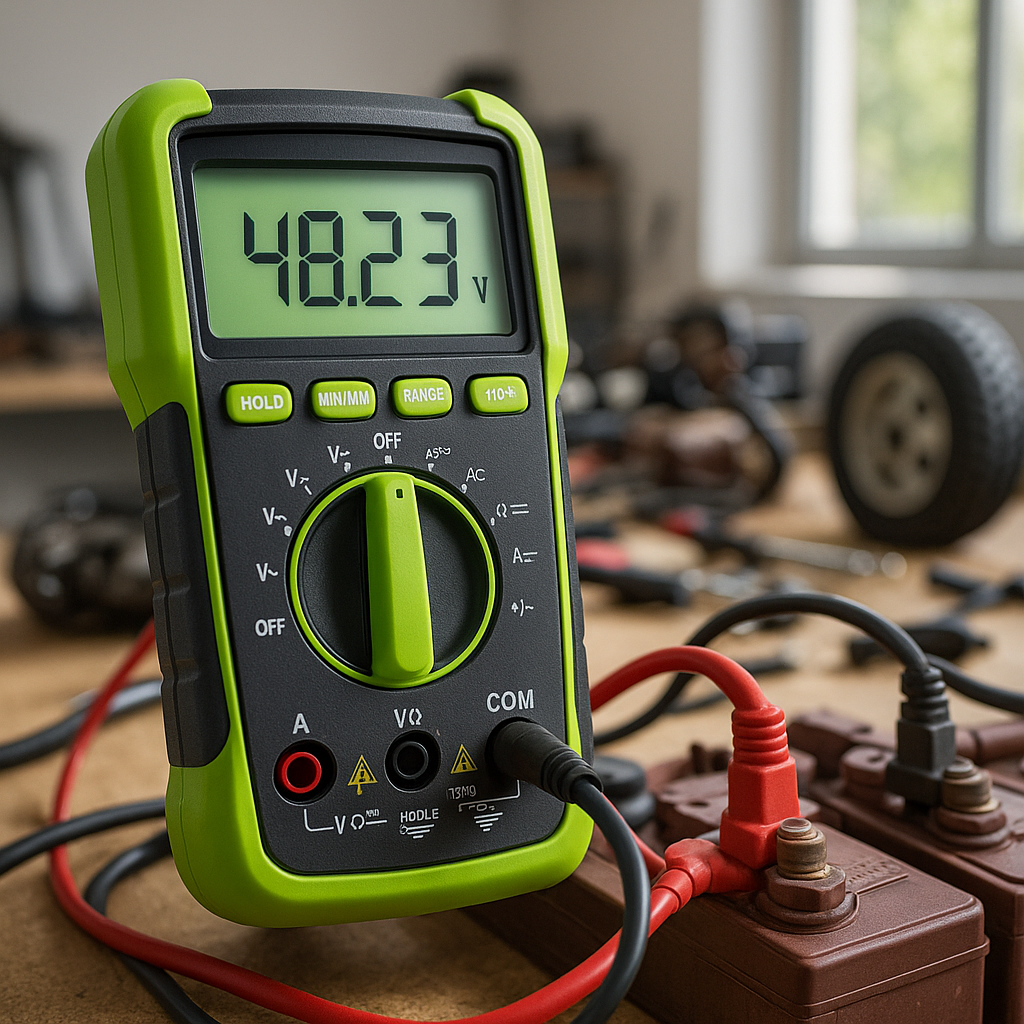
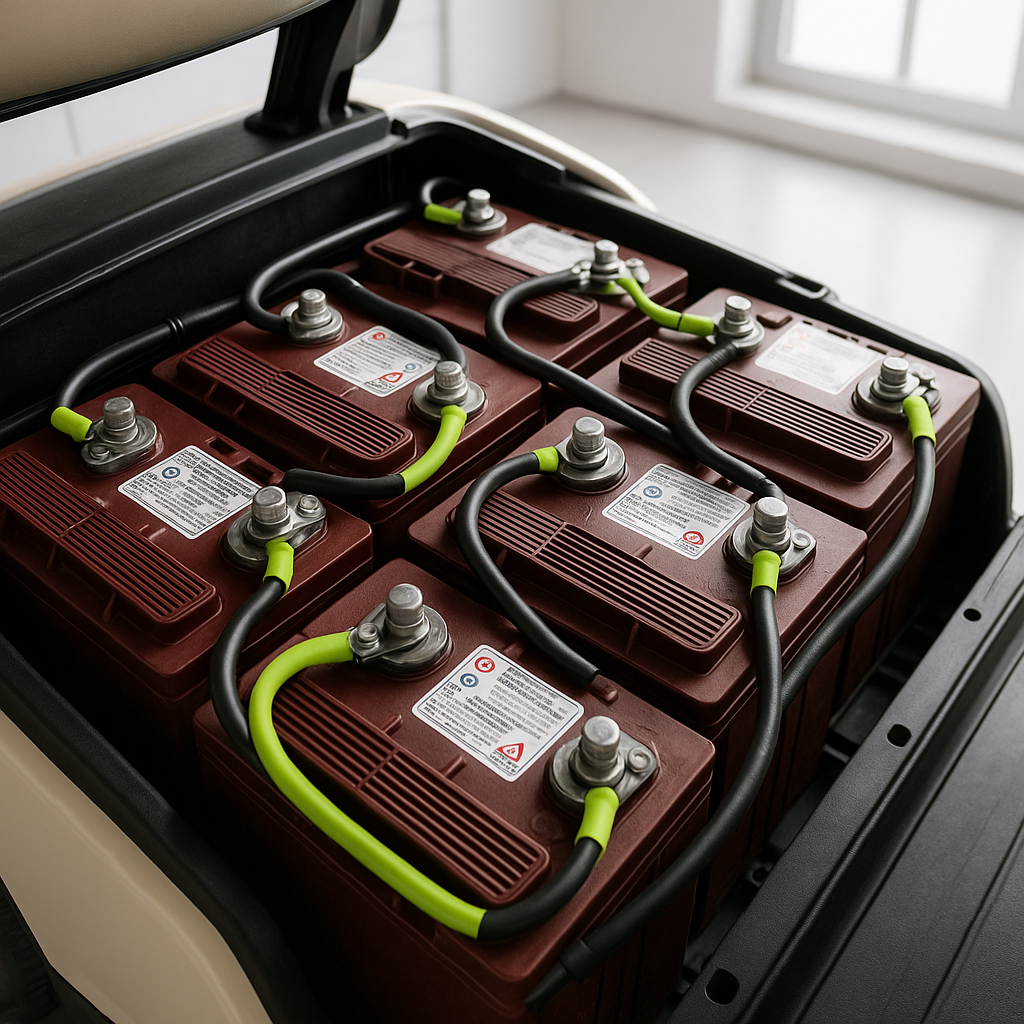
Low or unbalanced battery voltage is the single most common cause of controller-related symptoms, and it's the easiest thing to check. With a fully charged pack, measure the total voltage across your battery bank with a digital multimeter. Then check each individual battery. A pack that reads fine overall but has one weak cell will sag badly under load, causing the controller's low-voltage protection to cut out — which looks exactly like a controller failure. If any individual battery is significantly lower than the others, address the batteries before touching the controller.
Step 2: Check the Solenoid
The solenoid is what connects battery power to the controller when you press the pedal. A worn or failing solenoid can mimic a dead controller completely. With the key on and the cart in forward, press the pedal and listen for the solenoid's audible click. If you hear no click, the problem is upstream of the controller — likely in the solenoid, key switch, or throttle sensor. If the solenoid clicks but the cart still won't move, that points more directly toward the controller or motor.
Step 3: Inspect the Controller Visually
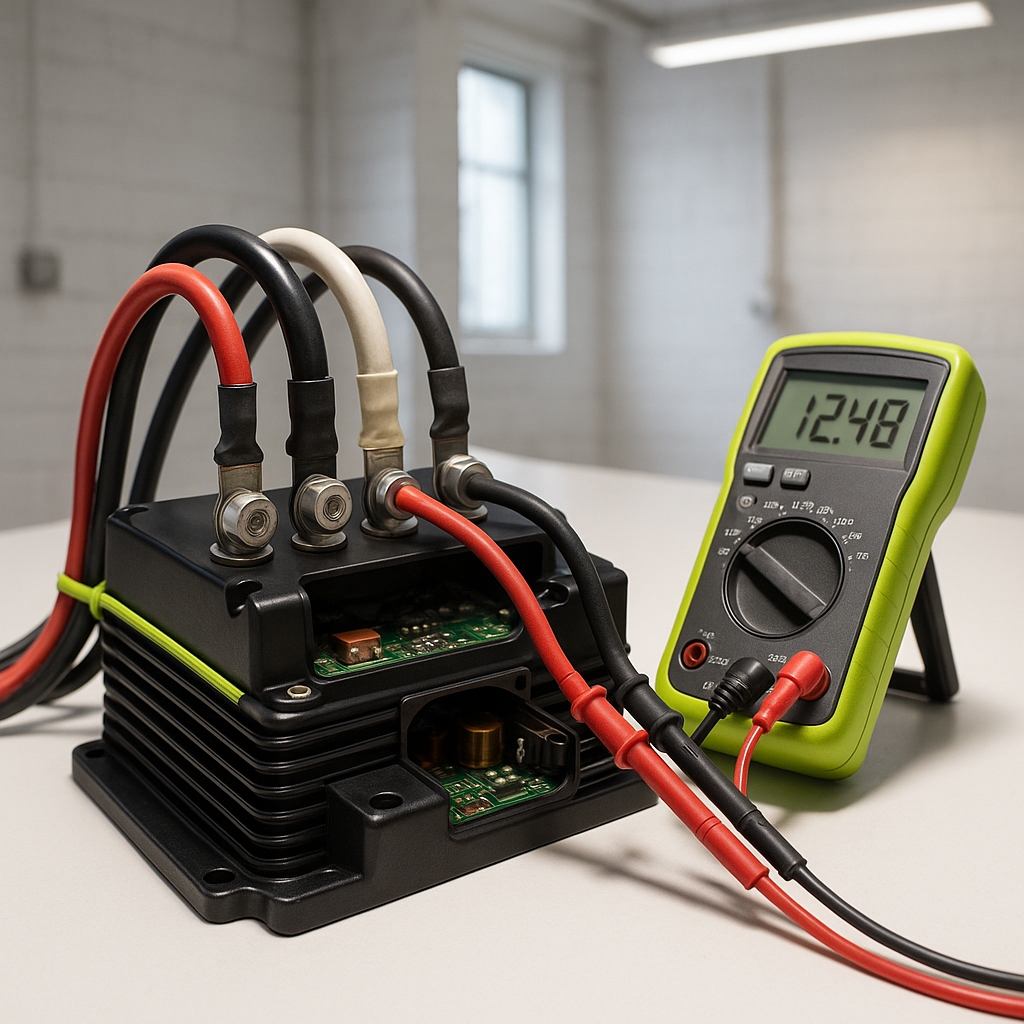
With the key off and the main battery connection disconnected, take a close look at the controller itself. Controllers are typically mounted in an accessible location under the seat or in the nose of the cart. Look for obvious burn marks, melted plastic, corrosion on terminals, or swelling of the housing — any of these are strong indicators of a failed unit. Also check that all cable connections to the controller are clean, tight, and free of corrosion. A loose B+ or M- connection can cause intermittent failures that are frustrating to chase down.
Step 4: Check for Fault Codes
Many modern controllers — particularly those used on Club Car, EZGO, and Yamaha carts from the mid-1990s onward — have built-in diagnostic systems that flash fault codes through an LED on the controller or through the cart's dashboard indicator. Consult your cart's service manual for the specific code sequence your model uses. These codes can point directly to the fault: throttle sensor out of range, battery undervoltage, motor overcurrent, thermal shutdown, and so on. This step alone can save hours of guessing.
Step 5: Test the Throttle Sensor (ITS or Potentiometer)
The throttle input device — whether it's an inductive throttle sensor (ITS) or a mechanical potentiometer — tells the controller how much speed the driver is requesting. A faulty sensor can send the controller bad data, causing surging, no movement, or erratic behavior that looks like a controller problem. With a multimeter, you can check the sensor's output voltage as you slowly depress the pedal; it should rise smoothly and consistently through its range. A signal that jumps around, flatlines, or never changes is a sensor problem, not a controller problem — and sensors are significantly cheaper to replace.
When to Conclude the Controller Is Bad
If your batteries are healthy and balanced, your solenoid clicks and passes voltage through, your connections are clean and tight, there are no fault codes pointing elsewhere, and your throttle sensor signal looks correct — but the cart still won't run properly — you have a strong case for a failed controller. A controller that has suffered an internal short, blown its output stage, or has a failed thermal protection circuit will often show no external signs of damage. At that point, replacement is the logical next step. Just make sure you match the replacement to your cart's voltage, amperage requirements, and model — using an undersized controller for your motor's demands will shorten its life significantly.