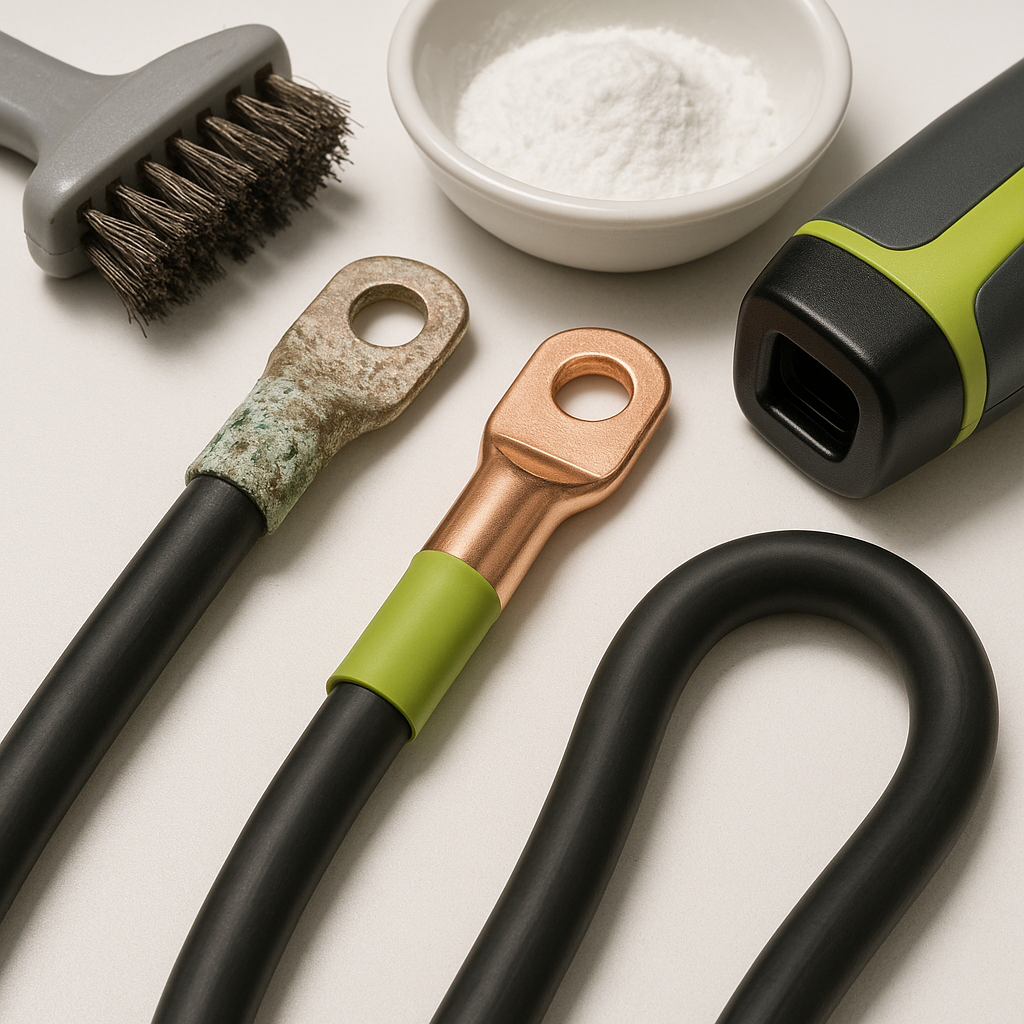
If your golf cart feels sluggish, your batteries run down faster than they should, or you notice heat or a burnt smell near the battery pack, don't immediately blame the batteries themselves. Battery cables and their connections are one of the most overlooked sources of electrical trouble on any golf cart, electric or gas. A corroded terminal or a cable that's starting to fail internally can rob your cart of power and quietly destroy an otherwise healthy battery pack over time.
Start With a Visual Inspection
Before you grab a meter, look at every cable connection in the battery pack. You're looking for white, blue-green, or gray crusty buildup around terminals — that's corrosion, and it acts as resistance in the circuit. Also check for cables that look swollen, cracked, or have melted or discolored insulation anywhere along their length. Heat damage on the insulation almost always points to a connection that's been running with high resistance, causing the cable to carry more heat than it should. Don't forget to trace each cable end-to-end; damage often hides right where the cable meets the lug, or where it passes through a bracket or frame edge.
Check the Connections Themselves
A terminal that looks clean on the outside can still be making poor contact. Grab each cable where it connects to a battery post and try to wiggle it — there should be zero movement. A loose connection creates resistance, and resistance creates heat. While you're at it, look at the battery posts themselves. A post that's been overtightened, cracked, or that has lifted slightly from the battery case is a serious problem and means the battery needs replacement, not just the cable. For connections that are simply corroded, a proper cleaning with a wire brush and terminal cleaner, followed by a protective coating, often restores full conductivity.
Feel for Heat After a Run
One of the most reliable field tests you can do is to run the cart normally for several minutes, then carefully feel along the cables and connections — without touching the battery posts directly. Any cable or connection that feels noticeably warmer than the others is carrying extra resistance. In a healthy battery pack with properly sized, properly connected cables, everything should be close to ambient temperature after a normal run. A hot spot is your map to the problem. Pay particular attention to the main positive and negative cables, the inter-battery jumper cables, and any connections to the solenoid or controller.
Inspect Cable Gauge and Condition
Not all battery cable problems are about corrosion. A cable that was undersized for the application from the factory, or one that's been spliced, kinked, or pinched, can cause chronic issues that no amount of cleaning will fix. Golf carts draw significant current, especially under load, and battery cables need to be the right gauge for the voltage system and the distances involved. If you find cables that have been repaired with tape or wire nuts, or cables that feel stiff and brittle rather than flexible, replacement is the right call. Copper strands inside the insulation can corrode from the inside out, especially in carts exposed to moisture, and a cable can look fine externally while being significantly compromised internally.
Use a Voltage Drop Test
A multimeter set to DC voltage is your best diagnostic tool for finding high-resistance connections that don't show obvious physical symptoms. With the cart under load — either driving it or engaging the motor briefly — measure the voltage drop across each connection point by placing your meter leads on either side of a terminal or cable. In a healthy system, you should see minimal voltage drop across any individual connection. A connection showing meaningful voltage drop under load is one that's wasting energy as heat rather than delivering it to the motor. This test catches problems that visual inspection and wiggle tests miss entirely.
When to Replace vs. Clean
Light surface corrosion on terminals that are otherwise tight and intact can often be cleaned and returned to service. But if you find cables with damaged insulation, swollen or brittle construction, ends that are corroded deep into the lug, or connections that have clearly been running hot for a long time, replacement is the safer and more cost-effective choice. Trying to nurse a badly degraded cable back to life risks the problem recurring quickly — and in a worst case, a failing cable under heavy load can cause arcing or fire. When replacing, use cables rated for the current demands of your system and make sure all connections are properly torqued and protected from moisture going forward.


