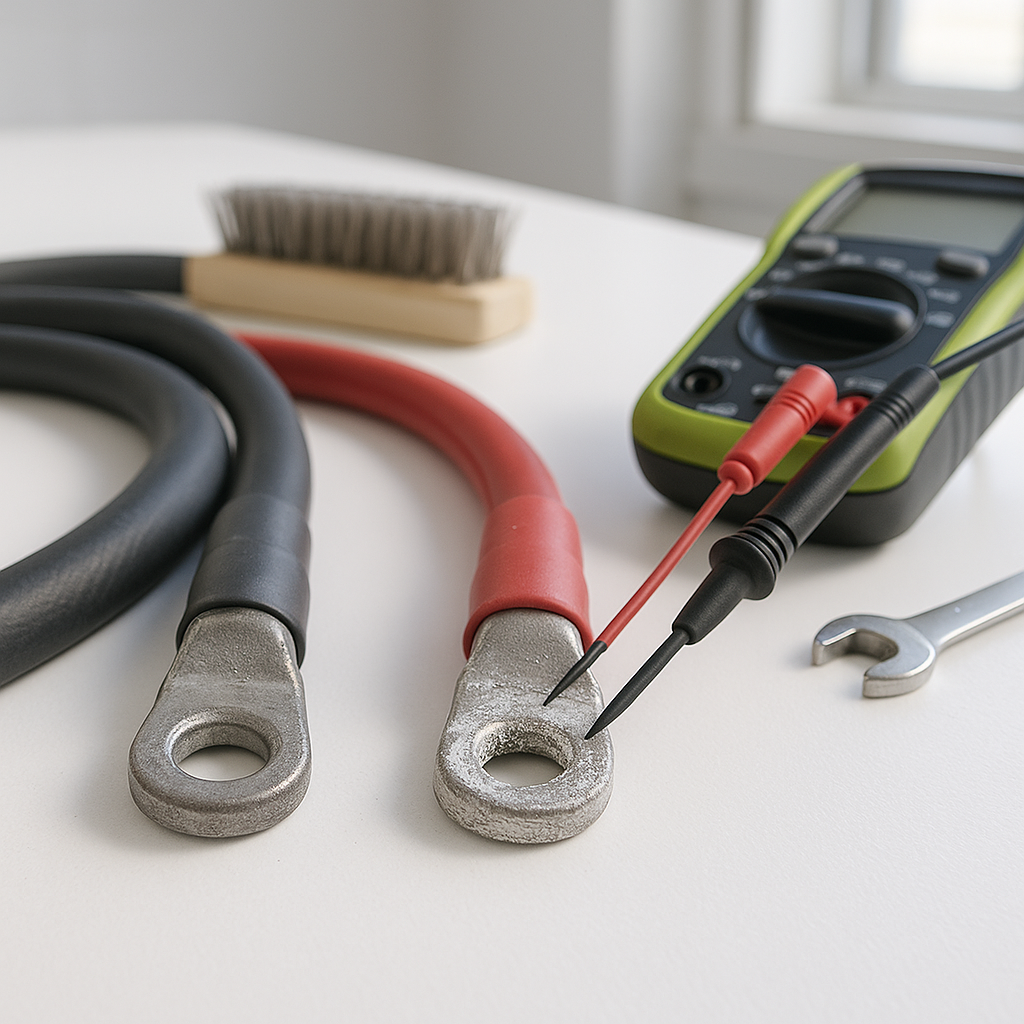
Battery cable problems are sneaky. The batteries test fine, the charger runs, and yet the cart is sluggish, cutting out under load, or throwing up mysterious electrical gremlins. Nine times out of ten, the culprit isn't the batteries themselves — it's the cables and connections linking them together. A bad cable can rob your system of voltage, cause heat buildup, and eventually damage components far more expensive than a set of cables. Learning to diagnose cable issues is one of the most practical skills any golf cart owner can develop.
Start With a Visual Inspection
Before you reach for a multimeter, do a thorough walk-around of your battery bank. Look for cables that are visibly corroded (white, blue, or greenish powder around terminals is a dead giveaway), cracked or brittle insulation, melted sections, or frayed strands near the terminal ends. Any of these are immediate red flags. Also check that every terminal bolt is actually snug — cables can look fine from above while the connection underneath is barely making contact. A loose terminal that shifts under vibration will cause intermittent power loss that's maddening to chase down any other way.
Check for Voltage Drop Under Load
A voltage drop test is the gold standard for diagnosing cable and connection problems that a static test will miss entirely. With a digital multimeter set to DC voltage, measure across each cable while the cart is under load — meaning while someone is sitting in it with the accelerator applied, not just sitting still. A healthy cable should show almost no voltage difference between its two ends. Any meaningful drop across a single cable or terminal connection points to resistance in that path, which means heat, power loss, and a connection that needs cleaning or replacing. This test will find bad connections that look perfectly normal to the eye.
Pay Attention to Terminal Condition
The connection between the cable lug and the battery terminal is where most problems live. Corrosion acts as an insulator, not just a cosmetic issue — even a thin layer of oxidation can introduce enough resistance to cause real performance problems. Check that the lugs are making full, flat contact with the terminal post and that there's no movement when you try to wiggle the cable by hand. Terminal bolts that have been overtightened and cracked the terminal, or undertightened and allowed the lug to arc and pit, are both common findings. If a lug looks pitted, burned, or deformed, the cable needs to be replaced rather than just cleaned.
Inspect Cable Gauge and Routing
Not all replacement cables are created equal. Undersized cable for the current demands of your system will run hot and drop voltage even when the connections are clean and tight. If your cart has been modified — a higher-voltage conversion, a performance motor, or added accessories — and the cables were never upgraded to match, that's worth investigating. Also check how cables are routed: cables that rub against frame edges, get pinched under the battery tray, or sit against hot components will eventually fail at those contact points. A good cable in a bad routing path is just a slow-developing problem.
Don't Forget the Ground Path
The return path gets overlooked constantly. Every ampere that flows from your battery pack to the motor, controller, or accessories has to come back through the ground circuit. If main ground cables are corroded, undersized, or poorly routed, you'll see the same symptoms as a bad positive cable — sluggishness, heat, erratic behavior. Trace the full ground path from the motor and controller back to the battery negative, and apply the same voltage drop test across those cables under load. A bad ground is responsible for more unexplained electrical issues in golf carts than most owners ever suspect.
When to Replace Instead of Clean
Cleaning corroded terminals is worthwhile maintenance, but it's not always enough. If the copper strands inside a cable have darkened, the insulation has hardened and cracked, or the terminal lug shows pitting or burn marks, cleaning is just delaying the inevitable. Cable replacement is not expensive relative to the problems a bad cable causes — heat damage to battery terminals, controller issues, or a cart that strands you mid-round. When you do replace cables, match or exceed the original gauge, use tinned copper lugs if possible for corrosion resistance, and make sure every connection is torqued to a firm, consistent spec without cracking the terminal.


