A golf cart charger that makes unusual noises or produces visible sparks isn't just annoying — it's a signal that something in your charging system needs attention. Ignoring these symptoms can lead to damaged batteries, a dead charger, or in serious cases, a fire or electrical hazard. The good news is that most causes are diagnosable without specialized equipment if you work through them methodically.
Understand the Normal Sounds First
Not every noise from a charger is a problem. Most chargers produce a low hum when they're actively charging — that's normal transformer and fan operation. Some units click once when they connect and detect the battery pack, and again when they shut off after a full charge. A quiet, consistent hum with a fan running is healthy. What you're watching for is anything outside that baseline: loud buzzing, intermittent clicking that repeats rapidly, high-pitched whining, or any visible arcing or sparking at the connection point.
Check the Outlet and Power Source First
Before blaming the charger itself, verify the power supply. A loose outlet, a failing GFCI receptacle, or an extension cord that's undersized for the charger's draw can all cause buzzing, tripping, or erratic behavior. Plug something else into the same outlet to confirm it's delivering steady power. If you use an extension cord, make sure it's heavy-gauge and as short as practical — undersized cords cause voltage drop that forces the charger to work harder and can cause audible buzzing or overheating. Also check that the outlet voltage matches what the charger expects.
Inspect the Charger Plug and Battery Receptacle
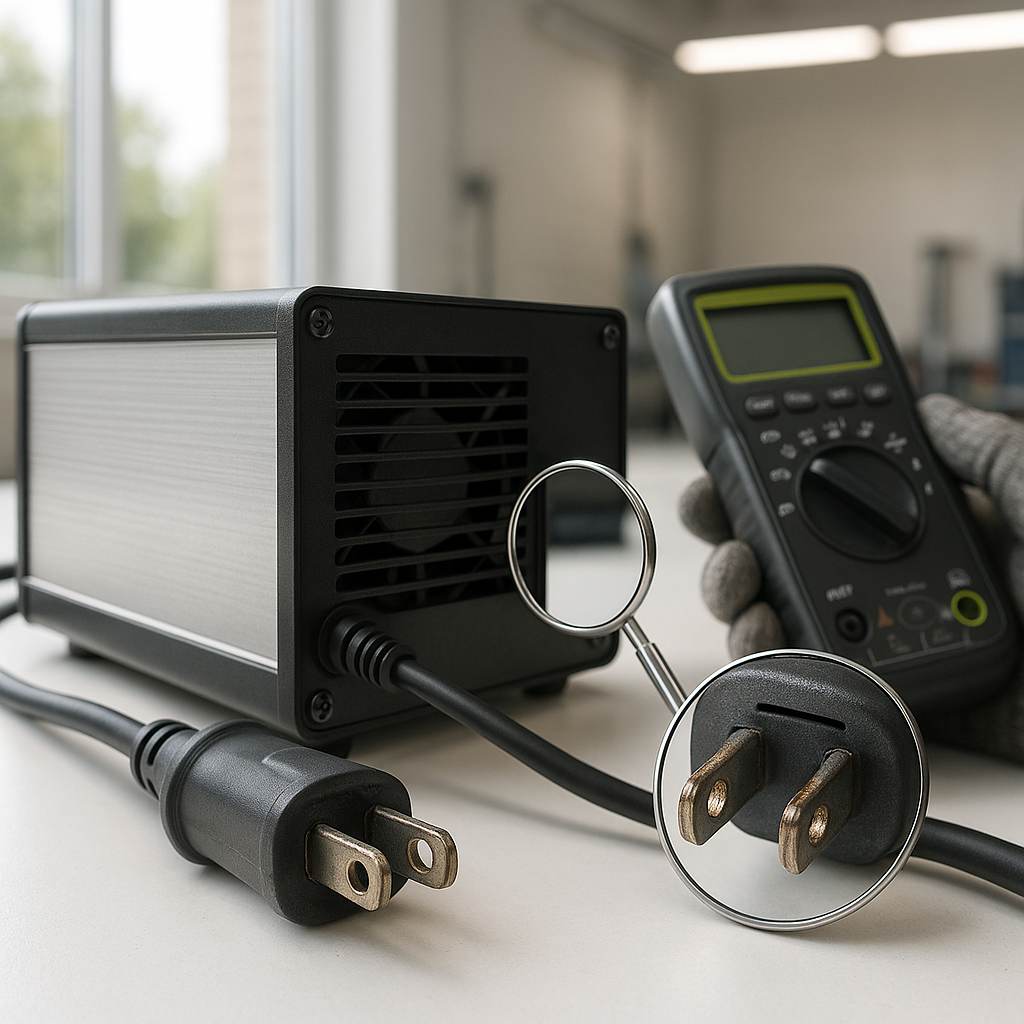
Sparking at the point where the charger plugs into the cart is one of the most common complaints — and one of the most misunderstood. A small spark when you first connect is often normal; the charger is making contact with a discharged battery pack and there's a brief inrush of current. But repeated or large sparks, or sparking that happens mid-charge when the connection is already seated, points to a loose or corroded receptacle. Inspect both the charger plug and the cart's charging port for burnt marks, melted plastic, bent pins, or corrosion. A loose receptacle that doesn't hold the plug firmly will arc repeatedly and damage both components over time.
Look at the Battery Cables and Connections
A charger that buzzes loudly or struggles to maintain a steady charge cycle is sometimes reacting to resistance in the battery cable circuit rather than a fault in the charger itself. Corroded terminals, loose cable clamps, or a failing inter-battery cable can all increase resistance and cause the charger to behave erratically. With the cart unplugged from the charger, inspect all battery terminals for white or blue-green corrosion. Wiggle each cable at the terminal — there should be zero movement. Any terminal that shifts or rocks under light pressure needs to be cleaned and retightened. A charger will often hum louder than normal when it's fighting poor connections.
Check for Overheating
Chargers are designed to run warm, but they should not be hot to the touch or emit a burning smell. If yours is overheating, check whether the vents are blocked — chargers need airflow around them and should never be placed flat against a wall or covered while in use. An internal fan that has stopped working will cause rapid heat buildup; you can usually hear this because the charger will be noisier than usual and the housing will get extremely hot. Overheating can also be caused by a shorted cell in one of the batteries — the charger keeps pushing current into a pack that can't accept it properly, running continuously and building heat rather than completing its charge cycle.
When to Suspect the Charger Itself
If the power source checks out, the cables and connections are clean and tight, and the batteries aren't obviously shorted, the fault may be inside the charger. Internal components — capacitors, diodes, the transformer itself — can fail with age or after power surges. A charger with internal component failure often produces a loud, irregular buzz or a high-pitched squeal rather than its normal hum, and may fail to complete a charge cycle or trip the outlet breaker repeatedly. At this point, unless you're experienced with electronics repair, the practical move is to have the charger tested by a shop or replace it. Disassembling a charger without electrical knowledge carries real shock risk.
Safety Rules While Diagnosing Charger Problems
Always unplug the charger from the wall before inspecting cables, terminals, or the charging port — never assume it's safe just because the cart is turned off. Work in a ventilated area since charging batteries off-gas hydrogen, which is flammable. If you see scorched wiring, smell burning insulation, or notice the charger housing is cracked or melted anywhere, stop using it immediately. These aren't problems to troubleshoot around — they're reasons to replace the unit before charging again.


