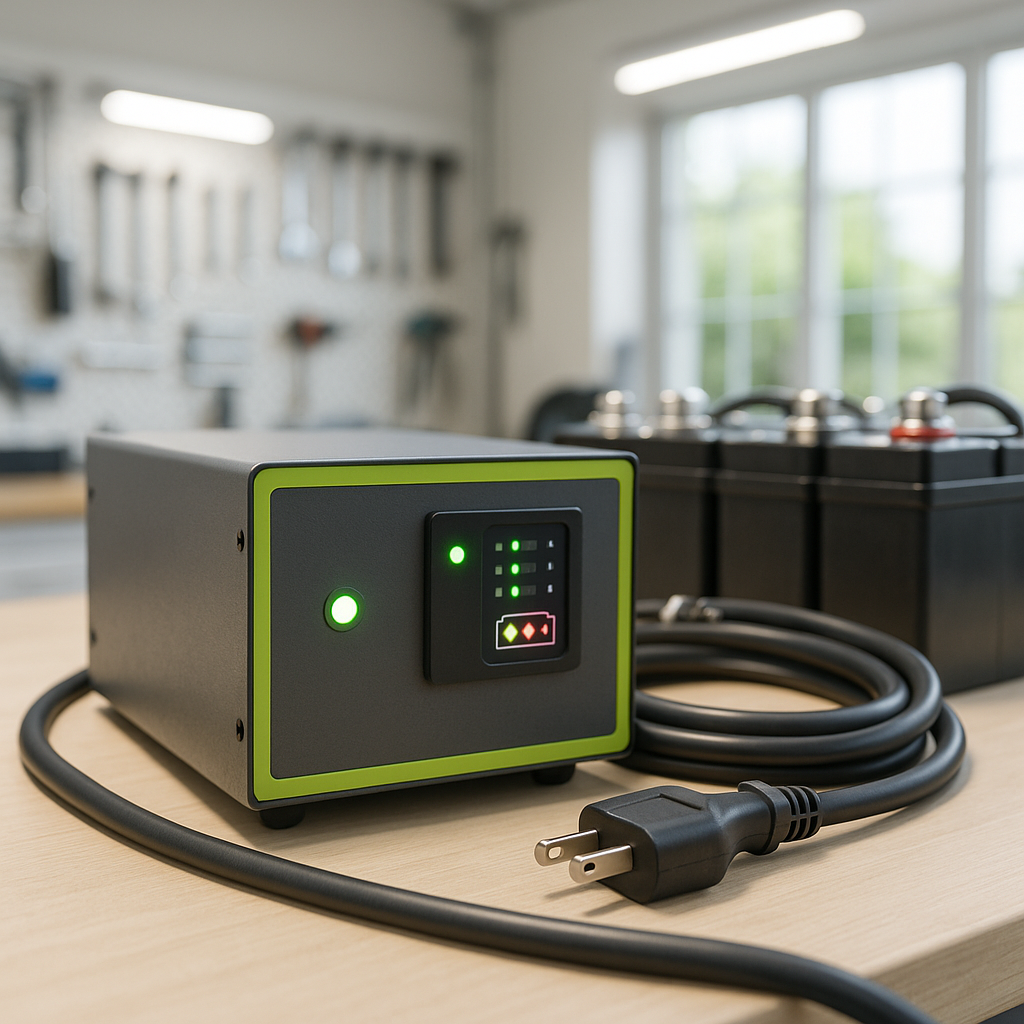
A charger that quits before the job is done is one of the more frustrating problems in golf cart ownership — partly because the symptom looks simple but the causes are spread across three different systems: the batteries themselves, the charger, and the wiring between them. Before you replace anything, work through these checks in order. Most of the time, the fix is cheaper and simpler than it first appears.
Understand What "Stopping Early" Actually Means
Modern automatic chargers are designed to sense battery voltage and shut off when they detect a full charge. When a charger cuts out too soon, it usually means one of two things: either the batteries reached a false high voltage and fooled the charger into thinking it was done, or the charger detected a fault condition — low voltage, excessive heat, a bad connection — and shut itself down as a safety measure. These two scenarios point in very different directions, so it's worth noting whether the charger indicator shows a completed charge or whether it just went dark without any signal at all.
Start With the Batteries
A weak or failing cell inside one battery can cause the entire pack voltage to behave erratically. When a bad cell briefly spikes voltage during charging, some chargers read that spike and terminate the charge cycle as though the pack is full — even though most of the batteries are still low. To check this, use a voltmeter to measure each individual battery immediately after the charger shuts off. Healthy batteries in a pack should read very close to each other. If one or more batteries read noticeably lower than the rest, those are the likely culprits pulling the whole pack down and triggering a premature shutoff. Also check water levels in flooded lead-acid batteries — low electrolyte can cause voltage irregularities that confuse a charger's termination logic.
Check the Battery Connections and Cables
High resistance anywhere in the charging circuit causes voltage to drop across the connection rather than into the battery. The charger sees that drop as a completed charge and shuts off early. Inspect every battery terminal and cable end for corrosion, looseness, or heat damage. A connection that looks clean on the outside can still have oxidation underneath the lug where it contacts the terminal post. Disconnect, clean, and retighten any suspect connections, then retry the charge. Pay equal attention to the cable that runs from the last battery in the series back to the charger receptacle — a deteriorating cable on that leg is a common and overlooked cause of incomplete charging.
Inspect the Charge Port and Plug
The receptacle on the cart and the plug on the charger cord take abuse over years of use. Bent pins, cracked housings, or worn contacts create intermittent resistance that disrupts the charge signal. Plug the charger in and gently wiggle the connection while watching the charger indicator — if the light flickers or the charger resets, the receptacle or plug is the problem. Some carts also have a charge port fuse or diode in-line between the receptacle and the battery pack; a failing diode can allow current to flow in one direction while blocking the feedback signal the charger needs to complete its cycle.
Consider the Charger Itself
Chargers have internal thermal protection that shuts them down if they overheat. If your charger is stored in a hot area, sits in direct sun while charging, or has blocked ventilation, it may simply be cutting out to protect itself rather than because of any battery issue. Let the charger cool completely, move it to a shaded and ventilated spot, and try again. If it still stops early under normal conditions, the charger's internal voltage sensing or timing circuit may be drifting out of calibration — a common wear issue in older units. A charger that consistently stops at the same state of charge, regardless of battery condition, is usually the charger failing rather than the batteries.
When It's the Battery Pack Age
As a battery pack ages, its overall capacity shrinks. The charger may technically be completing its cycle correctly — it's just that the pack can no longer accept or hold a full charge the way it once did. If your batteries are several years old, your charger appears to work normally on a fresh pack, and you're seeing reduced runtime alongside the early shutoff, the batteries are almost certainly the root cause. At that point, troubleshooting the charger or cables further won't resolve anything — the pack needs to be replaced.
A Methodical Approach Saves Money
Work through the checks in this order — batteries, connections, charge port, then charger — before spending money on parts. In the majority of cases, the problem is corroded connections or one weak battery in an otherwise decent pack, both of which are inexpensive to address. Only replace the charger after you've confirmed the battery pack is genuinely healthy and the wiring is clean. Swapping a charger into a cart with bad cables or a failing battery will just damage the new charger and leave the real problem unsolved.


