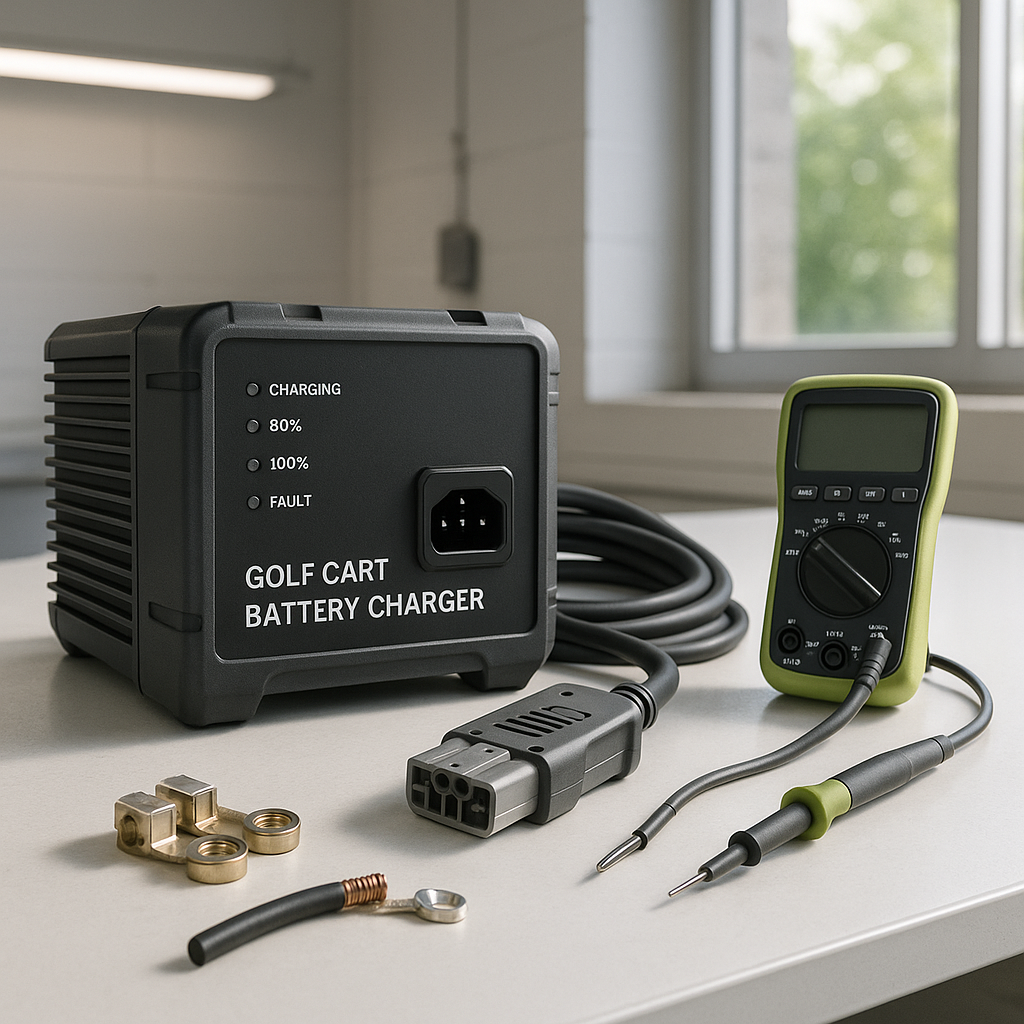
A charger that won't turn on at all — no fan, no hum, no lights — is a different problem than one that starts but fails to charge. When you get zero response from the unit, the fault could be anywhere from the wall outlet to the charger itself to the batteries. Working through it in a logical order saves you from replacing parts you don't need to replace.
Start With the Power Source, Not the Charger
This sounds obvious, but a dead outlet or a tripped GFCI breaker is the most common reason a charger appears dead. Plug something else into the same outlet to confirm it has power. If your outlet is GFCI-protected — common in garages — check for a tripped reset button on the outlet itself or at the panel. Some chargers draw enough startup current to trip a sensitive GFCI, especially on an older circuit. If the outlet tests fine, try a different outlet entirely before assuming the charger is bad.
Check the Charger's DC Output Plug and Cart-Side Receptacle
On carts that use a dedicated charge receptacle (rather than direct cable connection), the receptacle on the cart takes a lot of abuse over time. Corrosion, bent pins, or a cracked housing can prevent the charger from making a clean connection — and many modern chargers won't initiate a charge cycle without detecting a proper handshake from the battery pack. Inspect the receptacle visually and wiggle the plug gently while watching for any response from the charger. A loose or intermittent connection here often looks exactly like a dead charger.
Battery Pack Voltage May Be Too Low for the Charger to Recognize
Many automatic chargers — especially newer solid-state units — include a minimum voltage detection circuit. If the battery pack has dropped below a certain threshold (from sitting discharged for a long time, or from a failed cell), the charger simply won't start because it can't confirm it's connected to the right pack. This is a safety feature, not a defect. You can check your pack voltage with a multimeter across the main positive and negative terminals. If the pack reads significantly below its nominal voltage, the charger may need help getting started — some units have a manual override or recovery mode, or you may need to bring individual batteries up with a separate 12V charger before the main charger will engage.
Look for a Blown Fuse or Thermal Cutout on the Charger
Many chargers include an internal or external fuse, and some have a thermal cutout that trips if the unit overheated during a previous charge cycle. Check the charger body for a fuse holder — often near the AC cord entry point — and inspect it. A blown fuse is a repair, but it's also a clue: something caused it to blow, whether that was a wiring fault, a shorted battery, or a failing charger component. If the fuse keeps blowing, the fuse isn't the real problem. Thermal cutouts usually reset on their own once the unit cools, so if the charger was hot before it stopped working, give it time before assuming it's failed.
Inspect the AC Cord and DC Wiring for Damage
Physical damage to either the AC power cord or the DC output cable is easy to overlook. Rodent chewing, a pinched cord under a heavy object, or cracked insulation near a connector can interrupt power without being immediately obvious. Run your hands along the full length of both cables and look carefully at stress points near plugs and connectors. Any visible damage to insulation around power wiring is a stop-everything issue — don't use the charger until it's repaired or replaced.
When the Charger Itself Is the Problem
If you've ruled out the outlet, the receptacle, the battery pack voltage, and the wiring, the fault is most likely internal to the charger — a failed transformer, a bad rectifier, or failed control board components. At that point, unless you're experienced with electronics repair and have access to a schematic, replacement is usually the right call. Charger internals carry dangerous voltages even when unplugged and can store charge in capacitors. Internal repair is a job for someone who knows what they're doing. A charger that's completely dead is often more cost-effective to replace than to rebuild, especially on older units.
One More Check: Cart-Side Wiring and Main Fuse
If your cart model uses a main fuse or circuit breaker in the charge circuit (separate from the charger itself), a blown fuse there can make the charger appear dead even when the charger is fine. Check your cart's wiring diagram or owner's manual for any fuse or breaker in the charging circuit and test it. This is especially worth checking if any other electrical work was done on the cart recently, or if the cart took any kind of electrical fault that might have blown protection devices.


