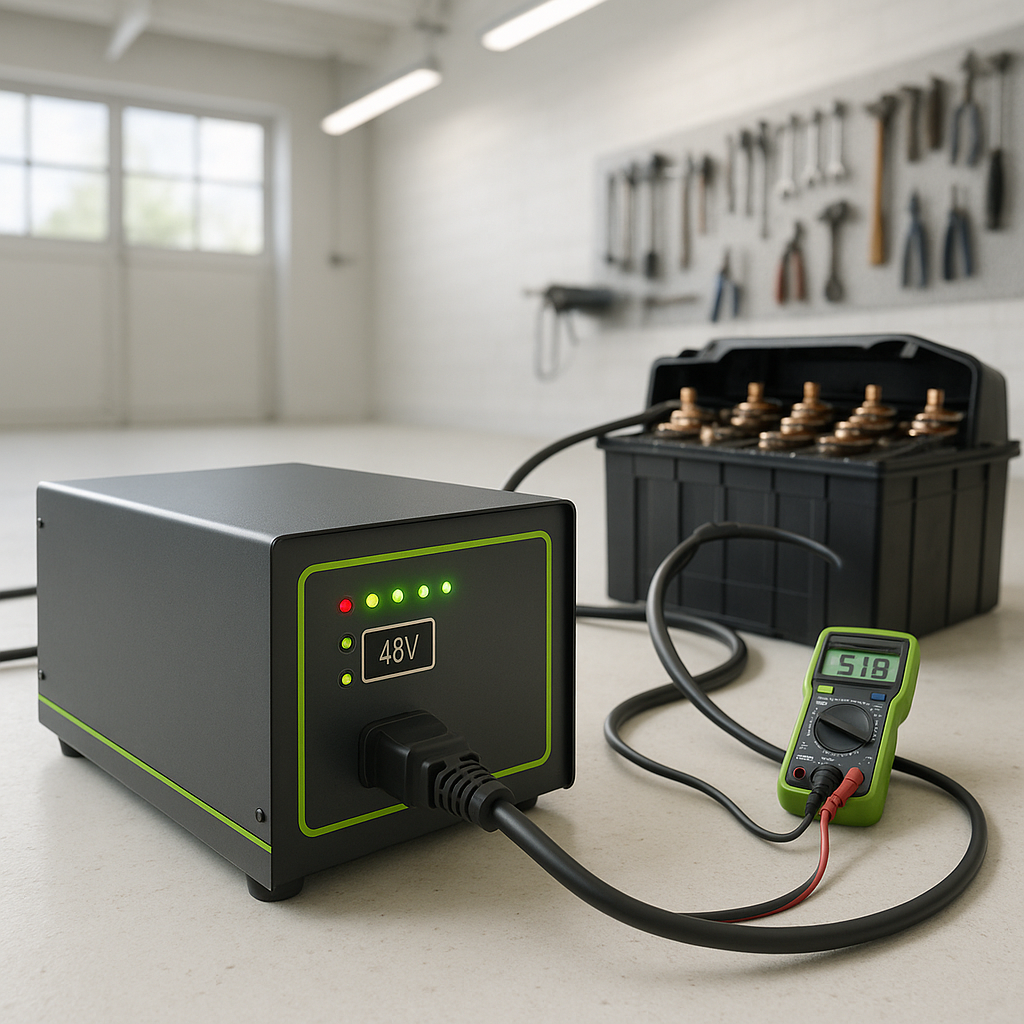
You plug your golf cart in for the night, and in the morning the batteries are exactly as dead as when you parked it. No hum, no lights, no clicks — the charger just sat there doing nothing. This is one of the most common battery-related complaints, and the good news is that most causes are predictable and diagnosable without any special equipment. Work through these checks in order before assuming your charger is dead and needs replacing.
Start With the Obvious: Power Supply
Before you blame the charger itself, confirm it's actually getting power. Plug something else — a lamp, a phone charger — into the same outlet. If that doesn't work either, you've got a tripped breaker or a dead GFCI outlet, not a charger problem. GFCI outlets are common in garages and can trip silently. Find the GFCI outlet on the circuit (it may not be the one you're plugging into) and press the reset button. Also check your main panel for any tripped breakers. This sounds basic, but it's the cause of the problem more often than people expect.
Check the Charger Plug and Cord
With the charger unplugged from the wall, inspect the AC cord and plug carefully. Look for burnt marks, melted insulation, or prongs that are bent or corroded. On the cart side, inspect the DC output plug that connects to your cart's charge receptacle. These plugs take a lot of abuse — they get stepped on, driven over, and yanked at bad angles. A damaged or partially disconnected DC plug will prevent the charger from sensing the batteries and initiating a charge cycle. If your charger has a removable DC cord, wiggle it at both ends while looking for any intermittent connection.
Inspect the Cart's Charge Receptacle
The charge port on the cart itself is a frequent failure point that often gets overlooked. Corrosion, dirt, or bent pins inside the receptacle can prevent a good connection between the charger plug and the cart. Use a flashlight and look inside the receptacle for green or white corrosion, debris, or any pins that look pushed back or out of alignment. A receptacle that looks fine from the outside can still have internal contact issues. On many carts, the receptacle is also wired through a fuse — check whether your cart has an inline fuse on the charge circuit and whether it's blown.
Check the Battery Voltage
Most automatic golf cart chargers will not start a charge cycle if the battery pack voltage has dropped below a certain threshold. This is a safety feature designed to prevent charging a severely sulfated or damaged pack, but it also means a deeply discharged battery pack can fool the charger into doing nothing. Use a voltmeter to check the total pack voltage across your battery bank. If the voltage is extremely low — well below what a discharged pack should read — the charger may be refusing to engage. Some chargers have a manual override or "recovery" mode for this situation; check your charger's documentation. In some cases, a pack can be recovered with a careful manual charge, but severely over-discharged batteries may be damaged beyond recovery.
Listen and Look at the Charger When It's Plugged In
With everything connected, plug the charger in and pay close attention for the first 30 seconds. A working charger typically makes some noise — a fan spinning up, a relay clicking, a transformer hum. If you hear absolutely nothing, the issue is likely in the charger's internal components or in the power supply. If you hear a brief click and then silence, the charger may be attempting to initiate and then shutting off because it can't sense the battery pack properly — pointing back to a connection or receptacle issue. If your charger has indicator lights or a display, any error codes shown there are your fastest path to a diagnosis.
Rule Out a Blown Internal Fuse
Many chargers have one or more internal fuses that can blow due to a power surge or a fault in the cart's electrical system. On some charger models these are accessible without opening the case — look for a fuse holder on the exterior of the unit. On others, accessing the fuse requires opening the charger housing. If you're comfortable doing so safely with the charger unplugged, inspect the internal fuse. A visually intact fuse isn't always a good one — test it with a multimeter set to continuity if you have one. Replace any blown fuse with one of the exact same rating; installing a higher-rated fuse to "fix" it is a fire hazard.
When to Call It and Replace the Charger
If you've confirmed good power at the outlet, a solid connection at both plugs, a healthy charge receptacle on the cart, battery voltage within a reasonable range, and no blown fuses — and the charger still won't start — the problem is almost certainly internal to the charger. Older chargers, especially transformer-based units, have components that simply wear out over time. Modern high-frequency chargers can also develop control board failures. At this point, continuing to troubleshoot without electronics experience and proper test equipment yields diminishing returns. A replacement charger matched to your cart's voltage and plug type is often the most practical and safest solution.


