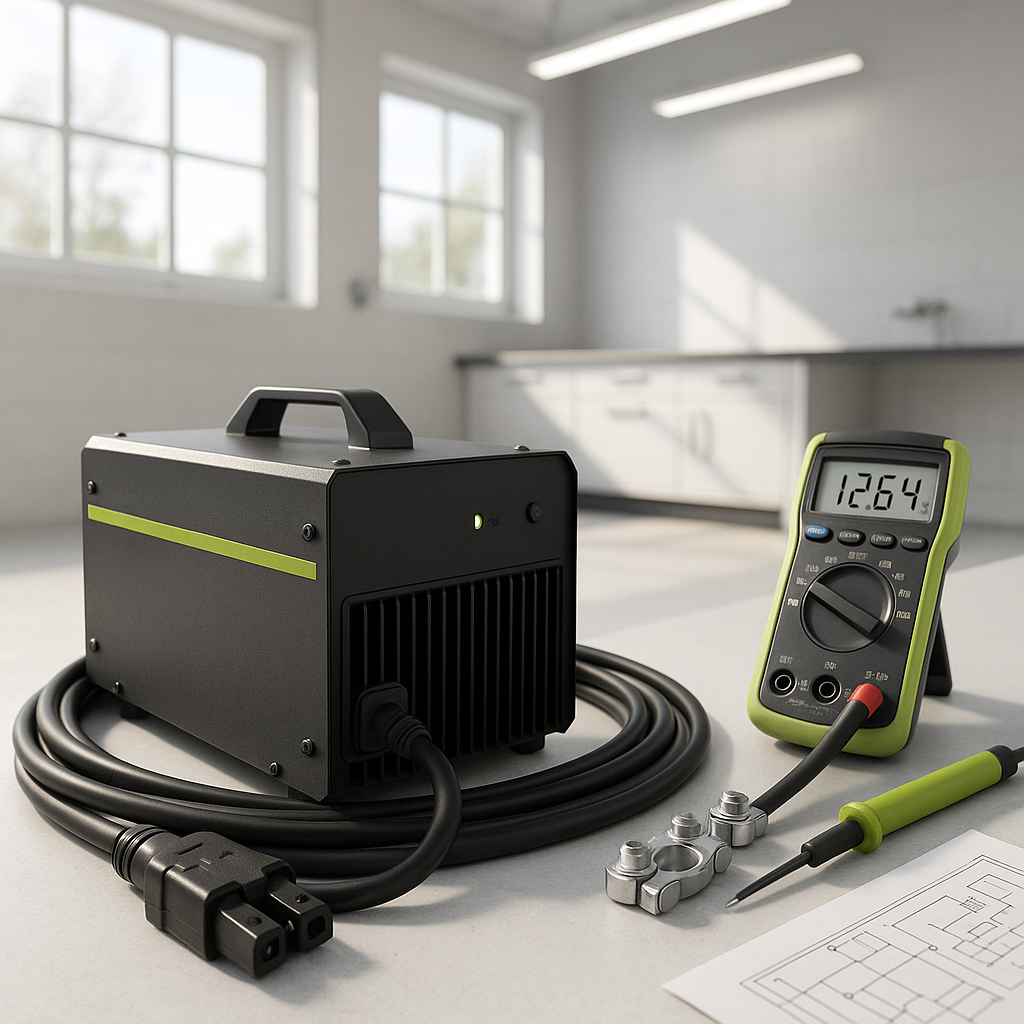
A charger that refuses to start, or one that kicks on briefly and then shuts off, is one of the more frustrating problems in golf cart ownership. The good news: most charger failures trace back to a handful of well-known causes, and you can narrow down the culprit yourself before spending money on a replacement. Here's how to work through it systematically.
Start With the Obvious: Power Source and Connections
Before suspecting the charger itself, confirm it's actually getting clean power. Plug the charger into a different outlet — ideally one you've tested with another device. Extension cords are a common hidden culprit; a long or undersized cord can drop voltage enough to prevent the charger from operating correctly. If you use one, try plugging directly into the wall and see if behavior changes. Also inspect the charger's AC plug for signs of heat damage, bent prongs, or corrosion at the socket.
Check the DC Side: Charger Plug and Battery Receptacle
The connection between the charger and the battery pack is just as important as the AC side. Inspect the DC charging plug for burnt contacts, corrosion, or loose pins — these are extremely common on older carts and cause intermittent or failed charging sessions. The receptacle on the cart itself can accumulate dirt, oxidation, and moisture over time. Clean both the plug and receptacle with a dry cloth and look for any sign of arcing or melting. A loose or high-resistance connection at this point generates heat rather than transferring current, which often triggers the charger's thermal protection to shut it down.
Low Battery Voltage: When the Pack Is Too Dead to Trigger the Charger
Many modern chargers — especially automatic ones — won't begin a charge cycle if they detect the battery pack voltage is below a certain threshold. This is a safety feature, not a flaw. If your pack has been sitting discharged for an extended period, individual batteries may have dropped low enough that the charger sees the pack as an open circuit or a fault condition. You can test total pack voltage with a voltmeter. If the voltage is significantly below the nominal pack rating, the batteries themselves may need evaluation before the charger will cooperate. In some cases, a shop can manually bring individual cells up enough to allow a normal charge to resume — but severely sulfated batteries may not recover.
Overheating and Thermal Shutdown
Automatic chargers include thermal protection that shuts the unit down if it gets too hot. This is normal and can be triggered by a poorly ventilated charging area, a charger placed directly on carpet or in an enclosed space, or simply a very long charge cycle on a hot day. If your charger starts, runs for 20–40 minutes, then shuts off and feels hot to the touch, move it somewhere with better airflow and let it cool fully before restarting. If it continues to overheat consistently, the internal fan (if present) may have failed, or there's an underlying issue in the pack causing the charger to work harder than it should.
Inspect the Charger's Indicator Lights and Error Codes
Most chargers produced in the last decade use LED indicators or fault codes to communicate what's wrong. Check your charger's manual or manufacturer documentation for what the light patterns mean — a blinking red light on one unit might mean something completely different on another brand. Common codes indicate high resistance in the pack, a reversed polarity connection, battery temperature faults, or an internal charger fault. Don't overlook this step; the charger is often telling you exactly what's wrong if you know what to look for.
Battery Pack Health: The Root Cause in Many Cases
Chargers are frequently blamed for problems that actually originate in the battery pack. A single weak or failed battery in a series string can cause the entire pack to behave erratically during charging — voltage may rise quickly to a level that tells the charger the pack is full, even though most batteries are barely charged. Load-testing each battery individually, or having a shop do a full pack evaluation, will tell you whether the charger or the batteries are the real problem. If one battery is significantly lower in voltage than the rest after a full charge, it's pulling the whole pack down.
When to Suspect the Charger Itself
If the batteries test healthy, connections are clean, power supply is solid, and the charger still won't function, the charger unit itself may have failed. Internal component failures — particularly in the transformer, rectifier, or control board — are not user-serviceable in most cases. Before replacing the unit, verify whether the charger is still under warranty and check whether the manufacturer offers a repair program. A qualified golf cart technician can also test the charger's output with the appropriate equipment to confirm it's truly dead rather than reacting to an external condition you haven't yet identified.


