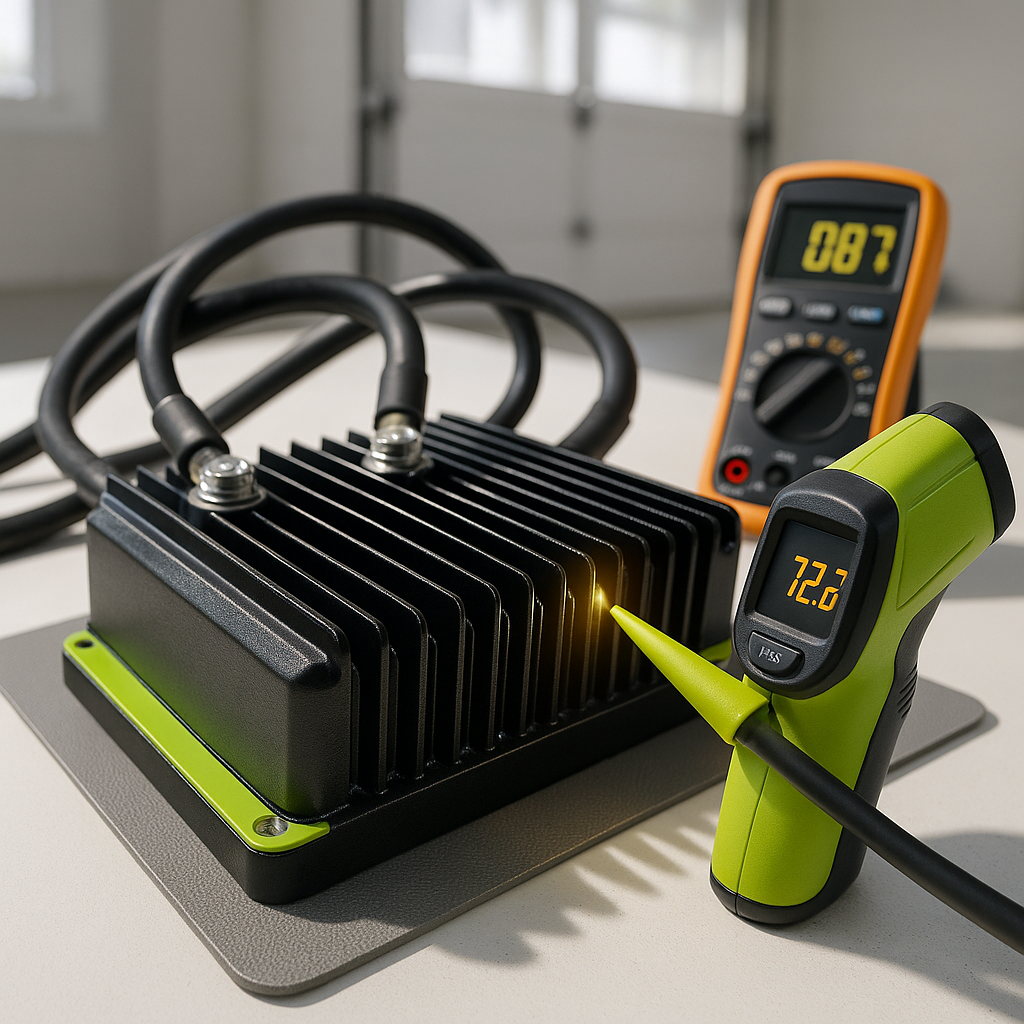
Some heat from a golf cart's motor controller is completely normal. Controllers work by rapidly switching high current on and off, and that process generates warmth. But there's a big difference between a controller that's warm to the touch and one that's too hot to hold your hand against, that smells like burning electronics, or that cuts power suddenly during a ride and then recovers after sitting for a few minutes. That last pattern — losing power, cooling down, working again — is almost always a controller going into thermal shutdown to protect itself. That's your clearest signal that something is wrong and needs attention before the controller fails for good.
Start With the Basics: Airflow and Mounting
Controllers are designed to shed heat through their aluminum housings, and many use the frame or a dedicated heat sink as part of that process. If the controller has shifted position, if debris has packed around it, or if it's been mounted in an enclosed space without adequate airflow, it will run hotter than it's supposed to. Check that the controller is securely mounted flush against its heat sink or mounting surface — a loose or partially detached controller loses most of its ability to shed heat. Clean any mud, grass clippings, or corrosion off the housing and the mounting surface. This sounds basic, but it's frequently overlooked and it genuinely matters.
Check Your Battery Pack Voltage and Condition
A weak or unbalanced battery pack is one of the most common causes of controller overheating that gets misdiagnosed as a controller problem. When one or more batteries in the pack are failing, the controller has to work harder to pull the current the motor demands, and that extra effort translates directly into heat. Check each individual battery with a load tester or a quality voltmeter — don't just check total pack voltage, because a single weak battery can drag the whole system while the overall voltage reading looks acceptable. If you have a battery that's lagging significantly behind the others under load, address that before assuming the controller itself is the problem.
Inspect the Motor for Resistance and Drag
The controller responds to what the motor demands. If the motor has a developing fault — worn brushes creating extra resistance, a partially shorted winding, or a bearing that's starting to fail and creating mechanical drag — the controller will push harder to compensate and generate more heat in the process. With the cart safely lifted and supported so the wheels can spin freely, check whether the motor turns smoothly by hand. Unusual resistance, grinding, or roughness in the motor is a sign the motor itself may be contributing to the problem. Also check that the motor's own connections are clean and tight, since a high-resistance connection forces the controller to push more current than it should.
Look at the Wiring and Connections at the Controller
Loose, corroded, or undersized wiring to and from the controller creates resistance, and resistance in high-current circuits generates heat — both in the wires themselves and in the controller as it works against the restriction. Pull each cable connection at the controller and inspect the terminals. Corrosion, green or white buildup, or terminals that feel loose when wiggled are all problems. Any connection that has been getting hot will often show discoloration or a slightly melted appearance on the terminal or wire insulation nearby. Clean corroded terminals thoroughly, retighten any loose connections, and if you find wiring that has clearly been heat-damaged, replace it — don't just clean it and move on.
Consider How You're Using the Cart
Controllers have duty cycles — they're rated for normal golf cart use, not sustained full-throttle operation on steep hills with heavy loads for extended periods. If you're running a heavily loaded cart up long grades repeatedly, or if you've recently added accessories that draw power (like a powerful sound system running while driving), you may simply be asking the controller to do more than it was sized for. This is especially common after an upgrade like larger tires, which increase the load the motor and controller have to manage. If your usage has changed significantly, the controller that was adequate before may not be adequate now, and running a properly-sized replacement controller becomes the right fix rather than a repair.
When the Controller Itself Has Failed Internally
If you've worked through the checks above — confirmed the battery pack is healthy, the motor is in good condition, all connections are clean and tight, and the mounting and airflow are correct — and the controller still overheats, the controller itself likely has an internal fault. Transistors and MOSFETs inside the controller can degrade over time, causing them to run inefficiently and waste energy as heat even under normal load. At that point, the diagnostic work you've done is valuable because it tells you the replacement controller won't be immediately stressed by the same underlying problem that damaged the original. Replace like-for-like in terms of voltage and current rating for your cart's motor, and you should be back to normal operating temperatures.


