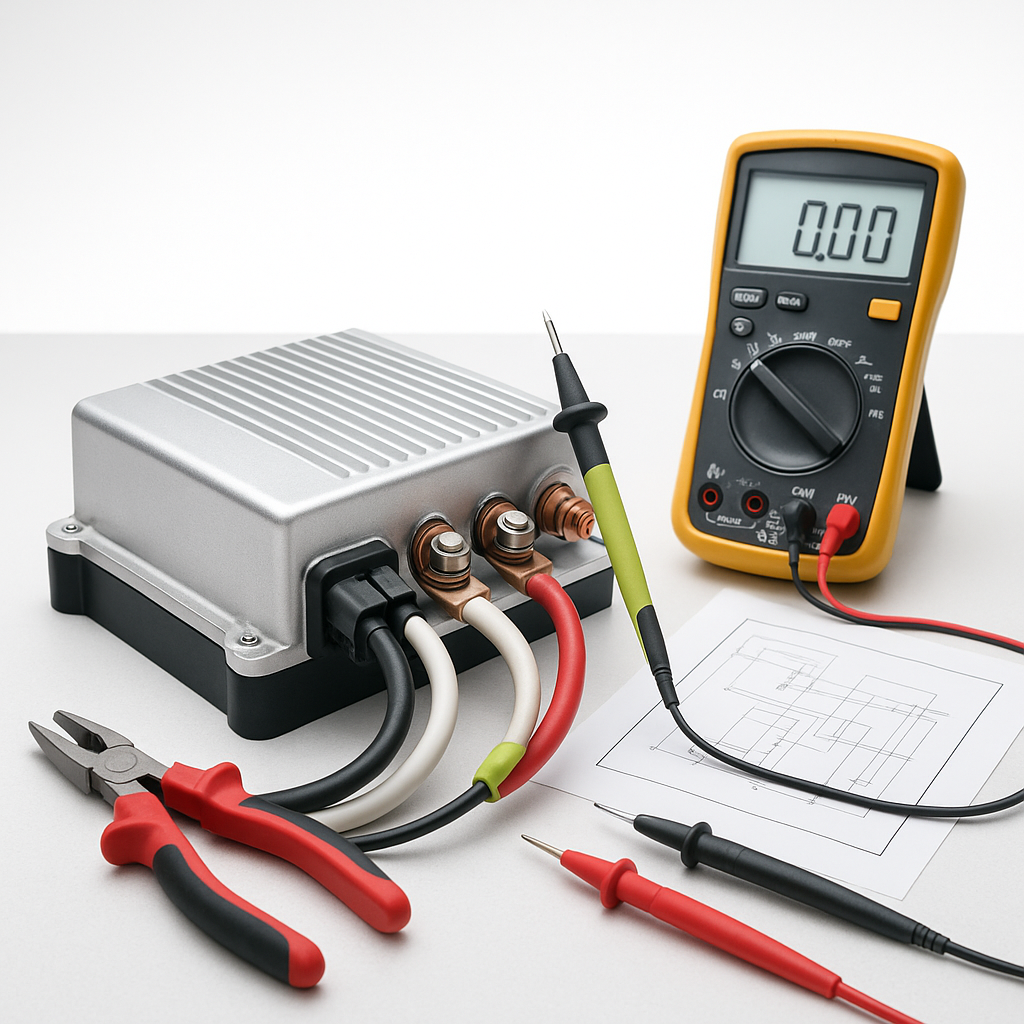
The motor controller is the brain of your electric golf cart's drivetrain — it translates throttle input into precisely regulated power to the motor. When it starts failing, the symptoms can look like almost anything: a cart that won't move at all, one that lurches unpredictably, or one that just feels like it lost half its power overnight. Before you condemn the controller and order a replacement, it's worth working through a logical diagnosis. Controllers are not cheap, and the real culprit is often something simpler.
Start With the Obvious: Batteries and Connections
A weak or unbalanced battery pack mimics controller failure almost perfectly. Before touching the controller, fully charge your pack and load-test each individual battery. One bad cell in the string will starve the controller of the voltage it needs to operate correctly. While you're at it, inspect every high-current cable connection in the system — from the batteries through the solenoid to the controller and motor. Corroded or loose terminals cause voltage drop that the controller reads as a fault condition. Clean connection points and properly torqued terminals are non-negotiable first steps.
Check the Solenoid Before the Controller
The solenoid sits between the battery pack and the controller and is a far more common failure point. If you hear a click when you press the accelerator but the cart doesn't move, the solenoid may be clicking without actually closing the circuit. You can test this with a multimeter: check for voltage on the output side of the solenoid when it should be energized. No voltage on the output side despite a click almost always means a worn solenoid, not a dead controller. Replace the solenoid first — it's a fraction of the cost.
Read the Fault Codes If Your Cart Supports It
Many controllers manufactured in the last two decades communicate diagnostic fault codes, either through a series of LED blinks on the controller itself or through a handheld programmer/diagnostic tool that connects to the cart. If your cart has this capability, use it. Fault codes can tell you whether the controller is seeing an over-temperature condition, a throttle input fault, a motor short, or an undervoltage situation — information that completely changes your repair approach. Check your cart's service manual for the fault code legend specific to your system.
Inspect the Throttle Sensor or Potentiometer
Electric golf carts use either a pot box (potentiometer) or a throttle position sensor to tell the controller how much power to deliver. A worn or damaged throttle sensor is one of the most common causes of jerky acceleration, sudden speed surges, or a cart that takes off before you expect it to. With a multimeter set to resistance or voltage, you can check whether the sensor produces a smooth, consistent signal across its full range of travel. Any dead spots, sudden jumps in reading, or values that fall outside the expected range point to the sensor rather than the controller itself.
Test the Controller Directly
If you've ruled out batteries, connections, the solenoid, and the throttle sensor, it's time to test the controller more directly. With the cart safely blocked and the key off, visually inspect the controller for obvious damage: burn marks, swelling, melted plastic, or corrosion around the pins. A controller that has experienced a serious overcurrent event will often show physical evidence. Next, with a multimeter, verify that the controller is receiving full pack voltage on its main input and that key switch voltage is reaching the appropriate control terminal when the cart is switched on. A controller that receives correct inputs but produces no output to the motor is a strong sign of internal failure.
Consider the Motor Too
A shorted or failing motor will take out a healthy controller — sometimes quickly and sometimes slowly, in a way that looks like the controller is the primary fault. If you've already replaced a controller and the new one is also failing, the motor is the prime suspect. Check motor brushes for wear if it's a series-wound DC motor, and test motor winding resistance with a multimeter. A winding that reads near zero ohms is shorted and will pull far more current than any controller is rated to handle continuously. Always verify the motor's health before installing a new controller.
Know When to Replace
Controllers can sometimes be repaired by specialists, but given the cost of labor versus the cost of a replacement unit, most owners opt to replace. When you do replace, match the replacement to your cart's voltage and amperage requirements — using a controller rated for too few amps in a high-demand application will result in premature failure. Make sure any new controller is compatible with your cart's throttle input type and motor configuration. If you're uncertain, consulting the cart's wiring diagram alongside the controller's installation documentation will save you significant headaches.


