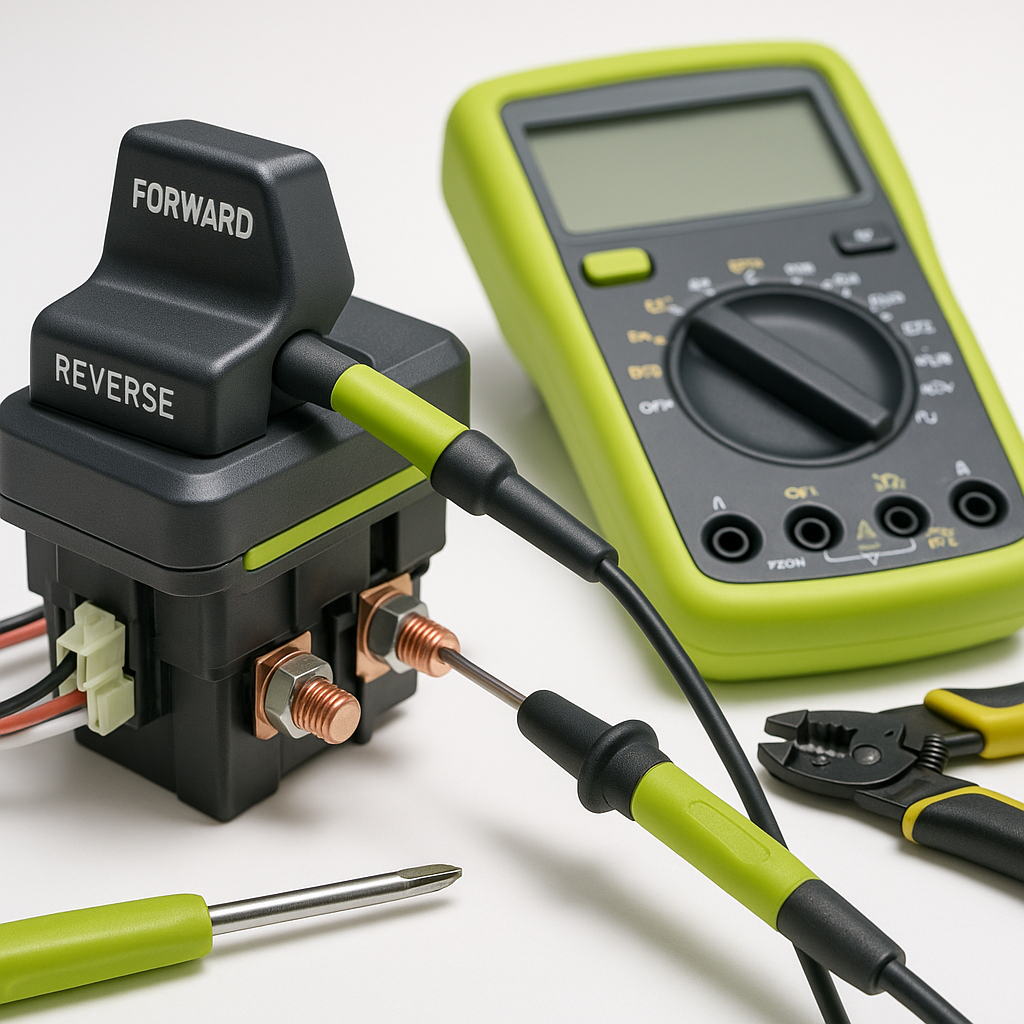
The forward/reverse (F&R) switch is one of the most mechanically abused components on any golf cart. Every time you change direction, it takes a mechanical click and an electrical load. Over time, the contacts inside burn, the mechanism wears, and the switch starts to fail — sometimes gradually, sometimes all at once. Before you assume a dead motor or a fried controller, a quick, systematic check of the F&R switch can save you a lot of time and money.
What the F&R Switch Actually Does
On most electric golf carts, the forward/reverse switch reverses the polarity of current flowing to the motor, which changes its direction of rotation. On gas carts, the switch typically controls a solenoid or mechanical linkage that shifts a gear. Either way, it's a high-traffic component with physical contacts that degrade. When those contacts get pitted, corroded, or worn flat, the connection becomes inconsistent — and that inconsistency shows up as jerky starts, direction changes that don't respond immediately, or complete loss of movement in one direction.
Common Symptoms of a Failing F&R Switch
The symptoms vary depending on how far along the failure is. Early-stage failure often looks like a slight hesitation when you flip from forward to reverse or vice versa — the cart pauses a beat longer than it should before moving. You might also notice a subtle lurch or jerk at the moment of direction change. As the switch degrades further, you may lose one direction entirely while the other still works fine, or get intermittent movement that comes and goes based on how you position the handle. In some cases, the cart behaves normally in one direction but clicks and won't move at all in the other. A burning smell near the switch or visible scorching on the connector are clear signs the contacts have been arcing.
Basic Visual and Physical Checks First
Start with the obvious before touching a multimeter. Locate the F&R switch — on most carts it's mounted near the floorboard or under the dash, with the handle sticking out for the driver to reach. Look at the wiring harness that connects to it. Burned insulation, melted plastic near the terminals, or corroded spade connectors are immediate red flags. Wiggle the wiring lightly while someone holds the key on and the pedal depressed — if the cart briefly responds and then cuts out, you likely have a loose or corroded connector rather than a dead switch body. Clean corroded terminals with electrical contact cleaner and re-seat the connectors before assuming the switch itself needs replacement.
How to Test the Switch with a Multimeter
Set your multimeter to continuity or resistance mode. With the cart powered off and key removed, disconnect the wiring harness from the switch. Flip the switch to forward and probe the terminals that should be bridged in that position — you should see near-zero resistance or a continuity beep. Flip it to reverse and check the corresponding terminals. A good switch shows a clean, consistent connection in each position. If you get no continuity in one direction, high or erratic resistance, or the reading fluctuates when you wiggle the handle, the switch internals are failing. Some switches also have a neutral position; confirm it shows an open circuit (no continuity) when the handle is centered, which is the correct behavior.
Check the Switch Mounting and Mechanism
A switch that tests fine electrically but still causes problems may be failing mechanically. The handle should click firmly and positively into each position with no slop or mushiness. If it feels loose, doesn't fully seat, or returns to an ambiguous middle position on its own, the detent mechanism inside is worn. That means the switch may not be making full contact even when it appears to be in the right position. Also inspect the mounting bracket — a switch that's loose or misaligned can appear fine on a bench test but fail to fully engage under the vibration and movement of normal driving.
When It's Something Else Entirely
Not every directional problem traces back to the F&R switch. If both directions are dead but the solenoid clicks when you press the pedal, the issue is more likely downstream — at the motor, controller, or a wiring break between the switch and controller. If the cart moves sluggishly in both directions rather than being completely dead in one, look at your batteries and connections first. On gas carts, a directional problem that persists even with a known-good switch may point to a mechanical issue with the transaxle or differential. The F&R switch is a great first stop, but it's part of a larger system — use the symptom pattern to keep narrowing it down.
Replacing vs. Repairing
F&R switches are generally not repairable at home. Once the internal contacts are burned or the detent mechanism is worn, replacement is the practical fix. When sourcing a replacement, confirm it matches your cart's make, model, and year — the terminal layout, handle orientation, and mounting footprint vary considerably between manufacturers and model generations. A switch from the wrong application may physically fit but wire incorrectly, causing serious problems. When in doubt, take the old switch with you or photograph the terminal labels before disconnecting anything.


