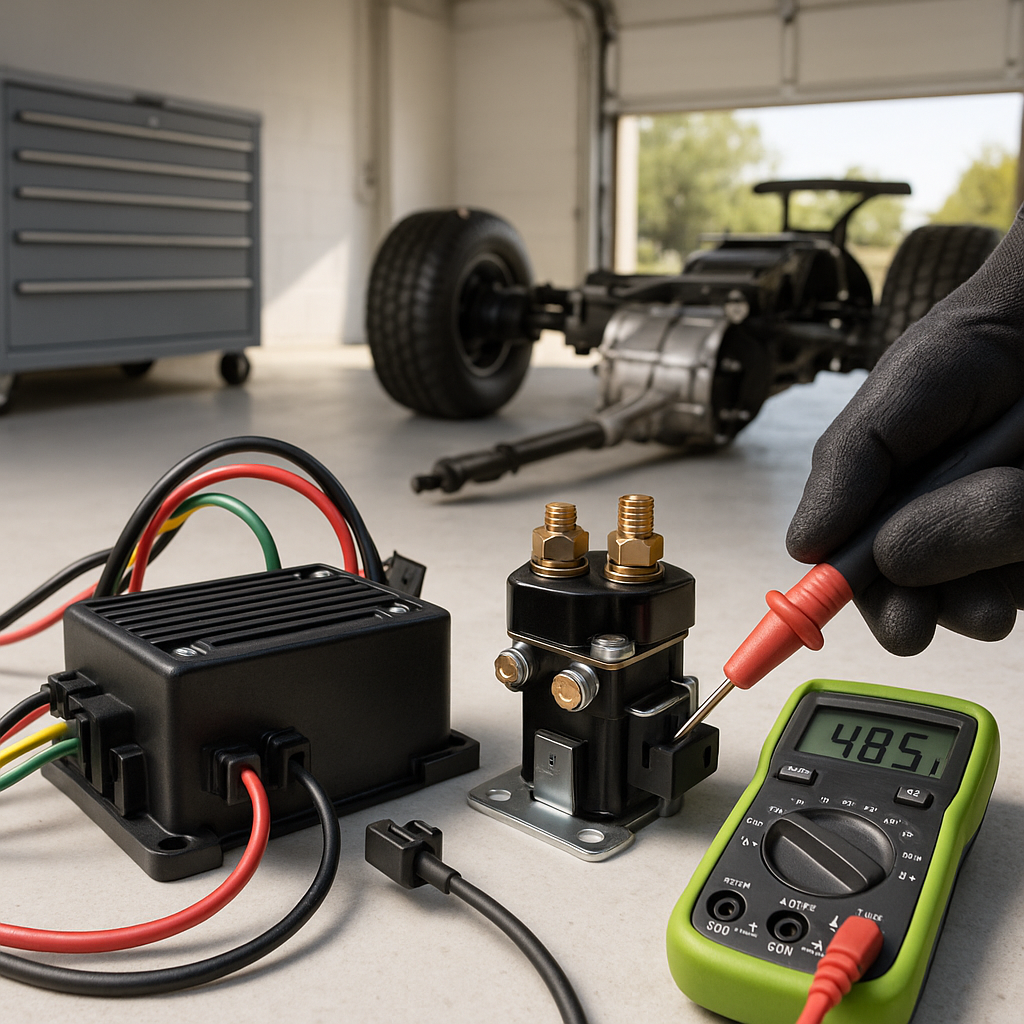
When your golf cart refuses to move in one direction — or won't move at all — the forward/reverse switch is usually the first thing that gets blamed. Sometimes that's right. But a dead F&R switch is just one node in a chain of components that all have to work together, and replacing it without a proper diagnosis means you might swap a perfectly good part and still be stuck in the driveway. Here's how to work through the problem systematically.
Start With the Obvious Checks
Before touching any wiring, run through the basics. Make sure the battery pack is fully charged — a low state of charge can cause weak or no movement that mimics a drivetrain fault. Check that your key switch is fully turning over and that any run/tow switch (if your cart has one) is set to Run. A cart left in Tow mode after maintenance is a surprisingly common reason it won't respond to the F&R switch. Also confirm the pedal microswitch or accelerator switch is engaging — if the motor controller never gets a signal that the pedal is pressed, it won't send power regardless of what position the F&R switch is in.
Understand What the Forward/Reverse Switch Actually Does
On most golf carts, the F&R switch reverses the polarity of current going to the motor's field windings, which changes the direction of rotation. On newer electronic controllers, it sends a directional signal to the controller rather than switching high-current motor leads directly. Either way, a worn, corroded, or mechanically failed switch can send no signal, the wrong signal, or an intermittent signal — each of which shows up differently. A cart that moves in one direction fine but not the other points strongly at the switch itself. A cart that won't move in either direction is more likely a controller, solenoid, or battery issue.
How to Check the Forward/Reverse Switch
With the cart powered off and key removed, visually inspect the switch for cracked housing, burnt terminals, or corrosion on the connector pins. On older style mechanical switches, you can use a multimeter set to continuity mode to check whether the switch is completing the correct circuits in each position — your cart's wiring diagram (usually in the service manual, often available free from the manufacturer's website) will show you exactly which terminals should be connected in Forward versus Reverse. If you're getting no continuity in a position that should show it, or continuity where there should be none, the switch has failed internally. On carts with electronic throttle controllers, the switch often has low-voltage signal wires rather than heavy motor cables, so no continuity on those circuits still means no directional command reaches the controller.
Check the Wiring and Connectors
Switches fail, but so do their connections. Tug gently on each wire at the switch connector — a wire that pulls free has a broken crimp or terminal. Look for wires with cracked insulation, green corrosion at spade connectors, or heat discoloration near terminals that suggests a past overcurrent event. On gas carts, the F&R switch is often mounted near the floor in a location that collects moisture and debris, so terminal corrosion is common. Cleaning corroded contacts with electrical contact cleaner and a small wire brush can sometimes restore a switch that seemed dead.
Don't Overlook the Solenoid and Controller
If the switch checks out electrically, shift your attention to the solenoid (on electric carts) and the motor controller. When you flip the F&R switch and press the pedal, you should hear a click from the solenoid — that click confirms it's energizing. No click usually means the solenoid isn't getting a signal, which could still point back to the switch, but could also mean a failed controller output or a bad solenoid coil. On electric carts with OBC (on-board computers) or smart controllers, fault codes can often be retrieved by counting LED blinks or connecting a handheld programmer — check your specific controller's documentation for how to read those codes, because they'll often point you directly at the failed component.
When to Replace the Switch
If your continuity tests confirm the switch isn't completing its circuits correctly in one or both positions, replacement is the right call. F&R switches are generally not serviceable internally — they're a replace-not-repair item. When sourcing a replacement, the key factors to match are the number of terminals, the current rating for non-electronic (high-current) applications, and the physical mounting style so it fits your cart's existing bracket or housing. Many switches are shared across multiple cart brands and model years, so a universal fit is common — but always verify your wiring matches before assuming a cheaper universal switch will drop right in without any adaptation.
Preventing the Problem Long-Term
F&R switches wear out faster when they're shifted while the cart is still rolling — always come to a complete stop before switching directions. Protecting the switch from water intrusion with a cover or dielectric grease on the connectors extends its life significantly, especially on carts used in wet environments or washed frequently. And any time you work near the switch or controller, make sure you disconnect the main battery pack first — the currents involved in golf cart drivetrains are high enough to cause serious injury and can destroy components instantly if accidentally shorted.


