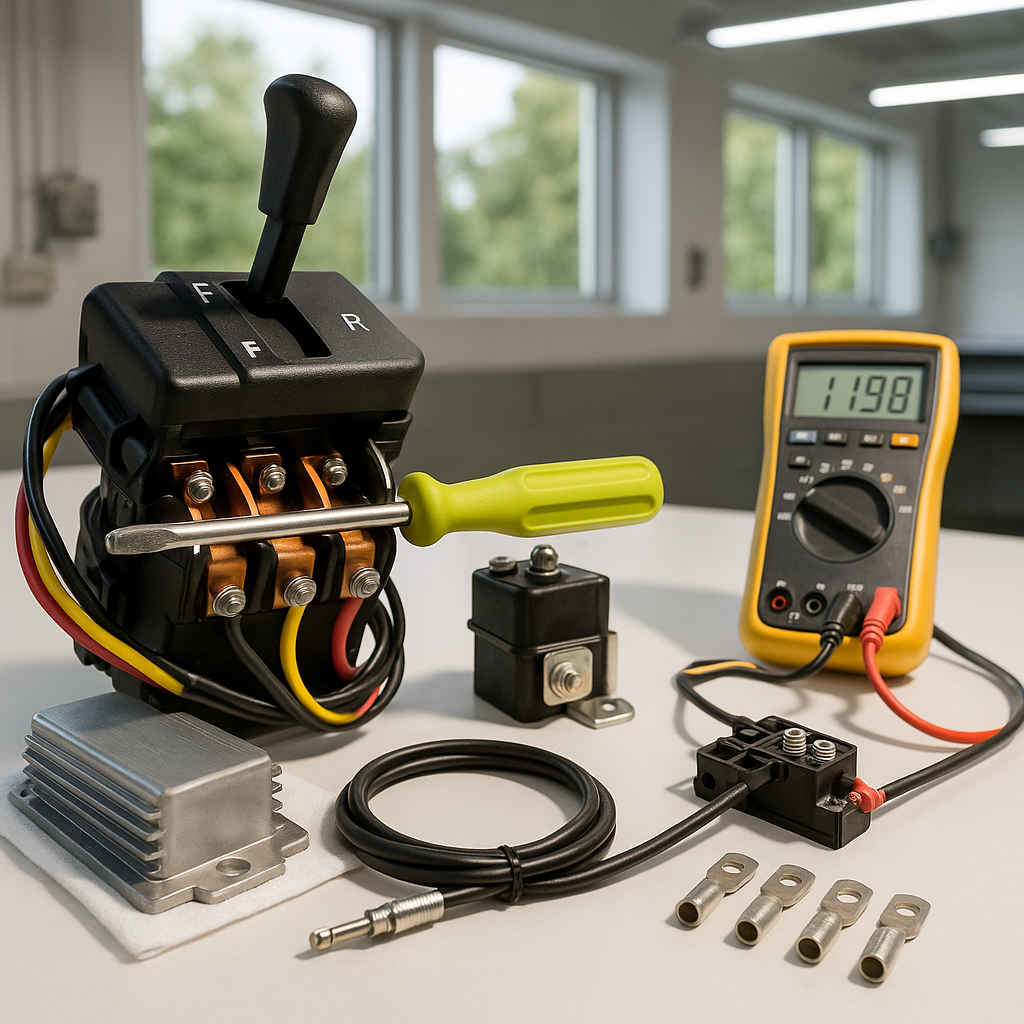
A golf cart that refuses to go forward, won't reverse, or has lost both directions is one of the more frustrating problems you can run into — but it's also one of the more diagnosable ones. The drivetrain and control system involves a handful of components that each have common failure modes, and working through them in a logical order will usually point you straight at the culprit without wasting money on parts you don't need.
Start With the Obvious: Battery and Connections
Before you assume a switch or solenoid is bad, confirm your batteries are adequately charged and that your main cable connections are clean and tight. A weak battery pack can cause sluggish or intermittent direction response that mimics a control problem. Low voltage under load also stresses every other component downstream, so always rule this out first. Check your battery terminals for corrosion and your main fuse or breaker while you're at it.
Understand What the Forward/Reverse Switch Actually Does
The forward/reverse switch — sometimes called the F/R switch or direction switch — is a mechanical or electrical component that tells the motor controller or solenoid which direction current should flow to the motor. On older carts with series-wound motors, it physically redirects current. On newer systems with electronic controllers, it sends a signal input. Either way, it sees a lot of use and is subject to wear, carbon buildup on the contacts, and corrosion from moisture exposure. A switch that's failing may work intermittently, work only in one direction, or cause the cart to feel sluggish or unresponsive even when it does engage.
How to Test a Suspect F/R Switch
With the cart off and keys removed, visually inspect the switch for obvious damage, burnt smell, or corroded terminals. On most carts you can use a multimeter set to continuity or resistance to test whether each position of the switch is making proper contact through the correct terminals. Consult a wiring diagram for your specific cart model — they're widely available online for most major brands — to know which terminals should be connected in each switch position. If a position shows no continuity when it should, or shows continuity when it shouldn't, the switch is the likely problem. Also wiggle the wiring harness connector at the switch while watching your meter; an intermittent connection often shows up this way.
Check the Solenoid
Many golf carts use one or more solenoids as part of the direction and power circuit. A solenoid that's failing can cause symptoms nearly identical to a bad F/R switch — no movement in one or both directions, clicking without engagement, or no response at all. You should be able to hear the solenoid click when you turn the key and move the direction switch. No click usually means the solenoid isn't receiving a signal. A click with no power getting through to the motor often means the solenoid contacts are burned. Testing across the solenoid's large terminals with a voltmeter while an assistant activates the cart can confirm whether it's passing voltage.
Don't Overlook the Pedal and Throttle Assembly
The accelerator pedal assembly — including any microswitches, throttle position sensors, or inductive throttle components depending on your cart's age and type — is another common source of direction-related problems. If the pedal switch or throttle sensor isn't signaling the controller properly, the cart may not respond in one or both directions even if the F/R switch and solenoid are fine. Inspect the pedal mechanism for physical binding, broken return springs, or debris under the pedal that prevents full travel. On electric carts, the pedal microswitch (sometimes called the run switch) must close before the controller will allow any movement at all.
Controller and Motor Considerations
If you've confirmed the F/R switch, solenoid, and pedal assembly are all functioning correctly, the motor controller is worth examining. Most modern controllers have built-in diagnostic codes — check your cart's service manual or look up the blink codes for your controller model, as they can point directly at the fault. A controller that has failed to one direction, throws a fault code, or shows signs of heat damage (discoloration, swollen housing) may need replacement. The motor itself is rarely the first culprit for direction problems, but worn brushes on a series-wound motor or a failing armature can contribute to one-direction or no-movement issues.
Work Systematically and Stay Safe
Always disconnect your main battery connection or remove the key before probing inside the cart's electrical system, and never work under a cart that isn't properly supported. Golf cart electrical systems carry enough current to cause serious burns or injury if shorted. Working through the components in order — batteries, switch, solenoid, pedal, then controller — keeps the job organized and saves you from the frustration of replacing parts at random. Most F/R switch and solenoid problems are genuinely DIY-friendly repairs once you've confirmed the diagnosis; the diagnostic work is usually the hardest part.


