A golf cart that runs fine on flat ground but loses power climbing a hill — or one that starts strong then fades halfway through a round — is one of the more frustrating problems to track down. The symptom feels like a motor issue, but the real cause could be anywhere in the electrical chain: batteries, cables, solenoid, throttle input, or the motor controller itself. The good news is that a methodical approach will usually point you to the right culprit without guessing.
Start With the Batteries
Voltage under load is the single most important first check. A battery pack can show a healthy resting voltage and still collapse the moment you ask it to do real work. Use a voltmeter or a load tester and check your total pack voltage while actually driving — up a slope if possible, or while holding the pedal down against a slight resistance. If voltage drops sharply the moment you apply throttle and climbs back up when you release, weak or failing batteries are almost certainly the core problem. Check each individual battery too, not just the pack total. One bad cell in one battery can drag the entire system down.
Check Your Battery Cables and Connections
High-resistance connections are the silent killers of golf cart performance. Corroded terminals, loose cable ends, or undersized or damaged cables all create voltage drop exactly when the system needs full current — under load. Inspect every connection in the pack, including the main positive and negative leads going to the controller and motor. Look for heat discoloration, green or white corrosion, or connections you can wiggle by hand. A connection that looks fine visually can still be failing internally, so if you have a volt meter, measure the voltage drop across each connection under load — anything significant points to a problem at that joint.
Test the Throttle Sensor or Potentiometer
The motor controller only knows what your throttle input tells it. On most modern electric golf carts, that signal comes from a throttle position sensor or potentiometer — a component that can wear out, develop dead spots, or send an inconsistent signal as it ages. If your cart hesitates, surges, or responds unevenly rather than smoothly and consistently when you press the pedal, the throttle sensor is worth investigating. A sensor sending a weak or erratic signal can make the controller behave as if you're asking for limited power even when your foot is on the floor.
Look at the Solenoid
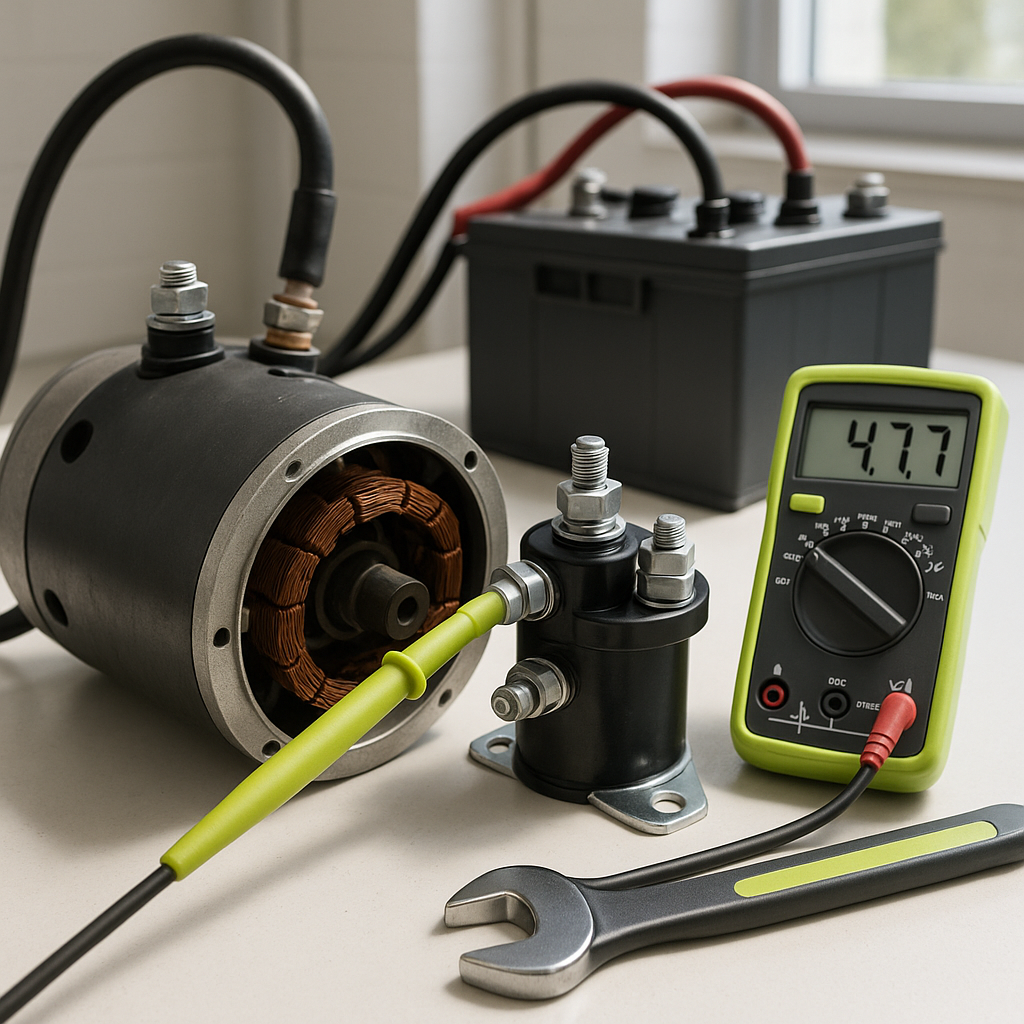
The solenoid is a high-current switch between your battery pack and motor controller, and a weak or failing solenoid can cause power loss that looks exactly like a battery or controller problem. Signs of a struggling solenoid include chattering or clicking under load, heat at the solenoid body, or visible arcing or pitting on the contacts. You can test solenoid function by measuring voltage before and after it under load — a significant voltage drop across a closed solenoid means the contacts are not making a clean connection and the solenoid likely needs replacement.
Consider the Motor Controller
If batteries, cables, the throttle sensor, and solenoid all check out, the motor controller becomes the next serious suspect. Controllers regulate how much current flows to the motor and respond to temperature, fault conditions, and input signals. A controller that is overheating will often reduce output power to protect itself — this shows up as a cart that runs fine for the first few minutes then progressively loses power. Some controllers have built-in fault codes or indicator lights that can point you toward the issue. Check that the controller's heat sink is clean and unobstructed, and that it's mounted where it gets airflow. A controller that's failing internally may also produce intermittent power loss with no obvious external sign.
Don't Overlook the Motor Itself
A worn motor — particularly one with worn brushes on a brushed DC motor — will struggle to produce full torque under load even when everything upstream is working correctly. Signs of motor wear include unusual heat, a burning smell after use, visible brush dust around the motor housing, or a motor that gets noticeably louder under load. Motor issues are worth investigating last, after you've ruled out the electrical supply side, because a healthy motor starved of clean power looks the same as a worn motor from the driver's seat.
Work Through It Systematically
Power loss under load rarely has one obvious cause you can spot at a glance, which is why jumping straight to replacing a controller or motor often leads to disappointment. Start at the power source — batteries and cables — and work forward through the circuit toward the motor. Document what you find at each step. In most cases, a thorough check of battery condition, connection integrity, and throttle sensor function will identify the problem before you ever need to touch the controller or motor. When the controller does turn out to be the issue, knowing you've eliminated everything else first makes that diagnosis a confident one rather than a guess.


