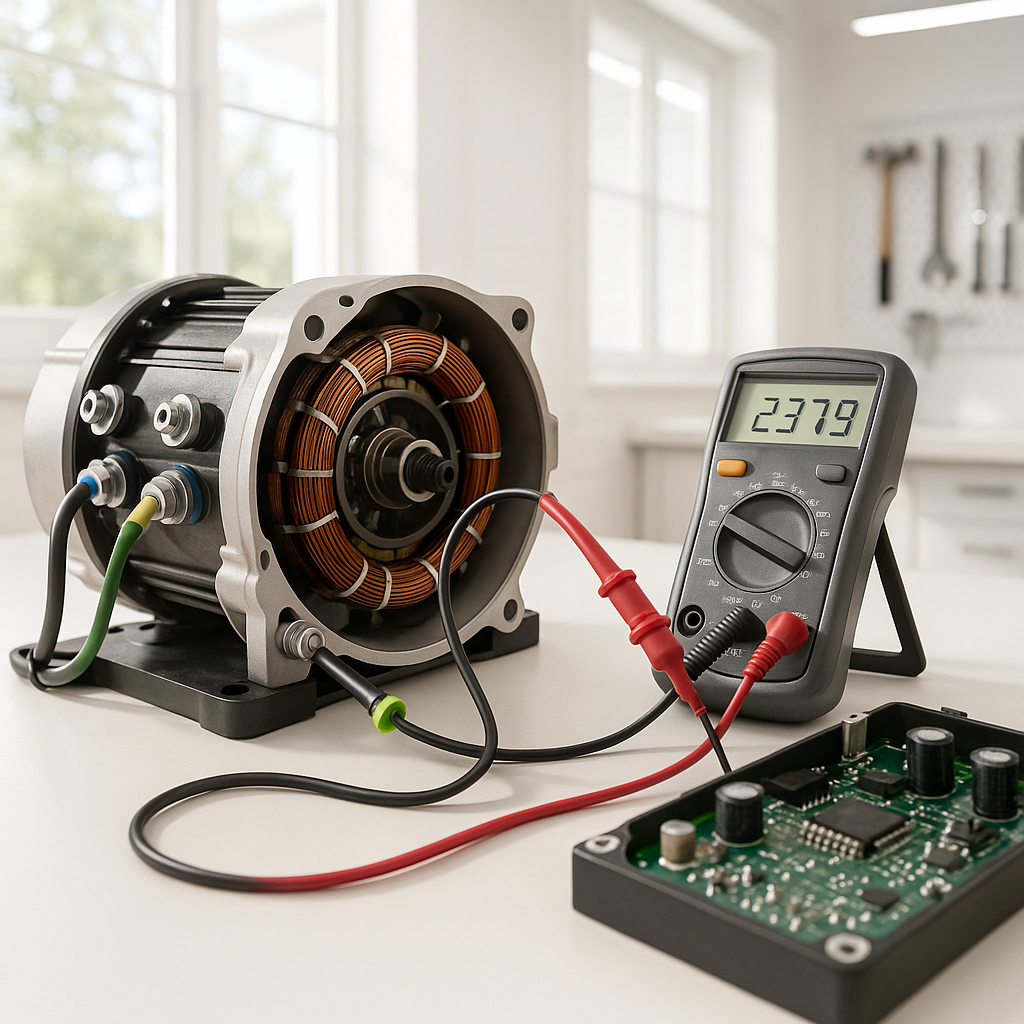
A golf cart that used to climb hills without breaking a sweat — and now bogs down, overheats, or barely moves under load — is one of the most common and frustrating performance complaints. The good news is that slow speed and power loss under load usually point to a fairly short list of suspects. Working through them in order saves you from replacing expensive parts unnecessarily.
Start With the Batteries
Before you touch anything else, check the battery pack. Low or uneven voltage is the single most common cause of sluggish performance, and it's easy to overlook if the cart still moves at all. Charge the pack fully, then use a voltmeter to check the overall pack voltage and each individual battery under load — meaning while the cart is actually trying to move. A battery that reads close to spec at rest but drops sharply under load is on its way out and dragging the whole pack down with it. Also check water levels in flooded lead-acid batteries; low electrolyte accelerates capacity loss. If one battery is significantly weaker than the rest, the entire pack performs at that battery's level.
Check All Connections and Cables
High-resistance connections are a silent killer of golf cart performance. Corrosion, loose terminals, or undersized or damaged cables all add resistance that robs your motor of voltage when it needs it most — exactly when you're climbing a grade and drawing heavy current. Inspect every connection in the main power path: battery terminals, cable ends, solenoid terminals, and the connections at the motor and controller. Look for green or white corrosion, frayed insulation, heat discoloration (a sign of past arcing), or terminals that wiggle when you push them. Clean corroded connections with a wire brush and apply a dielectric protectant. Tighten anything loose.
Look at the Solenoid
The solenoid is a high-current relay that sits between the battery pack and the motor controller. When its internal contacts wear or pit, they create resistance that limits how much current can pass through — which translates directly to reduced power and top speed. A simple check: with the cart powered up and set to move, measure the voltage drop across the solenoid's main terminals while the cart is under load. More than a fraction of a volt drop across a closed solenoid indicates the contacts are failing. A solenoid is a relatively inexpensive part, and a worn one is worth replacing before chasing anything more complex.
Test the Motor Controller
The motor controller is the brain of an electric golf cart's drivetrain — it regulates how much current flows to the motor based on throttle input, load, and internal programming. A controller that's beginning to fail may work fine at light loads but cut back current under heavy demand, which shows up as sluggishness on hills or under full throttle. Many controllers have onboard diagnostic capabilities: some flash error codes through an indicator light or LED sequence, and others can be read with a handheld programmer or diagnostic tool designed for that controller family. Check your cart's service manual or the controller manufacturer's documentation for how to access fault codes. Common controller problems include heat-related shutdowns (especially if the slowness only happens after the cart has been running a while), internal component degradation, and throttle input issues.
Check the Throttle Position Sensor or Pedal Assembly
On electronically controlled carts, the throttle isn't a simple mechanical cable — it's a sensor (often a potentiometer or inductive sensor) that tells the controller how much power the driver is requesting. If this sensor is worn, corroded, or out of adjustment, it may never signal the controller to deliver full power, even when the pedal is floored. You can often check this by measuring the sensor's output voltage sweep as the pedal moves through its range — it should change smoothly and reach its designed maximum. Any dead spots, jumps, or a maximum output that's lower than spec will limit performance. Cleaning the sensor and its connector is a reasonable first step; replacement is straightforward if it's confirmed bad.
Inspect the Motor
If the batteries, connections, solenoid, controller, and throttle all check out, the motor itself warrants attention. Worn brushes are the most common motor-side cause of reduced power in brush-type DC motors — as the carbon brushes wear down, they make less consistent contact with the commutator, reducing efficiency and maximum current handling. Inspect the brushes for remaining length; most manufacturers publish a minimum length spec, and if you're close to or below it, replace them. Also look at the commutator surface for heavy scoring, burning, or uneven wear. A motor that smells burnt after use or runs noticeably hot even at light loads may have internal winding damage and may need professional testing or rebuilding.
When It's Time for a Controller Upgrade
Sometimes the diagnosis reveals that the cart is running exactly as designed — but the original controller is simply undersized for how the cart is being used today. If you've added weight (a rear seat kit, a full utility bed, heavy aftermarket accessories), upgraded to larger tires, or just want more performance than the stock setup was ever intended to deliver, a higher-amperage controller is a legitimate and well-established upgrade path. More current capacity means the motor can draw what it needs under load instead of being artificially limited. This is a meaningful modification that also affects your motor's duty cycle and heat load, so it's worth understanding the full system picture before upgrading — but for many owners, it's the right long-term fix once the basics have been ruled out.


