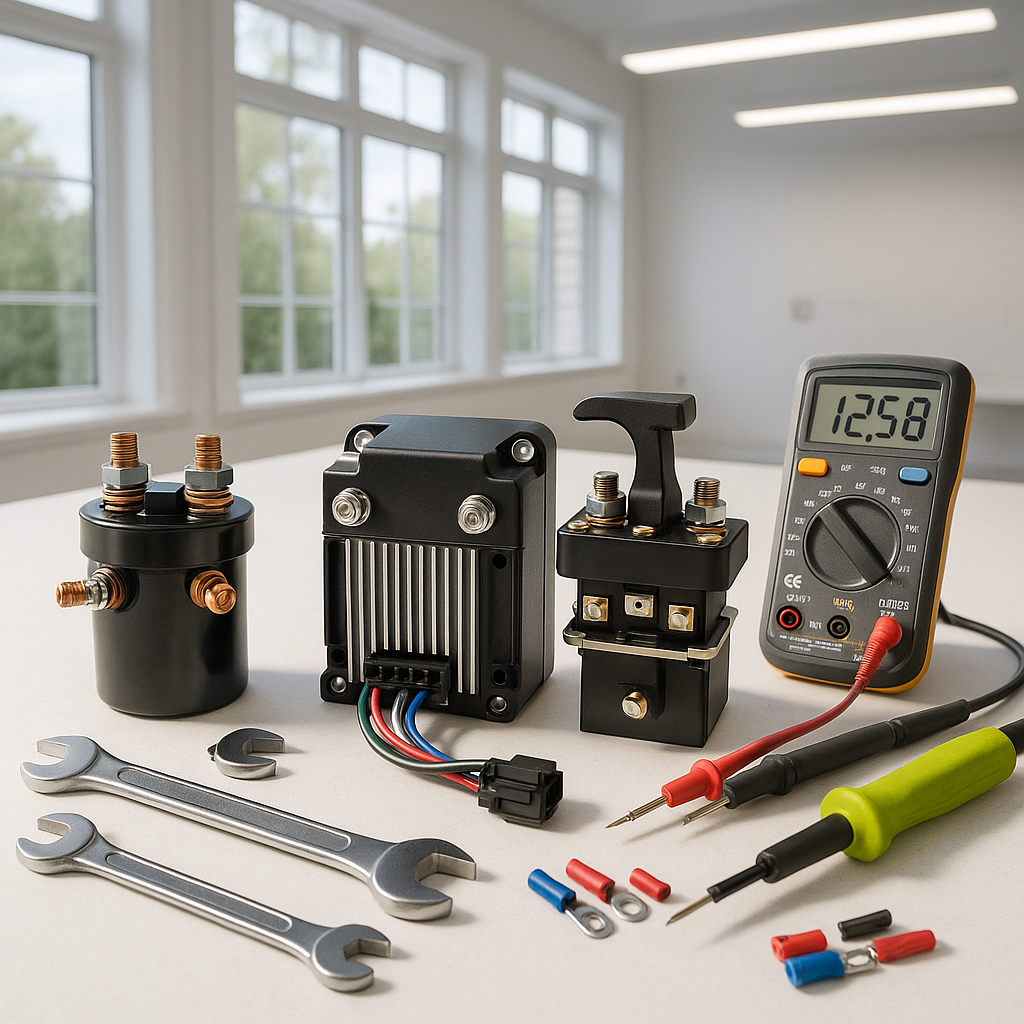
A golf cart that powers on but refuses to move in either direction — no lurch, no creep, nothing — is one of the more frustrating problems you can face. The good news is that this symptom actually narrows the diagnosis considerably. If the cart were stuck in only one direction, you'd be looking at the direction switch or reverse buzzer circuit. But dead in both? You're dealing with something upstream in the drive system. Work through these checks in order before assuming the worst.
Start With the Obvious: Key Switch, Run/Tow Switch, and Pedal
Before touching anything mechanical or electrical, confirm the basics are actually set correctly. The run/tow (or maintenance) switch — usually located under the seat near the battery pack — must be in the RUN position. Leaving it in TOW disconnects the drivetrain electrically and is a surprisingly common oversight after battery work or storage. Also check that the key switch is fully engaging, not just clicking partway. A worn key switch that makes partial contact can supply enough power to light up the dash but not enough to command movement. Finally, press the accelerator pedal deliberately and watch for any response: a faint hum, a solenoid click, or a small jerk tells you the system is at least partially alive and localizes the problem further downstream.
Check the Solenoid
The solenoid is the high-current relay that bridges battery power to the motor when you press the accelerator. If it fails open, the motor never receives power regardless of direction selected. With the cart in neutral and the key off, locate the solenoid (typically near the motor or main battery bank) and inspect the large terminals for corrosion or loose cable connections. Then, with proper precautions, have a helper press the accelerator while you listen for the solenoid's click. A solenoid that clicks but doesn't pass power through its main contacts is faulty. One that doesn't click at all may be dead — or may not be receiving its activation signal, which points back toward the controller or throttle circuit.
Test the Throttle Input and ITS/Potentiometer
On electric carts, the accelerator pedal connects to either a micro-switch and potentiometer (pot box) or an Inductive Throttle Sensor (ITS) depending on the cart's age and model. These components tell the controller how far the pedal is depressed. If the throttle sensor fails or loses its signal wire connection, the controller sees no throttle input and refuses to energize the motor — in any direction. Check that the wiring harness connected to the throttle assembly is fully seated and free of corrosion. On older carts with a pot box, listen for a faint whine from the motor as you press the pedal very slowly — any response at all means the throttle input is reaching the controller. No response at all is a strong indicator the throttle signal is lost.
Inspect the Direction Switch (F/R Switch)
The forward/reverse switch changes the polarity or signal sent to the controller to determine direction of travel. If internal contacts burn or corrode, it can fail in a way that sends no valid direction signal at all — leaving the cart unable to move either way. This is different from the switch failing mid-position (which usually causes one direction to work). Remove the switch and visually inspect the contacts for burning or pitting. On many carts you can test continuity through the switch contacts in each position with a basic multimeter. If contacts test open when they should be closed, the switch is your culprit.
Look at the Motor Connections and Brushes
On older DC series-wound motors, carbon brushes wear down over time and eventually lose contact with the armature. A cart with severely worn brushes may still click its solenoid and register throttle input, but the motor simply won't turn. Pull the brush covers if accessible and inspect brush length — most manufacturers spec a minimum usable length, and anything worn down close to the spring or retainer is due for replacement. While you're there, check that the large cable connections at the motor terminals are tight and free of corrosion. A loose motor cable can create enough resistance to prevent the motor from turning under load while looking fine at rest.
When to Suspect the Controller
If the solenoid clicks, the throttle is sending a signal, the direction switch tests good, and the motor connections are solid — but the cart still won't move — the motor controller becomes the primary suspect. Controllers can fail internally from heat damage, water intrusion, or simply age, and they don't always throw obvious warning signs. Some controller failures do produce fault codes via LED blink patterns, so check your cart's service documentation for how to read them before assuming the controller is dead. A failed controller is the most expensive diagnosis on this list, which is exactly why you want to rule everything else out first.
Gas Carts: A Different But Equally Systematic Check
On a gas-powered cart that turns over but won't drive, the drivetrain is mechanical rather than electrical. Check that the clutch engages properly — a worn drive clutch or a broken drive belt will cause the engine to run freely while the cart sits still. Listen for belt slippage (a high-pitched squeal under load) or inspect the belt visually for cracking, glazing, or breakage. Also confirm the shifter linkage is actually moving the transaxle into gear and not slipping out of position due to a worn cable or loose connection at the shift rod. These are the gas-cart equivalents of the electrical checks above — methodical, sequential, and almost always diagnostic before you spend money on parts.


