Golf cart battery chargers are essential for maintaining the health of your cart's batteries. However, like any electrical component, they can encounter issues that prevent them from functioning correctly. Understanding the common problems associated with golf cart battery chargers can help you diagnose and resolve issues quickly.
Check the Power Source
The first step in troubleshooting a battery charger is to ensure that it is receiving power. Check the outlet or power source to which the charger is connected. If possible, test the outlet with another device to confirm it is operational. If the outlet is functional, inspect the charger’s power cord for any visible damage or fraying that could interrupt the power supply.
Inspect the Charger Indicators
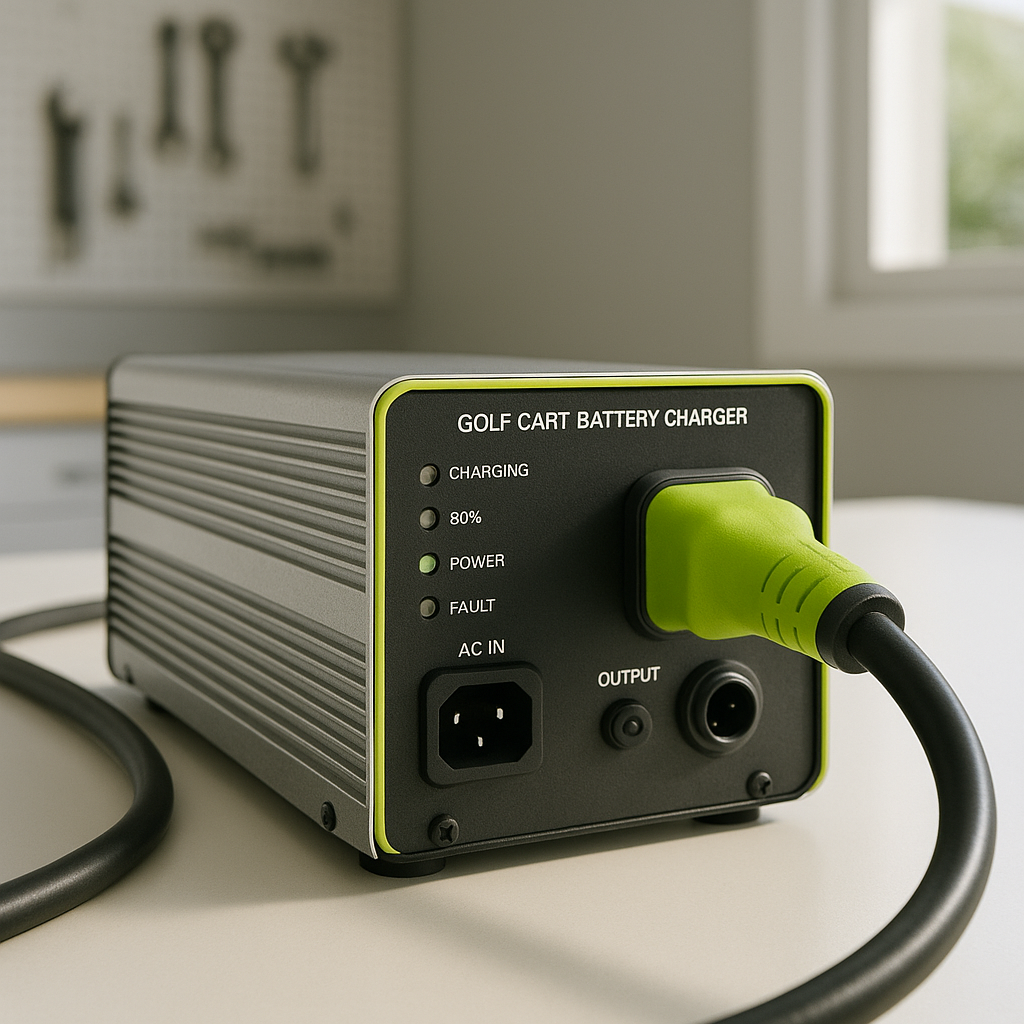
Many modern battery chargers come equipped with indicator lights that provide information about the charging status. Familiarize yourself with the meaning of these lights, as they can indicate whether the charger is functioning correctly or if there is an issue. A flashing light may signal a problem, while a steady light often indicates normal operation.
Examine the Battery Connections
Loose or corroded connections between the charger and the batteries can lead to charging issues. Inspect the terminals for corrosion, which can appear as a white or greenish substance. Clean any corrosion with a mixture of baking soda and water, and ensure that all connections are tight. A secure connection is crucial for effective charging.
Test the Charger Output
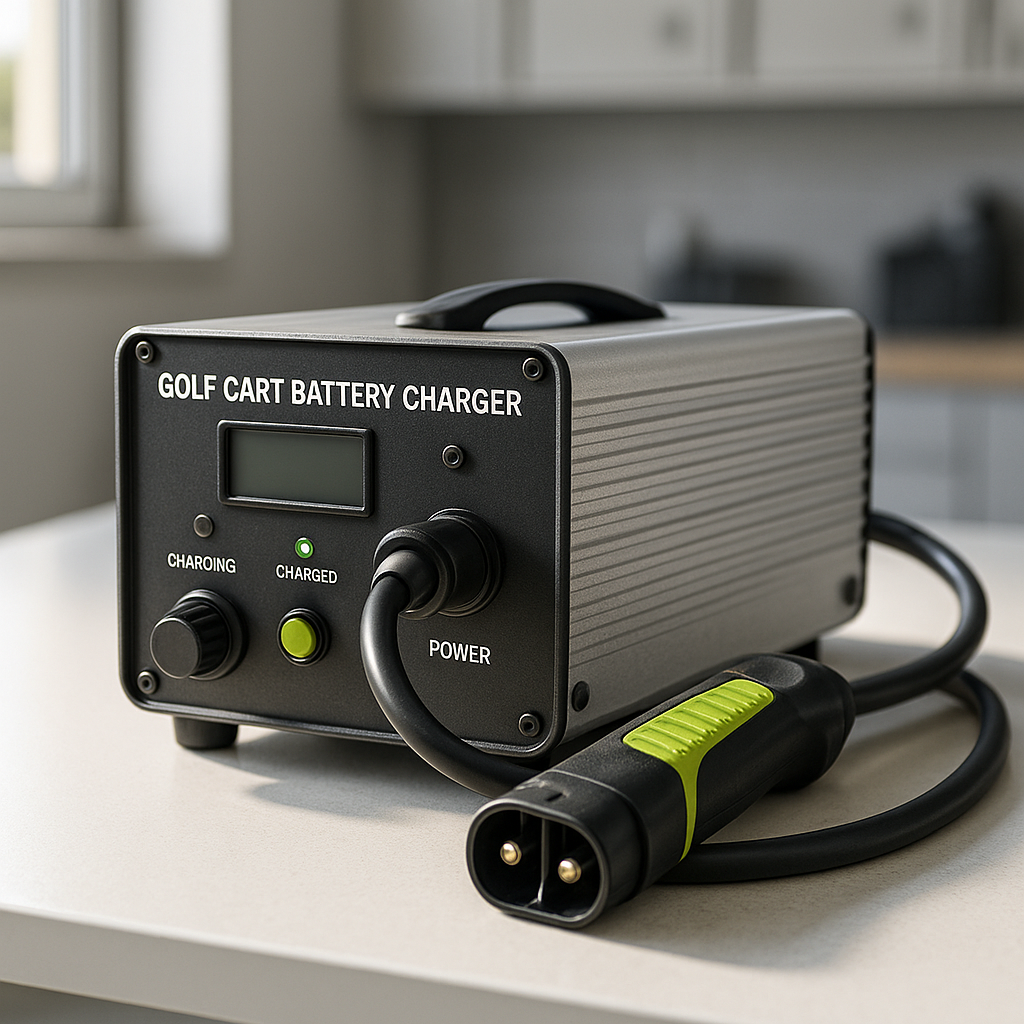
If the charger appears to be receiving power and the connections are secure, the next step is to test the charger’s output. This can usually be done with a multimeter. Measure the voltage output of the charger while it is plugged in and connected to the batteries. If the output is significantly lower than expected, the charger may be faulty and require replacement.
Consider Battery Condition
Sometimes, the issue may not lie with the charger but rather with the batteries themselves. If the batteries are old, damaged, or have been improperly maintained, they may not accept a charge effectively. Inspect the batteries for signs of wear, such as bulging or leaking, and consider having them tested at a professional service center if you suspect they are the problem.
Look for Overheating Issues
Overheating can be a sign of a malfunctioning charger. If you notice that the charger is excessively hot to the touch, it may be working too hard due to a fault or a poor connection. Allow the charger to cool down before attempting to use it again, and consider consulting a professional if overheating persists.
By systematically checking these common issues, you can effectively diagnose and resolve problems with your golf cart battery charger. Regular maintenance and monitoring can also help prevent future issues, ensuring that your golf cart remains ready for action whenever you need it.