A golf cart that used to run all day but now quits halfway through the round has a battery problem — but "battery problem" covers a lot of ground. Before you replace an entire bank of batteries, it's worth running through a systematic check. The fix is sometimes a single bad cell, a corroded cable connection, or a charger that stopped doing its job properly. Swapping good batteries into a cart with a hidden cable or charger issue just means your new batteries will fail early too.
Start With a Visual Inspection
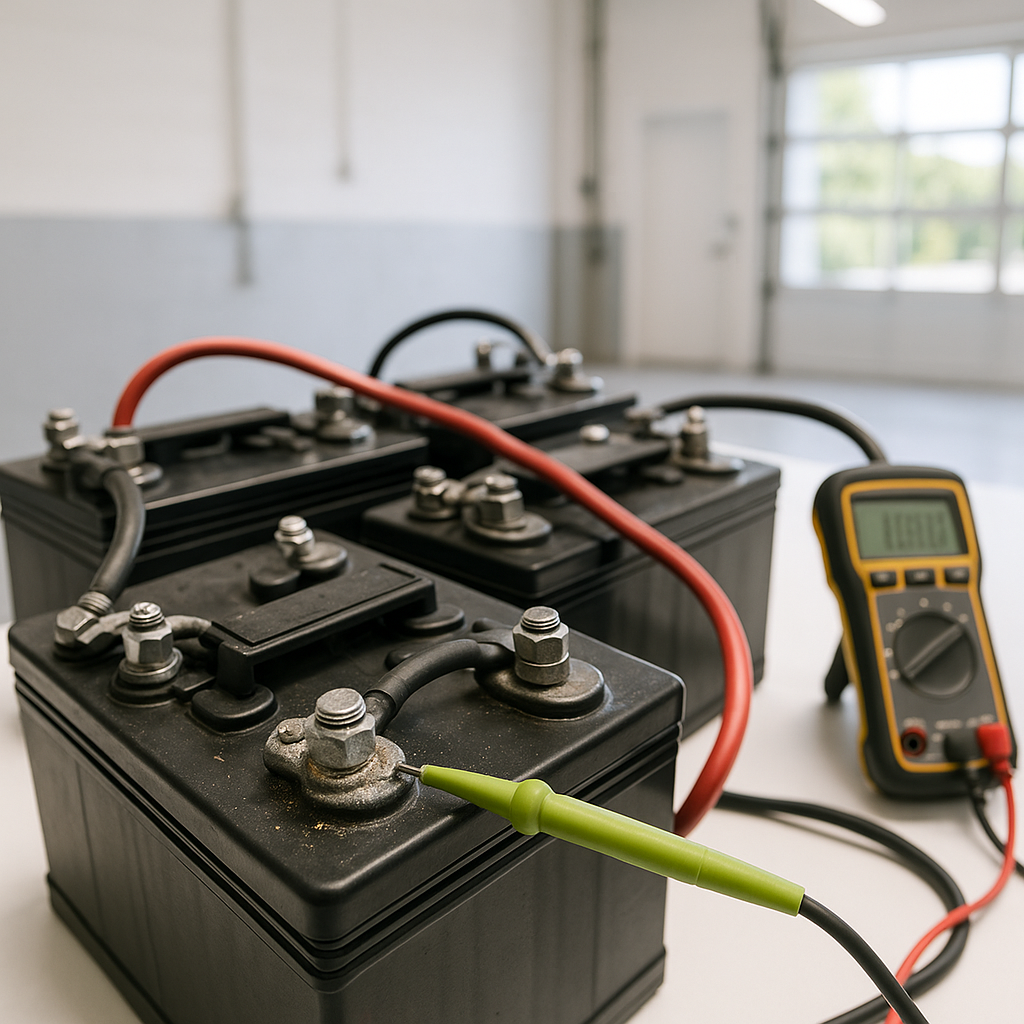
Pull any covers off your battery compartment and look carefully at each battery. Check for cracked or bulging cases — a battery that's been overcharged or frozen can swell and will no longer hold a proper charge regardless of what your meter says. Look at the terminals and cable ends for heavy white or greenish corrosion. Some surface corrosion is normal, but buildup thick enough to create real resistance will cause voltage drop under load and mimic a dying battery. If you have flooded lead-acid batteries, check the water level in each cell — low electrolyte exposes the plates and permanently reduces capacity.
Check the Resting Voltage of Each Battery
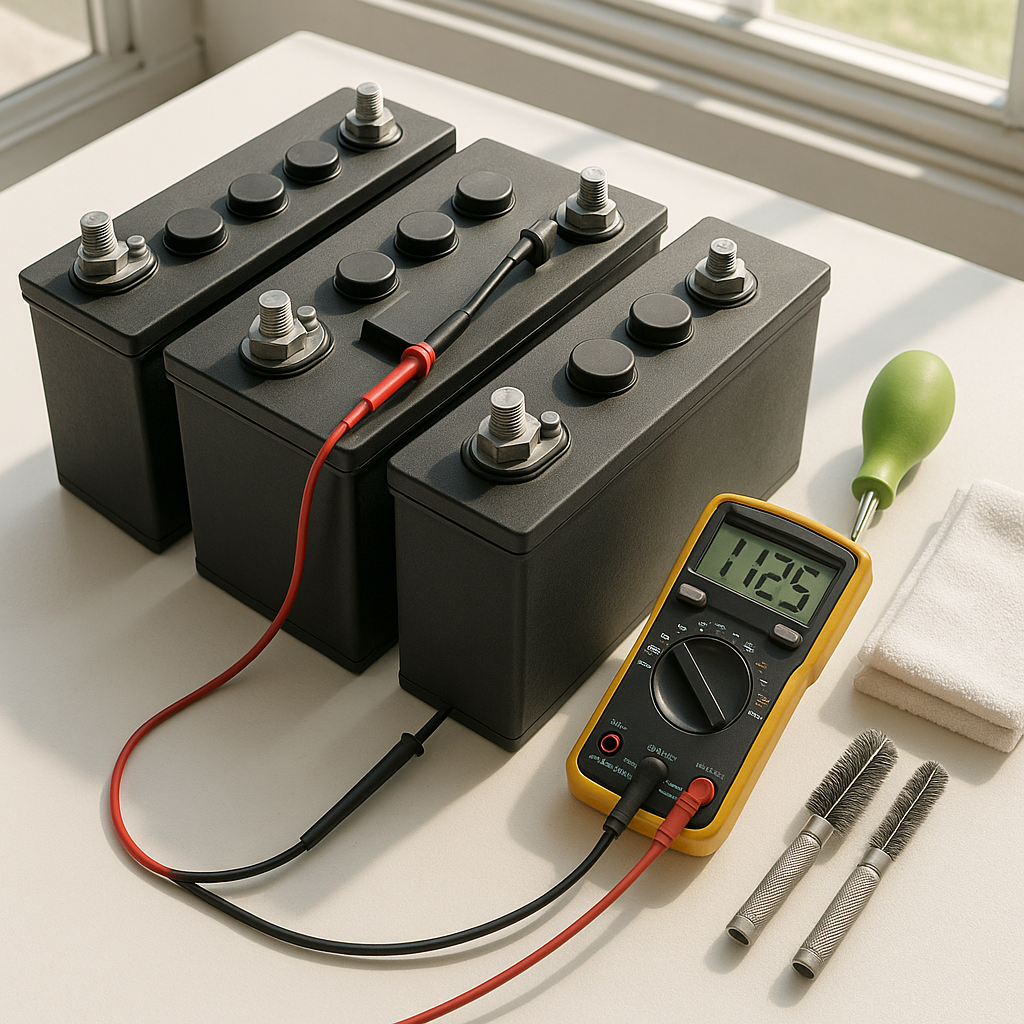
With a basic digital multimeter, check the resting voltage of each individual battery after the cart has sat unused for at least a few hours (not right after charging or discharging). For a fully charged battery, you're looking for a reading that's close to — but not significantly below — what's expected for that battery's rated voltage. A battery that's reading noticeably lower than the others in the same bank is usually the weak link dragging down the whole pack. One bad battery in a series string causes the entire pack to underperform.
Do a Load Test
Resting voltage alone can be misleading — some batteries look fine sitting still but collapse under load. A proper load test applies a controlled current draw while monitoring voltage. Many auto parts stores will do this for free on individual batteries. You can also observe behavior under real load: charge the pack fully, then drive the cart on flat ground and watch the state-of-charge indicator (if equipped). A pack that drops quickly from full or shows major swings when you press the accelerator is failing under load even if the resting voltage looked acceptable.
Inspect the Battery Cables
Battery cables are easy to overlook because they look fine on the outside while corroding internally or developing high resistance at the crimp ends. Disconnect cables and inspect the terminals closely — look for darkening, heat discoloration, or corrosion inside the lug. A cable that's developed significant internal resistance will get warm or hot during use and rob power from the pack. If any cable feels stiff and inflexible when it should bend easily, the copper strands inside may be corroded or partially broken. Undersized or damaged cables cause voltage drop that can look like battery failure, especially under load.
Evaluate Your Charger
A charger that's partially failing can top batteries off just enough to pass a resting voltage check while never actually bringing the pack to a true full charge. If you have a smart charger with indicator lights, confirm it's completing a full charge cycle and not cutting off early. If your charger runs for an unusually short time before shutting off, or runs indefinitely without finishing, that's a sign of a charger problem rather than — or in addition to — a battery problem. Charging a weak battery bank with a faulty charger is a cycle that will destroy both over time.
Check for Parasitic Draws
If batteries are draining while the cart sits unused, something is pulling current when it shouldn't be. Aftermarket accessories — lights, radios, USB ports, GPS units — are common culprits if they're wired directly to the battery bank without a switch or relay. A small but constant drain will flatten batteries over days or weeks and can permanently sulfate lead-acid cells if they sit discharged for extended periods. Disconnect accessories one at a time to identify the source, or use a multimeter in current mode on the main negative cable with everything switched off to check for a draw.
When to Replace vs. Repair
If your load testing reveals one clearly weak battery in an otherwise healthy pack, replacing just that one battery is worth considering — but only if the rest of the pack is relatively new. Mixing batteries of significantly different ages or charge histories leads to the newer battery being dragged down by the older ones. If the pack is several years old and multiple batteries are marginal, replacing the full set is usually more cost-effective than chasing failures one at a time. Always replace all batteries in a series bank with the same type and, ideally, the same manufacturer, to keep the pack balanced.