The motor controller is the brain of your electric golf cart's drivetrain. It takes the input from your throttle (the ITS or potentiometer), reads your battery voltage, and sends precisely regulated power to the motor. When it fails — or even starts to fail — the symptoms can look like a bad battery pack, a bad solenoid, a faulty throttle sensor, or wiring trouble. Misdiagnosing a controller costs time and money. This guide walks you through a real, systematic process to figure out whether your controller is actually the problem.
Common Symptoms of a Controller Problem
Controller issues tend to show up in a few recognizable patterns. The cart may move sluggishly or only at reduced speed with no clear power issue in the batteries. It may surge or lurch instead of accelerating smoothly. In some cases the cart won't move at all even though the solenoid clicks normally and battery voltage looks healthy. You might also notice the controller getting unusually hot — warm is normal under load, but too hot to touch after a short run is not. Some controllers have built-in fault protection that cuts power entirely when something is out of range; the cart will seem completely dead until the controller cools down or the fault clears.
Start Here: Rule Out the Simple Stuff First
Before you point a finger at the controller, eliminate the obvious culprits. Check your battery pack voltage under load — not just sitting still. A pack that reads fine at rest but collapses under throttle will make a perfectly good controller behave erratically. Inspect every battery-to-battery cable and the main cables running to the controller for corrosion, heat damage, or loose connections. A high-resistance connection anywhere in the main current path will cause symptoms that look exactly like controller failure. Next, confirm your solenoid is pulling in fully — a solenoid that's weakly engaging limits current to the controller and causes sluggish or intermittent behavior.
Check the Throttle Sensor (ITS or Potentiometer)
The controller responds to a signal from your throttle input device. On most modern carts this is an Inductive Throttle Sensor (ITS); on older units it's a potentiometer. A failing throttle sensor sends the controller a garbage signal, and the controller — working exactly as designed — either refuses to move the cart or behaves erratically. You can test a potentiometer with a multimeter by checking for smooth, consistent resistance change as you press the pedal. A signal that jumps, drops to zero mid-travel, or sits at the wrong resting value points to the sensor, not the controller. Swap or bench-test the sensor before condemning the controller.
Inspect the Controller Itself
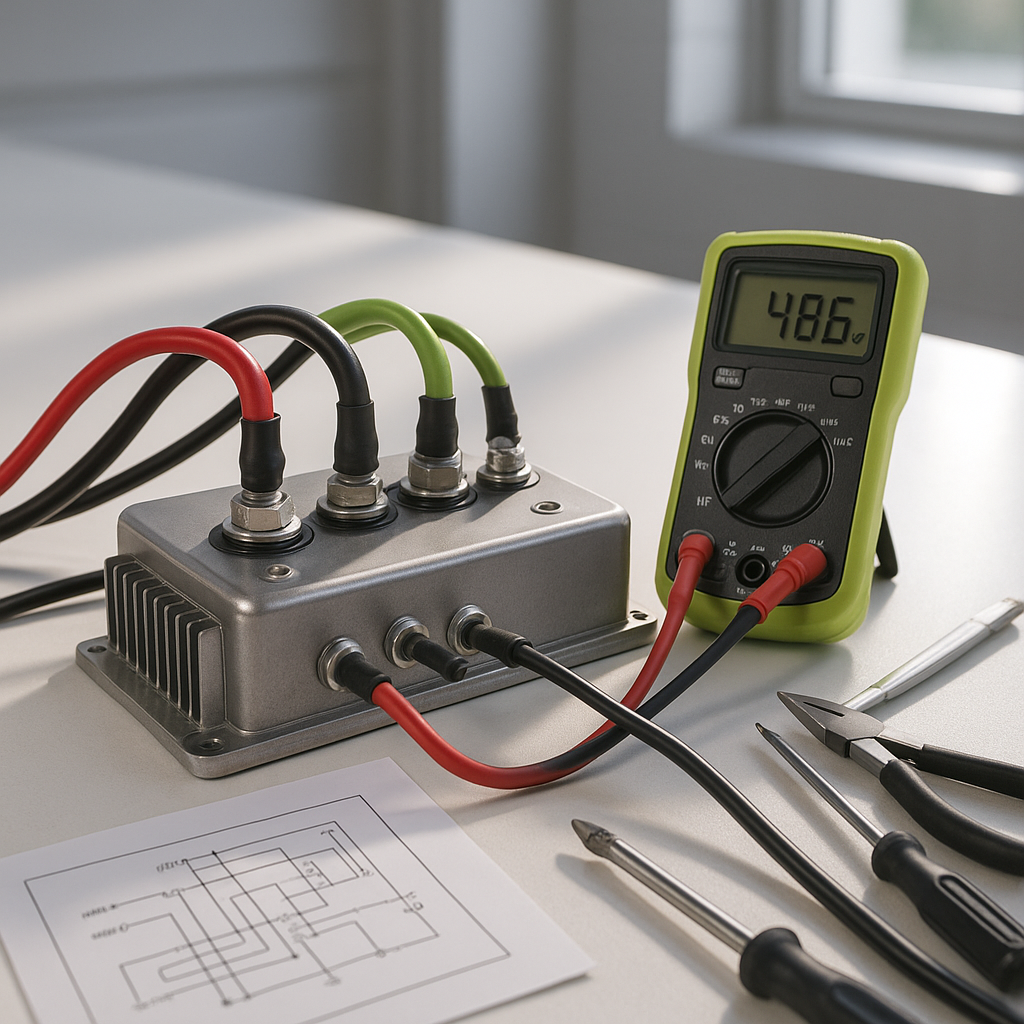
With the cart off and batteries disconnected, visually inspect the controller. Look for burn marks, swelling, cracked housing, or a strong burnt-electronics smell — any of these is a strong indicator of an internal failure. Check every terminal on the controller for secure connections and corrosion. Loose or corroded terminals on the controller itself are a surprisingly common cause of intermittent problems that feel like a failing unit. Also look for evidence that the controller has been running without proper contact to its heat sink or mounting surface — controllers dissipate heat through their case, and poor mounting contact causes thermal shutdowns and early failure.
Use the Controller's Built-In Diagnostics If Available
Many controllers from the mid-1990s onward have some form of fault code output — typically a blinking LED or a code readable with a handheld programmer or OBD-style tool depending on the system. Consult your cart's service manual for the specific blink patterns or codes your controller uses. These codes can point directly to whether the problem is the controller itself, an over-current condition, a sensor fault, a battery voltage problem, or a thermistor issue. Skipping this step when it's available is leaving free diagnostic information on the table.
Test the Controller's Output
If everything upstream checks out — batteries, cables, solenoid, throttle sensor — you can do a basic output test. With the cart on a safe, level surface and someone monitoring, use a clamp-style DC ammeter on the motor cable while the cart is asked to move. A controller that's receiving a valid throttle signal and full battery voltage but producing little or no output current has almost certainly failed internally. Conversely, if the output current is normal but the cart still isn't moving right, shift your attention back to the motor itself.
When to Replace vs. Repair
Controllers can sometimes be sent to a specialist for repair, but the economics don't always make sense — especially on older units. If the controller shows physical burn damage, has a confirmed dead output despite good inputs, or has been running hot for an extended period, replacement is usually the right call. When you replace, make sure the new controller matches your system voltage and is rated for adequate current capacity for your motor and any performance upgrades you've made. Installing an undersized controller on a modified cart will just burn it out again. A correctly matched controller, combined with clean wiring and a healthy battery pack, should give you years of reliable service.