The forward/reverse switch is one of the most mechanically abused components on any golf cart. It gets toggled dozens of times per outing, often while the cart is still creeping, and it carries real current every time. When it starts failing, the symptoms can range from the cart refusing to move in one direction to refusing to move at all — and because those symptoms overlap with controller, solenoid, and motor problems, it's easy to misdiagnose. Here's how to work through it systematically.
Know What the Switch Actually Does
On most electric golf carts, the forward/reverse switch does two jobs at once: it mechanically redirects the flow of current to the motor to change rotation direction, and it often signals the controller about which direction has been selected. On gas carts, a cable-actuated or electronic shift mechanism handles direction changes differently, but the switch itself still controls that input. Understanding this dual role matters because a partially failed switch can pass current in one direction but not the other, or it can fail to signal the controller correctly even if the contacts look fine.
Start With the Obvious Checks
Before touching any wiring, check the basics. Make sure the cart is on a flat surface, the parking brake is released, and the key switch is functioning — a dead key switch mimics an F&R switch failure exactly. Then toggle the F&R switch slowly and deliberately a few times. Listen for any grinding, clicking, or scratching from inside the switch housing. A healthy switch should feel positive and firm with a distinct detent. If it feels loose, mushy, or like it's not fully seating in either position, the internal contacts or the mechanical detent mechanism are likely worn.
Check for Burned or Corroded Terminals
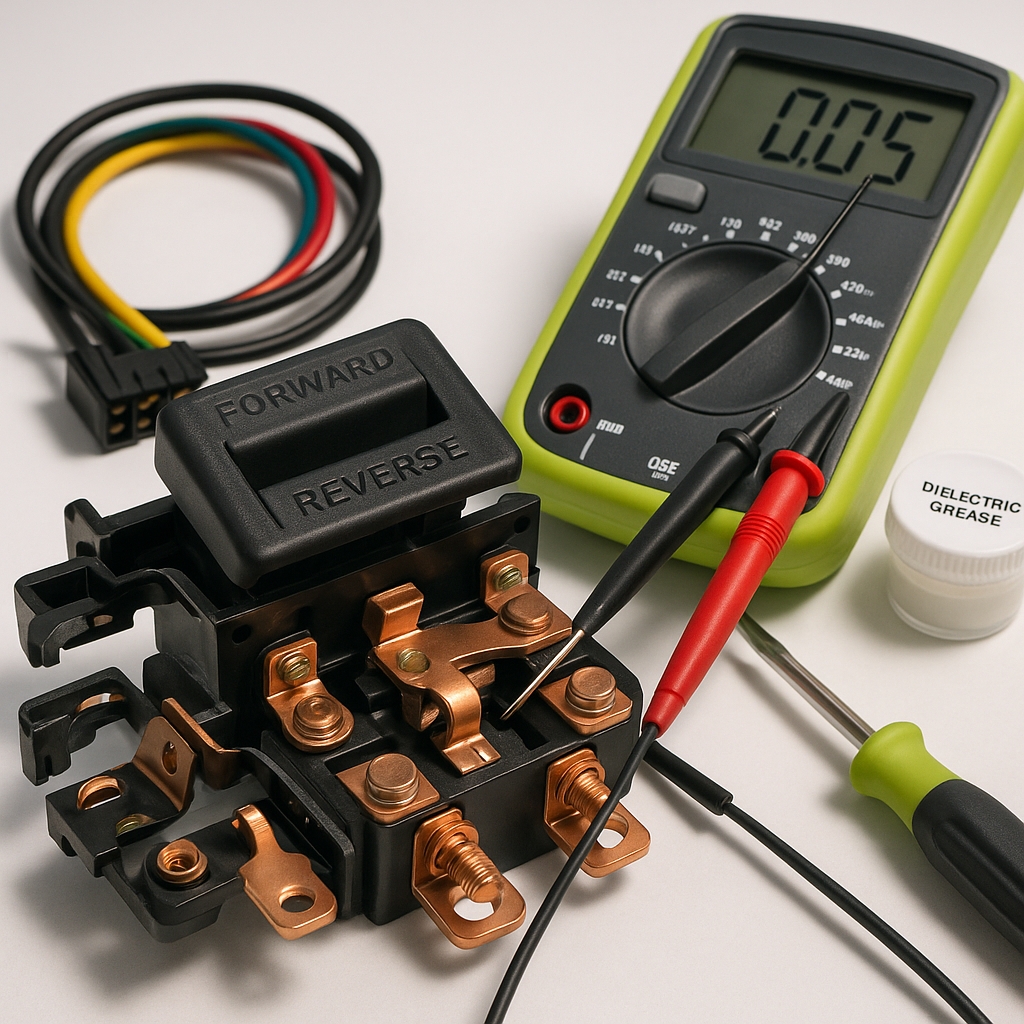
With the key off and the cart's main disconnect open if it has one, visually inspect the switch terminals and the wiring connectors. Carbon scoring, melted insulation near the switch body, or a sharp burned smell are all signs of a contact that's been arcing — usually because the switch was toggled under load or because a terminal worked loose and started carrying current through a high-resistance connection. Corroded terminals can be cleaned and re-seated, but a switch that shows arc damage internally should be replaced rather than cleaned, because the pitting on the contacts will continue to cause problems.
Test the Switch With a Multimeter
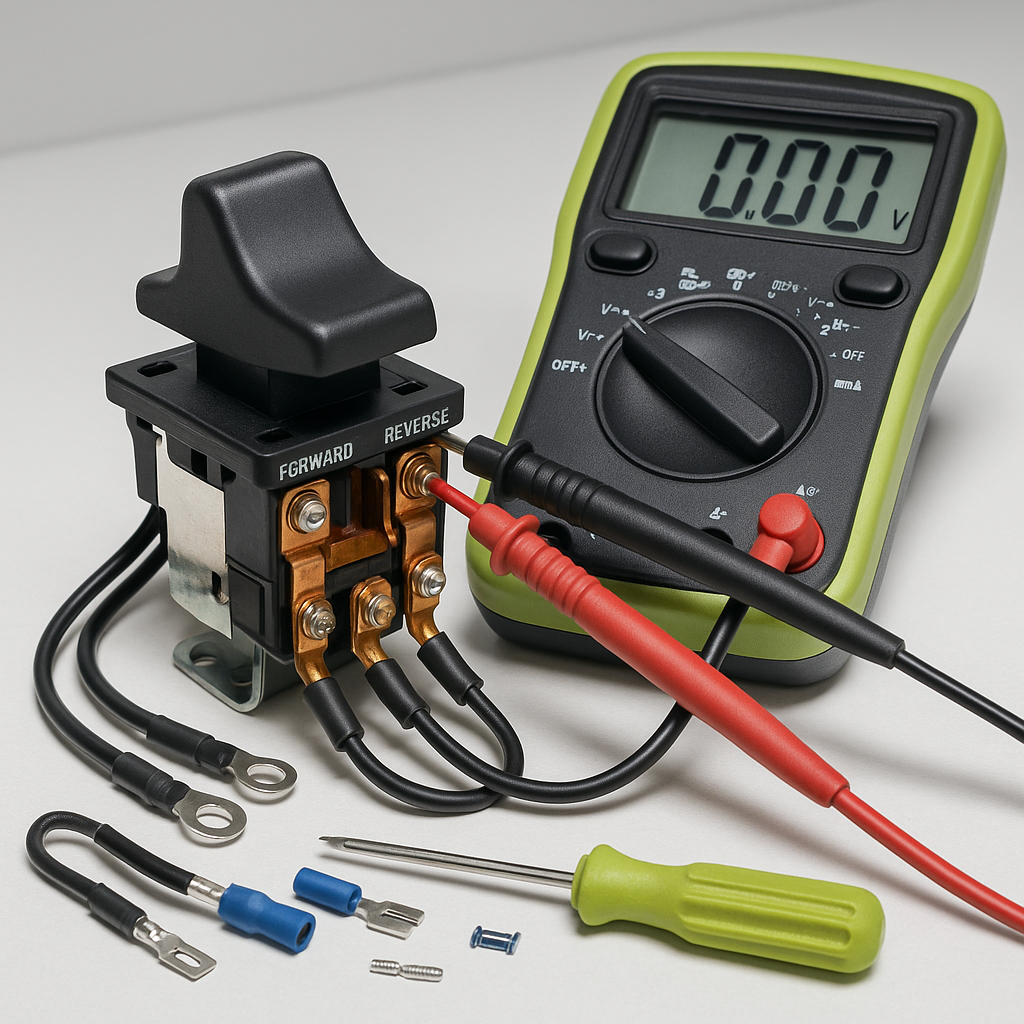
A basic continuity or resistance test tells you a lot. With the cart fully powered down and disconnected from charge, use a multimeter set to continuity or resistance mode and probe the switch terminals in both the forward and reverse positions. In each position, the circuit should close cleanly — near-zero resistance across the active terminals, and open (no continuity) across the terminals that should be disconnected. Any switch that shows high resistance when it should be conducting, or shows continuity when it should be open, has failed internally and needs replacement. Don't skip testing both directions — switches commonly fail in just one position while passing fine in the other.
Check the Wiring Harness and Connectors
A switch that tests fine in isolation may still cause intermittent problems if the wiring leading to it is compromised. Tug gently on each connector and terminal going into the switch. A connection that feels solid but is actually just barely making contact can cause the cart to drop out in one direction under load while working fine during a bench test. Also inspect the harness for chafing where it runs near moving parts — the wiring near the F&R switch often passes close to the floorboard or frame, and worn insulation can cause intermittent shorts that look exactly like switch failure.
Rule Out the Controller and Solenoid
If your switch tests clean but the problem persists, don't assume the switch is lying — consider whether the controller or solenoid is also involved. On carts where the F&R switch sends a signal to the controller, a controller that isn't receiving or interpreting that signal correctly can cause the same no-movement symptom. Listen carefully when you select a direction and press the accelerator: if the solenoid clicks once (engaging) but the cart still won't move in one specific direction, the switch signal is likely reaching the controller but something downstream — the motor, the controller output, or an internal controller fault — is the real problem. If the solenoid doesn't click at all in one direction, the switch signal isn't getting through.
When to Replace vs. Repair
Forward/reverse switches are generally inexpensive enough that replacement makes more sense than attempting to rebuild or clean internal contacts on a worn unit. If the switch has visible arc damage, tests out of spec, or has been in service for many years on a heavily used cart, replacement is the right call. When sourcing a replacement, confirm it matches your cart's voltage rating and terminal configuration — switches that look physically similar can have meaningfully different contact ratings, and underrating the switch guarantees you'll be back to square one within a season. Once replaced, make it a habit to come to a full stop before toggling direction. That single habit extends switch life more than any other factor.