A golf cart that powers on — lights work, it hums or beeps normally — but simply won't move when you press the pedal is one of the more frustrating problems to chase down. The good news is that the list of likely culprits is manageable, and you can narrow it down quickly with a logical sequence of checks. This guide walks through the most common causes in roughly the order you should investigate them, from the easiest to the most involved.
Start With the Obvious: Pedal and Run/Tow Switch
Before assuming something is broken, confirm the basics. Make sure your run/tow switch — sometimes called the maintenance switch — is in the Run position. This switch is usually located under the seat, and if it's been bumped to Tow during storage or battery work, the cart won't move no matter what. While you're under there, look for anything physically blocking the accelerator pedal linkage. Debris, a misrouted floor mat, or a stick wedged under the pedal can prevent the throttle from actually engaging even when the pedal feels like it's pressing normally.
Check the Accelerator Micro-Switch and Pedal Assembly
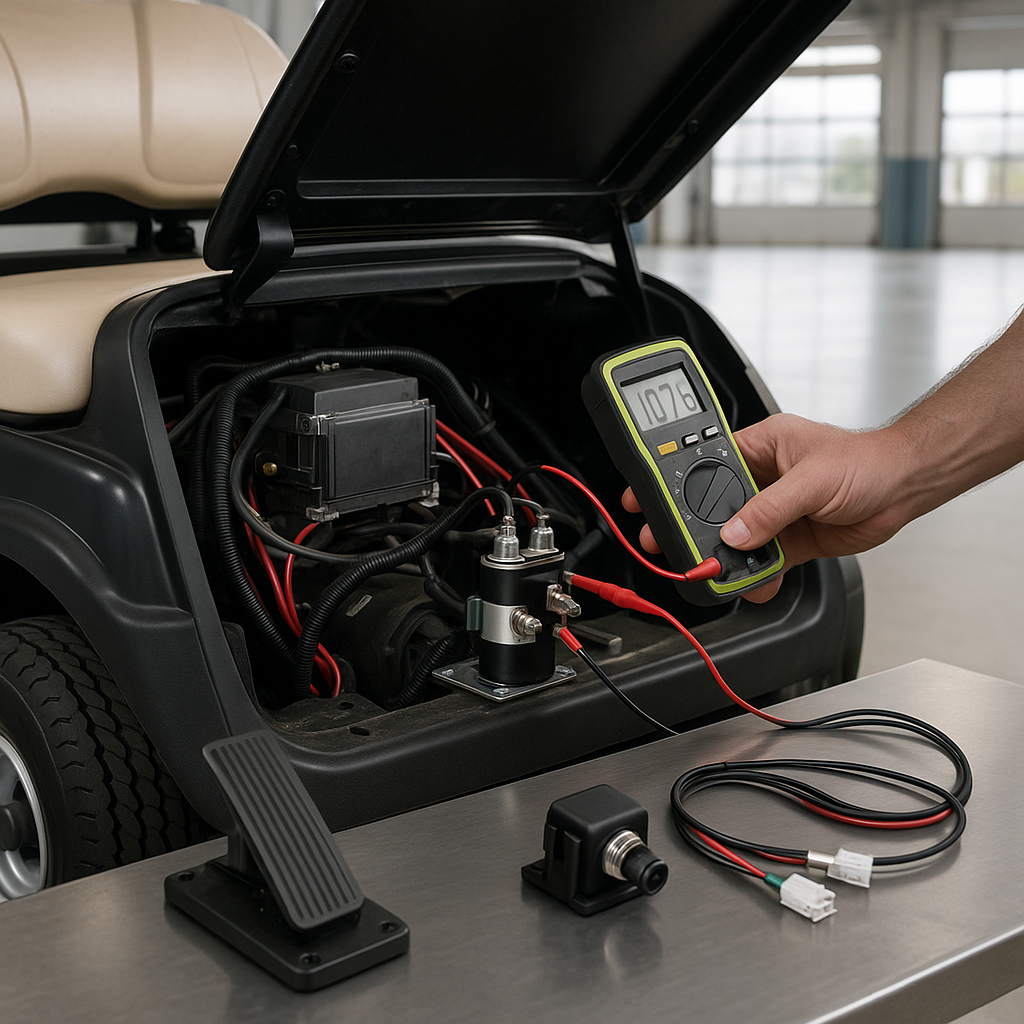
On most golf carts, the accelerator pedal activates a small micro-switch near the bottom of its travel before the main throttle input engages. If this switch fails or its mounting shifts so it's no longer being triggered properly, the cart won't move even though everything else is fine. With the cart safely on a flat surface and key off, look at the pedal assembly and see whether the switch is seated correctly and whether its contact arm is actually being depressed when you push the pedal. A failed or stuck micro-switch is a common cause of no-movement complaints and is usually inexpensive to replace.
Inspect the Forward/Reverse Switch Continuity
Even if the F/R switch was recently covered in another guide, it's worth a quick mention here as part of a no-movement diagnosis: the switch might be in a neutral or mechanically stuck position without being obviously broken. Wiggle the shifter handle, make sure it's firmly in the Forward or Reverse detent, and listen for the solenoid click when you press the pedal. No click at all when everything else checks out points back toward the F/R switch or its wiring not completing the control circuit.
Test the Solenoid and Its Wiring
The solenoid is the large relay that connects battery power to the motor when you press the accelerator. If it's clicking but the cart still won't move, the solenoid contacts may be burned or stuck open internally. If there's no click at all, the control-side coil may not be getting a signal — trace the small wires at the solenoid back to the key switch and accelerator circuit. A multimeter is your best friend here: check for voltage on the small coil terminals when you press the pedal. Voltage present but no click usually means a failed solenoid. No voltage on the control side means the signal isn't getting there, and you need to look upstream.
Look at the Motor and Controller Connections
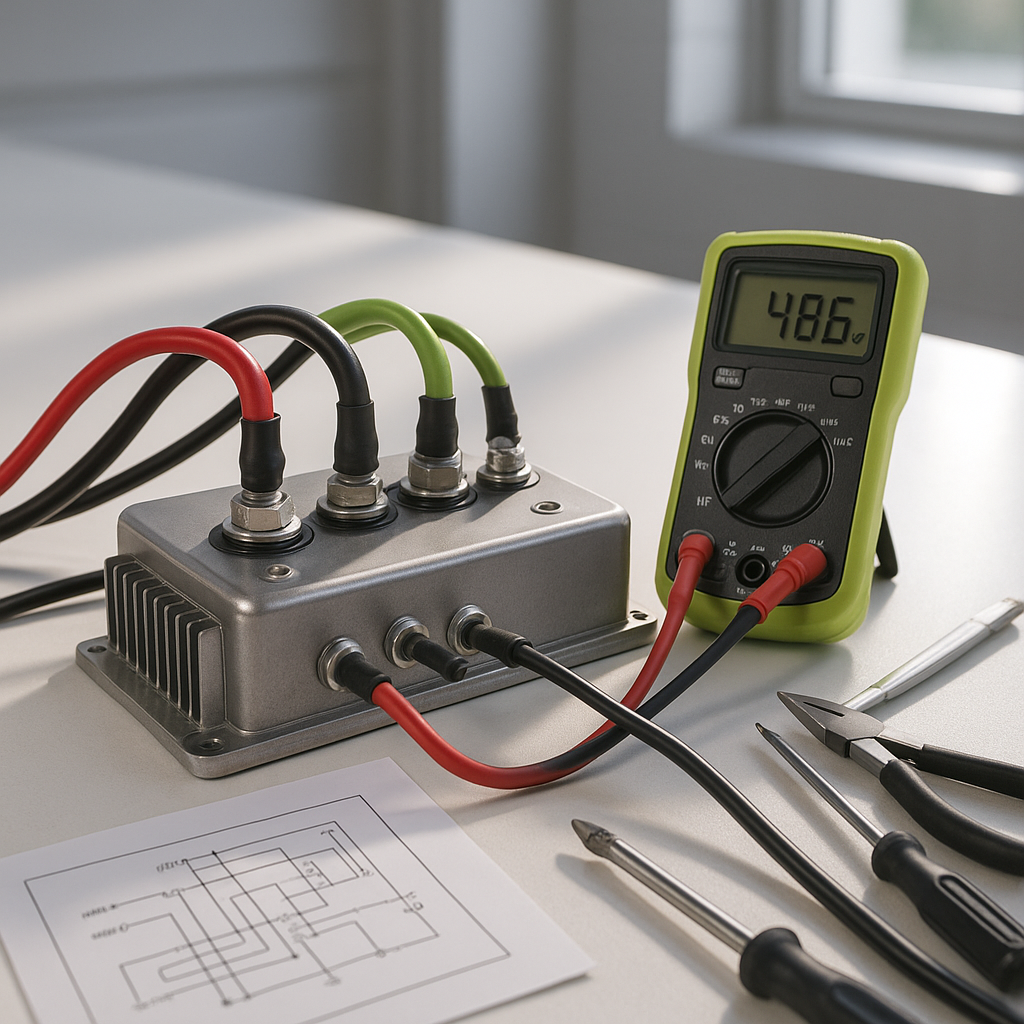
Loose, corroded, or burned connections between the controller, motor, and battery pack can cause a complete loss of movement even when individual components test fine in isolation. Shut the cart off, disconnect the main power source, and visually inspect every large cable connection in the drivetrain circuit. Look for heat discoloration, melted insulation, or terminals that pull free with light pressure. A connection that looks intact but has built up internal corrosion can have enough resistance to prevent the motor from turning under load while still passing a basic visual check — wiggle each terminal and look for any movement.
Check for Error Codes If Your Cart Has a Controller Display
Many newer controllers — and some aftermarket replacements — will store or display fault codes when a protection circuit trips. A cart that suddenly won't move after a hard stop, after sitting on a hill, or after a wiring job may have triggered thermal protection or an over-current fault. Consult the documentation for your specific controller type to understand how to read and clear codes. Some controllers reset automatically once the fault condition is gone; others require a key cycle or a specific reset procedure. Don't overlook this step if your cart has any kind of digital controller — it can save hours of unnecessary component testing.
When to Suspect the Motor Itself
Motor failure as the root cause of complete no-movement is less common than the issues above, but it does happen — particularly on older carts or those that have been run hard in wet conditions. A seized motor, a failed armature, or open brushes can prevent any motion even when every other part of the system is working. If you've worked through all of the above and still have no movement, the next step is to isolate the motor: check for continuity through the motor's main terminals with a multimeter and listen for any mechanical resistance when you try to spin the motor shaft by hand (with the cart completely de-energized). Any binding, grinding, or complete electrical open suggests the motor needs service or replacement.