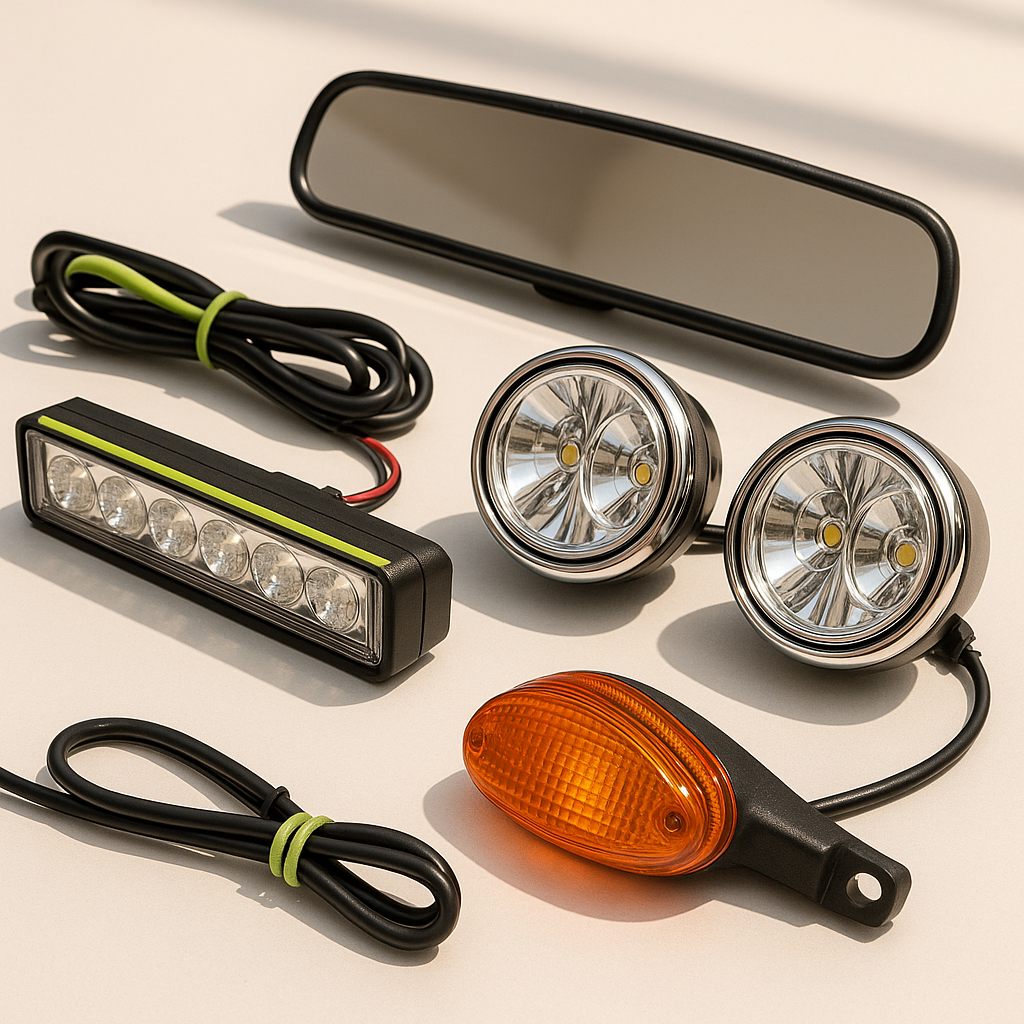
A mirror that's bolted on but poorly aimed is almost as useless as no mirror at all. Whether you've just installed new mirrors or you're noticing blind spots you didn't have before, proper adjustment and alignment is what turns a good mirror into a genuine safety tool. This guide covers how to systematically set your golf cart mirrors — side mirrors and rearview — so you get maximum coverage with minimum blind spots.
Understand What You're Trying to See
Before you touch an adjustment knob or loosen a bracket bolt, sit in your normal driving position. This is the single most important step people skip. Sit down the way you actually sit when driving — not perched on the edge, not leaning forward. Your mirrors should be set for your real driving posture, not some idealized upright position. Have a helper stand behind the cart at various distances and angles so you can see what's covered and what isn't before you start moving anything.
Adjusting Your Rearview Mirror
The rearview mirror — typically mounted to the roof support, windshield frame, or overhead bar — should give you a clear, centered view of the area directly behind the cart. Loosen the mounting hardware just enough to allow movement without the mirror flopping freely. Tilt the mirror so the bottom edge of the reflection shows the ground roughly one to two cart lengths back. Left-to-right, center it on the path directly behind you. The goal is to see the full width of the cart's rear plus a little margin on each side. Once positioned, snug the hardware back down firmly — vibration will shift a loose mirror quickly.
Adjusting Side Mirrors
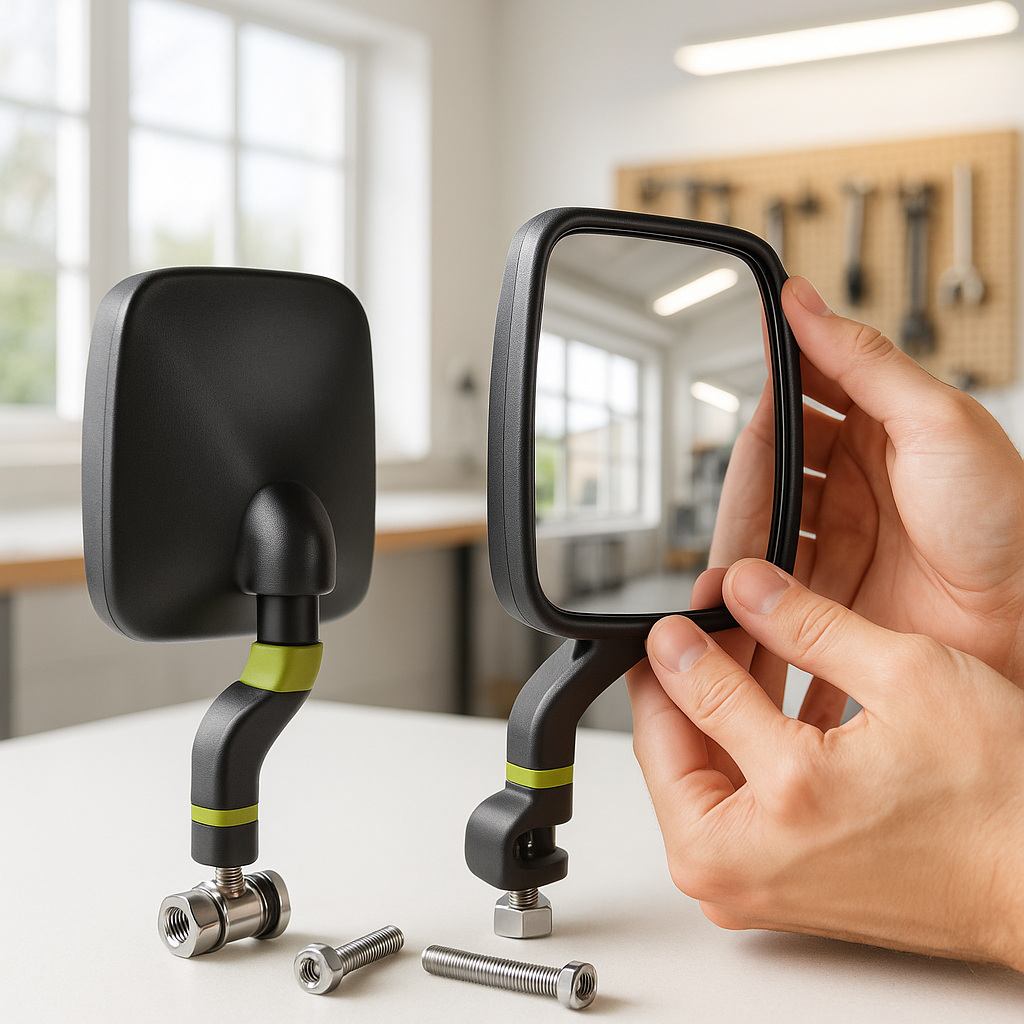
Side mirrors require a slightly different approach because you're trying to cover your blind zones, not just what's directly behind you. Position each side mirror so you can just barely see the rear corner of your own cart body in the inner edge of the mirror. This is the standard automotive adjustment method and it works just as well on a golf cart. The bulk of each mirror's view should be showing the lane or path beside and behind you, not the side of your own cart. Angle the mirrors slightly downward as well — you want to see the ground close to the cart, not just the horizon.
Dealing with Vibration and Drift
Golf carts — especially those driven on paths with rough surfaces, speed bumps, or uneven terrain — create enough vibration to slowly walk your mirrors out of position. If you find your mirrors consistently drifting, the fix is usually at the mounting point, not the mirror itself. Check that the clamp or bracket is tight against the roll bar, windshield post, or fender mount. If the bracket fits loosely on a tube, a thin rubber shim wrapped around the tube before clamping can take up the slack and dramatically reduce drift. Never over-tighten to the point of cracking a plastic housing — snug and secure with a rubber buffer is more reliable than cranked down hard on bare metal.
Checking Your Blind Spots
Once everything is adjusted, do a real-world check before calling it done. Have someone walk slowly from directly behind the cart to each side, and note exactly where they disappear from your combined mirror view. Some blind spot between the rearview and each side mirror is normal and unavoidable — what you're checking is whether that gap is reasonable or dangerously wide. If you're losing sight of a pedestrian when they're still close to the cart's rear corner, your side mirrors may need to angle outward slightly more. A small convex stick-on spot mirror added to the outer edge of a flat side mirror can eliminate a persistent blind zone without replacing the whole mirror.
Re-Check After Any Accessory or Height Change
If you add a roof, change your seat, install a lift kit, or even just swap out a windshield, re-check all your mirror alignments. Any change to your seating height or the cart's overall stance will shift what the mirrors cover. This is quick work — two minutes of sitting in position and making small adjustments — but it's easy to forget, and plenty of operators are running around with mirrors that were set perfectly for a configuration they no longer have. Build it into your habit any time something changes on the cart.